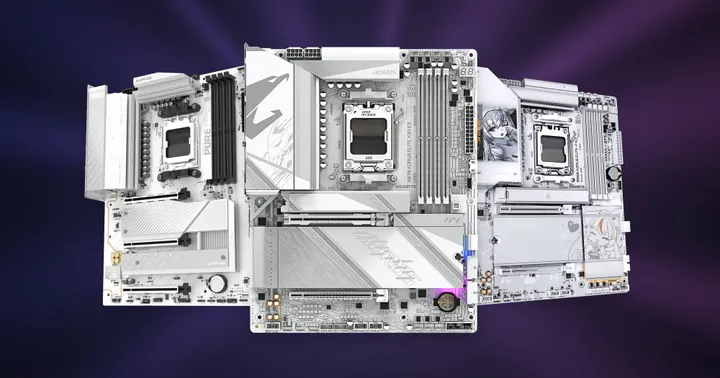
Black November Week 1: Six PC & desk upgrades on sale now
A 34-inch Alienware ultrawide, a wireless Keychron keyboard and four more PC and desk upgrades from our first week of Black November.

Our Black November sale is underway, and this week's deals leave plenty of room for an upgrade that doesn't involve replacing your entire PC. We've picked six products across different categories including an ultrawide monitor, an AM4 motherboard with strong upgrade potential, streaming gear, and Keychron's V3 Ultra mechanical keyboard.
The Week 1 shortlist
| Product | Deal price | Saving |
|---|---|---|
| Alienware AW3425DWM 34-inch ultrawide monitor | R6,499 | R5,000 |
| ASUS ROG STRIX B550-F GAMING WIFI II motherboard | R3,499 | R2,000 |
| Sennheiser Profile microphone and boom-arm streaming set | R2,799 | R1,842 |
| Keychron V3 Ultra wireless keyboard, Silk POM Red | R1,899 | R600 |
| Lian Li LANCOOL 207 black case | R1,299 | R700 |
| Montech NX600 ARGB black CPU cooler | R549 | R350 |
In addition, the excellent Lian Li LANCOOL 207 is also on sale. This fantastic ATX mid-ranger was rated favourably by Gamers Nexus, offering very strong thermal performance for its size and price. We'd recommend it to anyone, really.
1. Alienware AW3425DWM: More room for work and games
Alienware AW3425DWM 34-inch ultrawide monitor
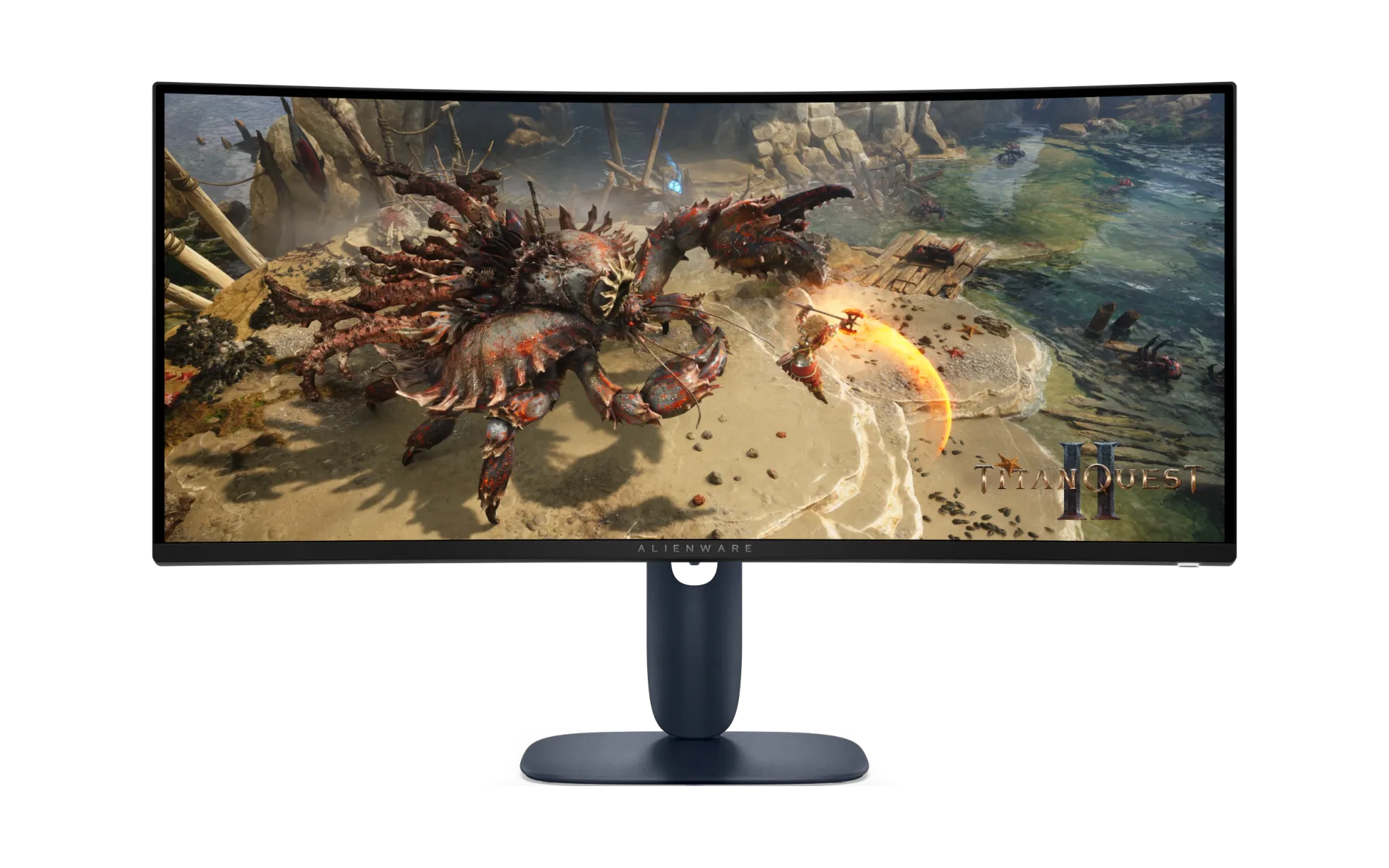
A 34-inch ultrawide monitor is a useful step up if your current monitor makes everything feel a bit squished together. The Alienware AW3425DWM combines a 3440x1440 resolution with a curved 21:9 screen, giving you more horizontal room without stretching a Full HD image across a larger panel. The curvature helps make it feel immersive.
For games, the 180Hz refresh rate and AMD FreeSync support make it well-suited to fast-paced gameplay like racing games and first-person shooters. The extra width compared to a 16:9 display makes playing 4X games like Civilization feel more like you being at a command center. If you're using this more for productivity, this gives you an expansive canvas to arrange your work surfaces without needing two physical monitors.
We discuss these benefits and more in our Monitor Buying Guide, and our recent October Monitor Buyer's Guide.
The AW3425DWM uses a VA panel, which means that the main tradeoff here is smearing of the image between refreshes because of how the pixels in a VA panel transition from scene-to-scene. It looks like a dark trailing blur behind fast-moving objects in the image. Higher refresh rates do alleviate this somewhat, but it is the main weakness of this technology.
At R6,499 during this week's promotions, the sleek finishes and Indigo colour make it feel futuristic and at home on any desk, with the height-adjustable stand making it easier to get the screen into a comfortable position for work or play.
If you're moving up from a 16:9 panel at 1080p or 1440p, you do need extra GPU power to run games at the native resolution. If you're using DLSS or FSR with frame generation to make up for that lack of power, the high pixel density will help keep the image looking presentable.
2. ASUS ROG STRIX B550-F GAMING WIFI II: Room for upgrades
ASUS ROG STRIX B550-F GAMING WIFI II motherboard
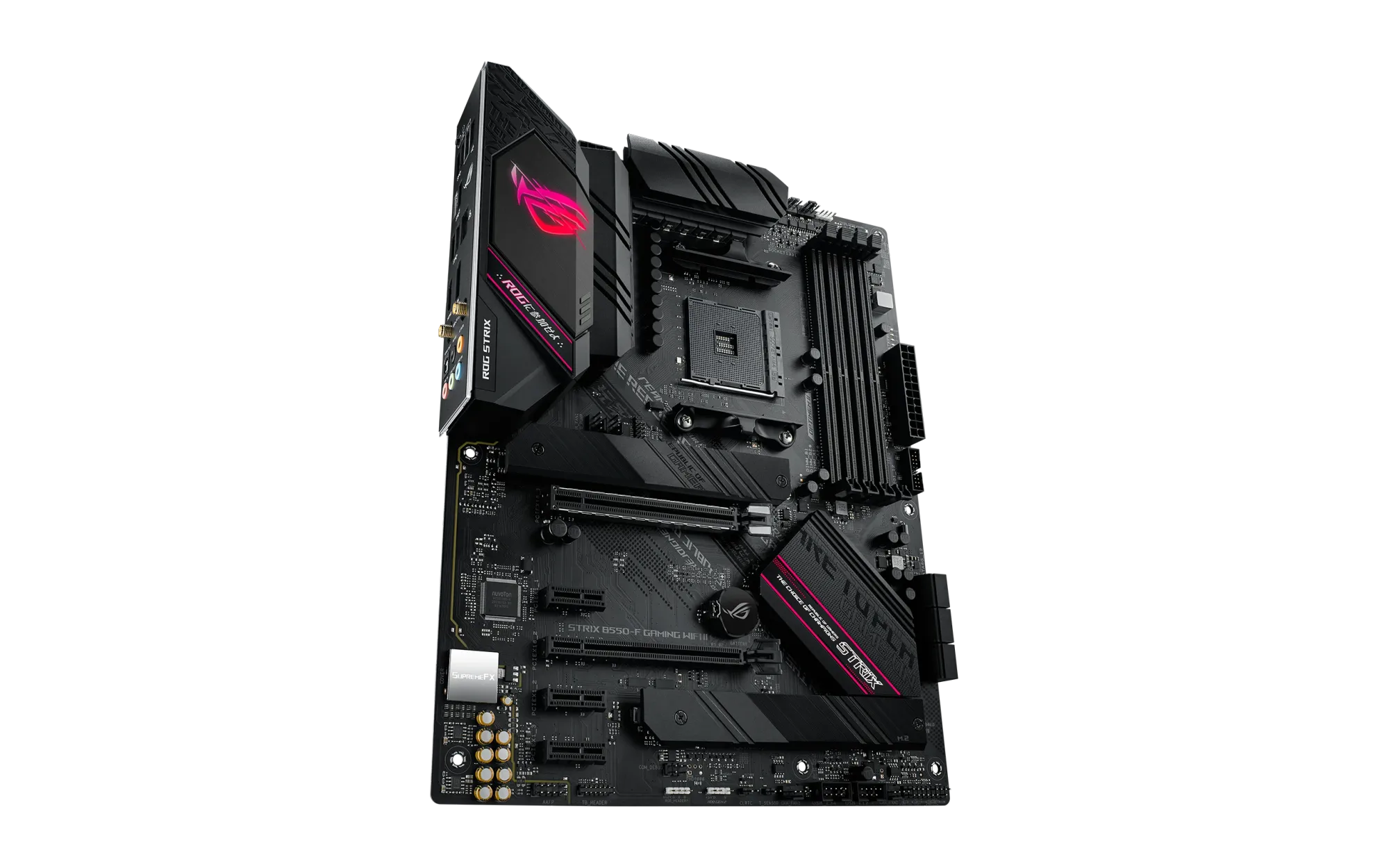
AMD's Socket AM4 platform celebrated its tenth year in 2026. As one of the longest supported platforms by AMD to date, Socket AM4 provides a compelling platform for builders looking for a cheaper way into the PC gaming ecosystem. The platform supports DDR4 memory (which is just as old), and has several of AMD's first-generation X3D processors as a possible upgrade path for gamers.
If you're thinking about putting together a system on a tight budget, the ROG STRIX B550-F GAMING WIFI II is worth a look at R3,499. Better still, you could retain an older compatible Ryzen processor and the DDR4 memory you might already own, in order to improve connectivity in your existing PC.
The B550-F GAMING WIFI II comes with four DDR4 memory slots (supporting up to 128GB of memory), two M.2 storage slots, WiFi 6E with Bluetooth 5.2, and 2.5Gb Ethernet in an ATX form factor. Small quality of life improvements like rotated SATA ports and a heatsink for the primary M.2 slot make it worth considering as well.
For the power users in the audience, there's ample spacing for adding in PCIe cards that expand connectivity, and a second PCIe 3.0 x4 slot if you want to add in another GPU for hardware acceleration or local AI work.
3. Sennheiser Profile Streaming Set: Start your own podcast
Sennheiser Profile microphone and boom-arm streaming set
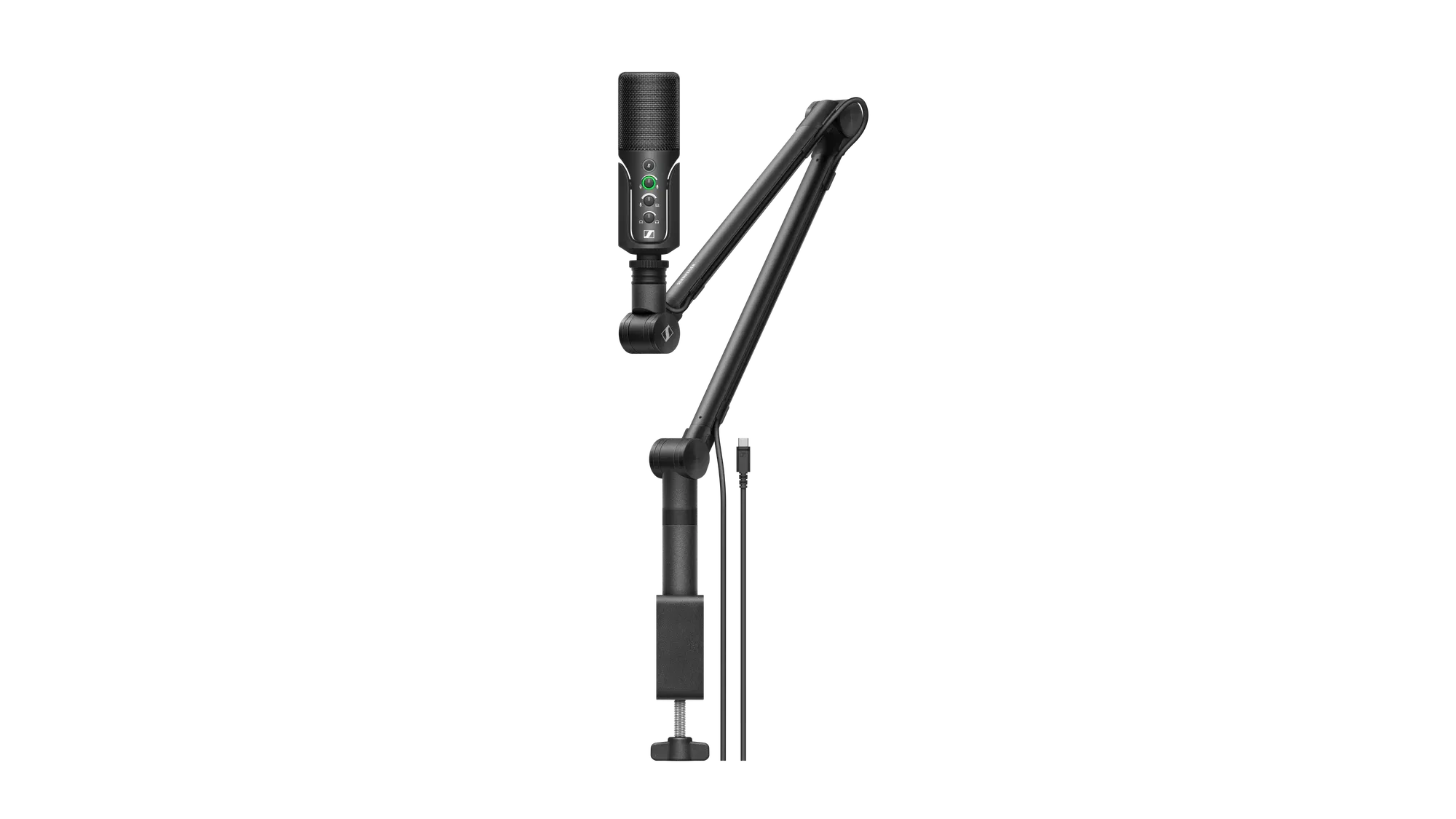
It's really convenient when a microphone purchase includes the entire bundle. Sennheiser's Profile, on sale for R2,799, includes a compatible articulating boom arm and three-metre USB-C cable. You have everything to get started.
The USB connectivity saves you needing to purchase a separate XLR audio interface, which is nice (and makes it more adaptable for different recording platforms). On the microphone itself you have a mute button and controls for gain, headphone volume and the monitoring mix. The 3.5mm headphone jack lets you hear your microphone alongside audio from the computer while setting up a recording or stream.
The included articulating arm is useful even if you never go live. You can position the microphone near your mouth for calls or voice recording, then move it aside when you need the space back. If you'd prefer a more portable setup including a desk stand, have a look at the Lorgar Voicer 721, which also ships with a pop filter.
4. Keychron V3 Ultra: A wireless TKL keyboard built for typists
Keychron V3 Ultra wireless keyboard, Silk POM Red
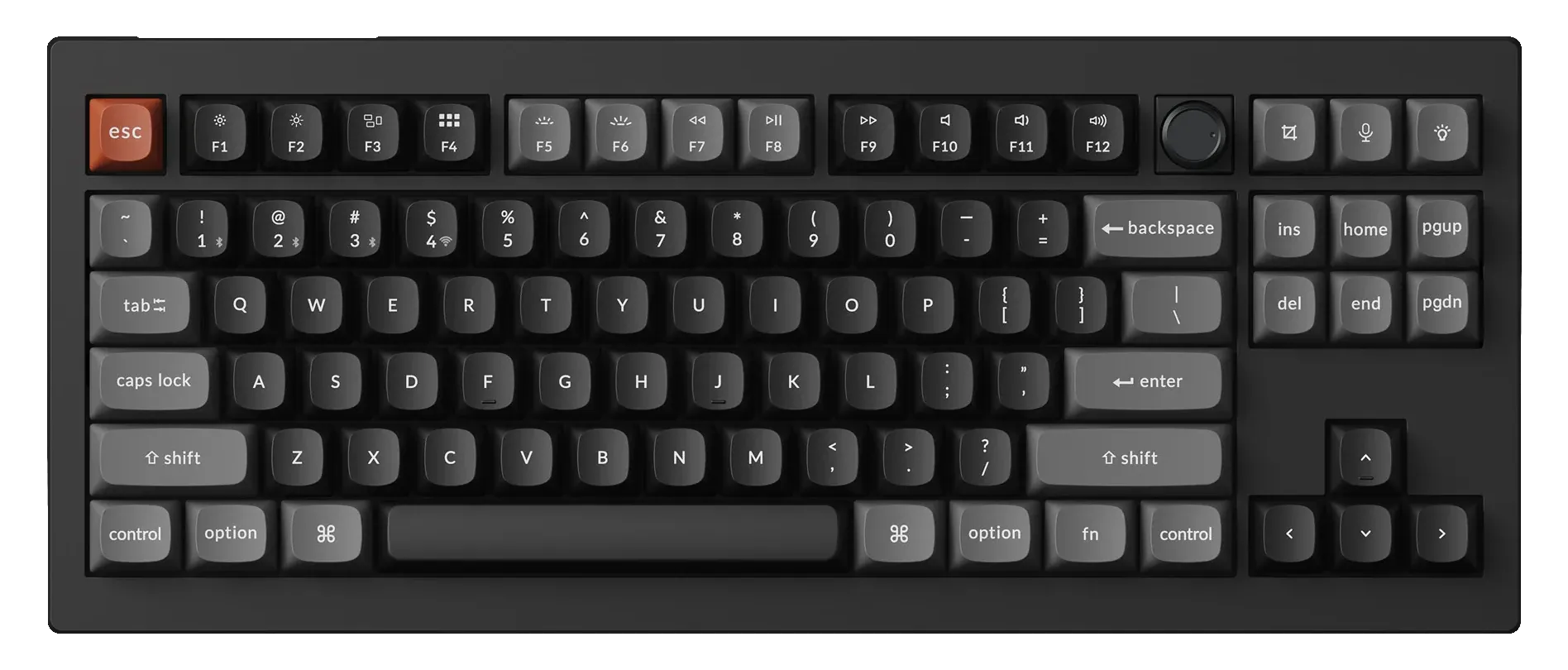
The Keychron V3 uses a tenkeyless layout. In exchange for ditching the numberpad, you get a much narrower design that brings your mouse hand closer inward, a more ergonomic position for most people. TKL layouts typically keep the dedicated navigation keys right where you'd expect them, retain the keys you'd use most for text navigation: Home, End, Page Up/Down, Insert and Delete.
If you're moving to this keyboard from a full-size design, most of your muscle memory remains intact and useful. We have more details on buying keyboards for their layouts in our March Buyer's Guide.
This Ultra version comes with linear Silk POM Red switches, double-shot PBT keycaps and a rotary knob for volume control. It supports 2.4GHz wireless, Bluetooth and a wired USB connection, so it can switch between your gaming desktop alongside a laptop without requiring the use of a KVM switch or software.
The Silk POM switches are hot-swappable, and QMK customisation is available through Keychron Launcher if you'd like to change the layout or shortcuts (supporting Windows, Linux, and macOS). If you're typing a lot, this premium keyboard will surely elevate your typing experience and work equally well for fast-paced gaming.
5. Lian Li LANCOOL 207: Excellent thermals for a budget price
Lian Li LANCOOL 207 black case
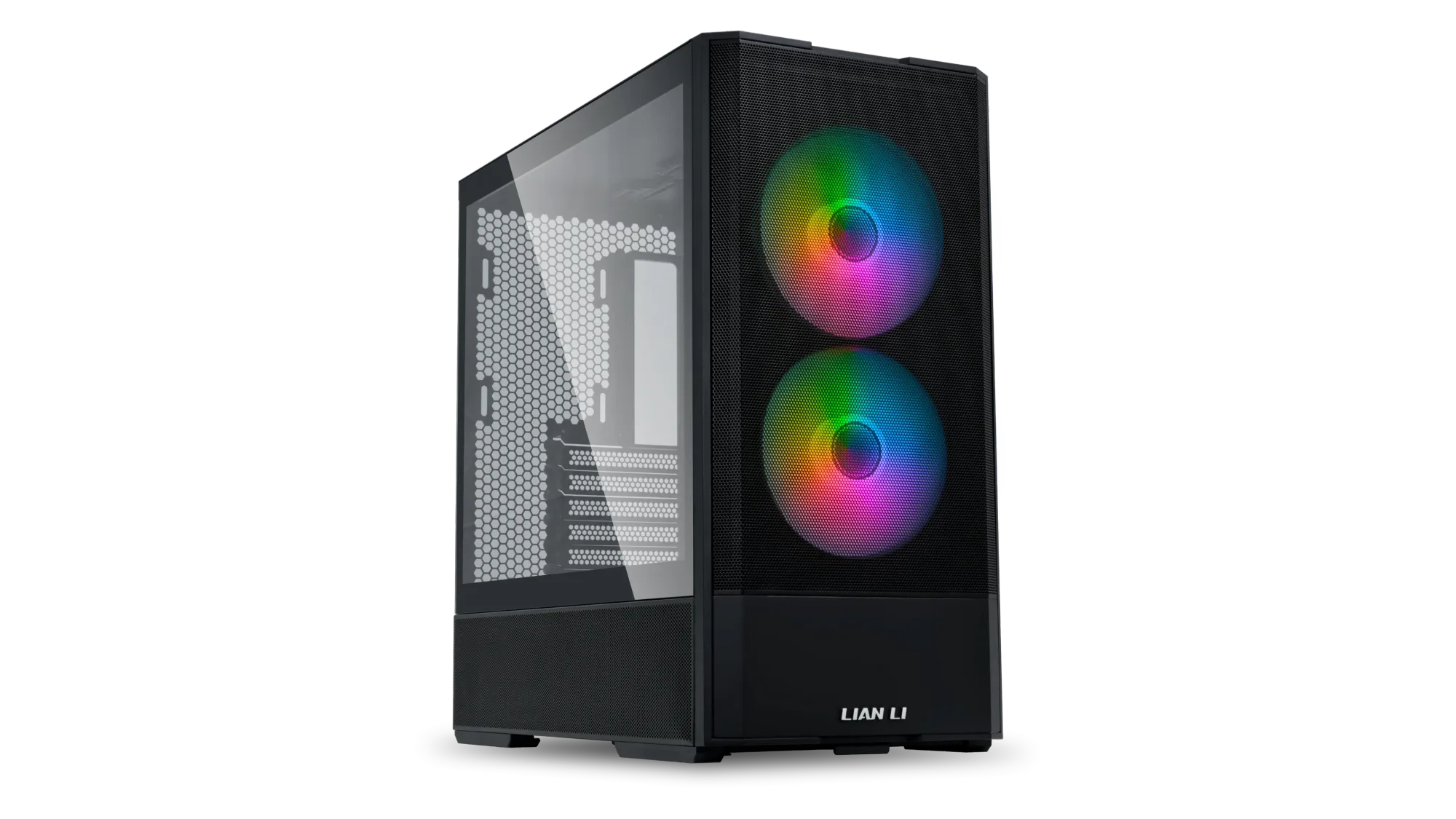
The black Lian Li LANCOOL 207 is R1,299 and includes four fans: two 140mm ARGB fans at the front for intake, and two 120mm fans below the graphics card area (also for intake). This chassis is designed for positive pressure setups, and excelled in Gamers Nexus' testing and review.
Its mesh front and lower intake arrangement give your hardware a clear airflow path, while the tempered-glass side panel is spaced just far enough away that most extra-width GPU coolers fit nicely. There's also a built-in graphics card support bracket and space for a top-mounted radiator up to 360mm. The power supply is oddly placed, moving to the bottom front of the case and rotated by 90 degrees anti-clockwise.
Although the chassis supports full-size ATX motherboards, its layout is more compact than many conventional ATX towers. In Gamers Nexus' review, they noted that builds with larger PSUs and more cabling might struggle with fitting the right-side panel back on without bending, and flat cables had the best compatibility. Check your CPU cooler, power supply and graphics card clearances before ordering, especially if you're moving an existing build over from a larger case.
6. Montech NX600 ARGB: A dual-tower cooler for R549
Montech NX600 ARGB black CPU cooler
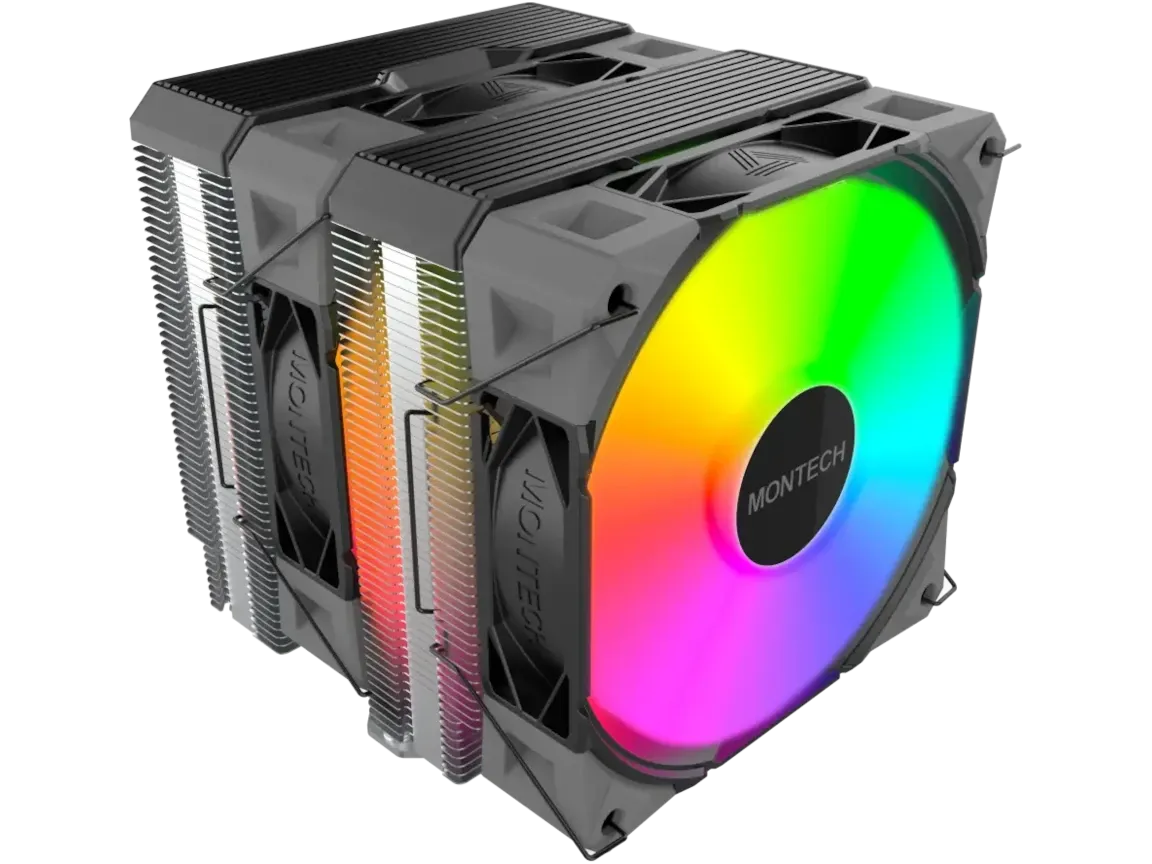
At R549, the Montech NX600 ARGB is the most affordable upgrade on this list. It is a dual-tower style cooler, using six copper heat pipes with a nickel-plated copper plate, and two strong 120mm PWM fans in a push-pull configuration.
The included mounting support covers Socket AM4 and AM5, as well as Intel LGA1700 and LGA1851, among others. That makes it relevant to both an existing PC and a new build, as PC enthusiasts opt to rather upgrade and maintain their systems instead of replacing them. Bog standard PWM fan control lets any compatible motherboard adjust the fan speed to suit the cooling demand, and the lighting uses a standard 5V three-pin ARGB connection.
This is a tall cooler at 160mm, and it's larger than you'd think. The dual-tower design places the front fan directly above your first and second DIMM slots on the mothebroard, so you will need to assess clearance around your memory modules.
Otherwise, it is fantastic value for money. If you'd prefer no RGB and simpler cabling, the regular NX600 is on sale for R699.
These are our six picks from the first week of Black November, but there's more to look at! Browse the full Week 1 selection via the link below, and see if anything catches your eye.
We'll have Week 2 deals available this Friday, so stay tuned!