The 34-Inch Ultrawide Monitor Buyer's Guide - October 2026
Seven 34-inch ultrawide monitors from R4,299 to R18,499, covering budget VA gaming, Mini-LED HDR, a 5K2K productivity panel and QD-OLED.
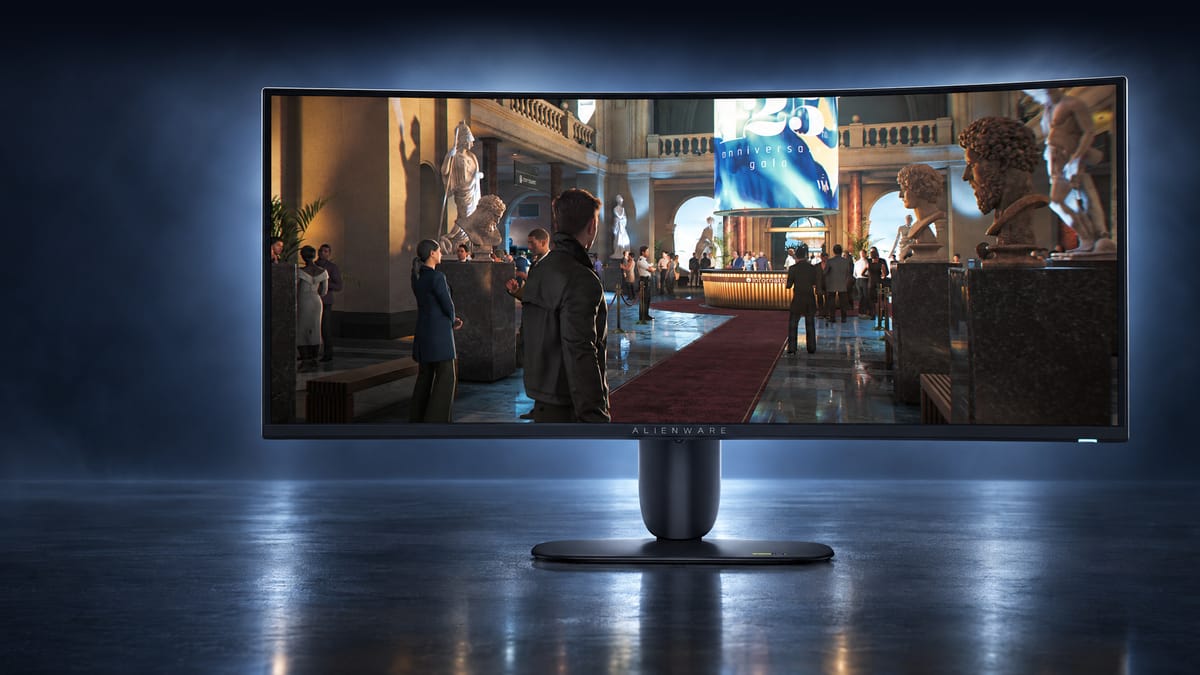
As a former dual-screen enjoyer, there's this fantastic moment when you use an ultrawide monitor for the first time, where you drag two windows side by side and suddenly appreciate that there are no bezels in between them. It feels so much cleaner, like there's more space available. It gets better when you open up a very wide Excel sheet, or your favourite RTS game, and marvel at how much extra info you can now see. The ultrawide aspect ratio feels like it pays for itself.
A 21:9 monitor, otherwise known as an ultrawide, is a display with an aspect ratio of 21:9 or 64:27. It is the same height as standard 16:9 monitors, but with extra width extending left and right. In film terms, this is a 2.370:1 or 21.3:9 ratio, which is very close to the CinemaScope and other contemporary anamorphic film formats.
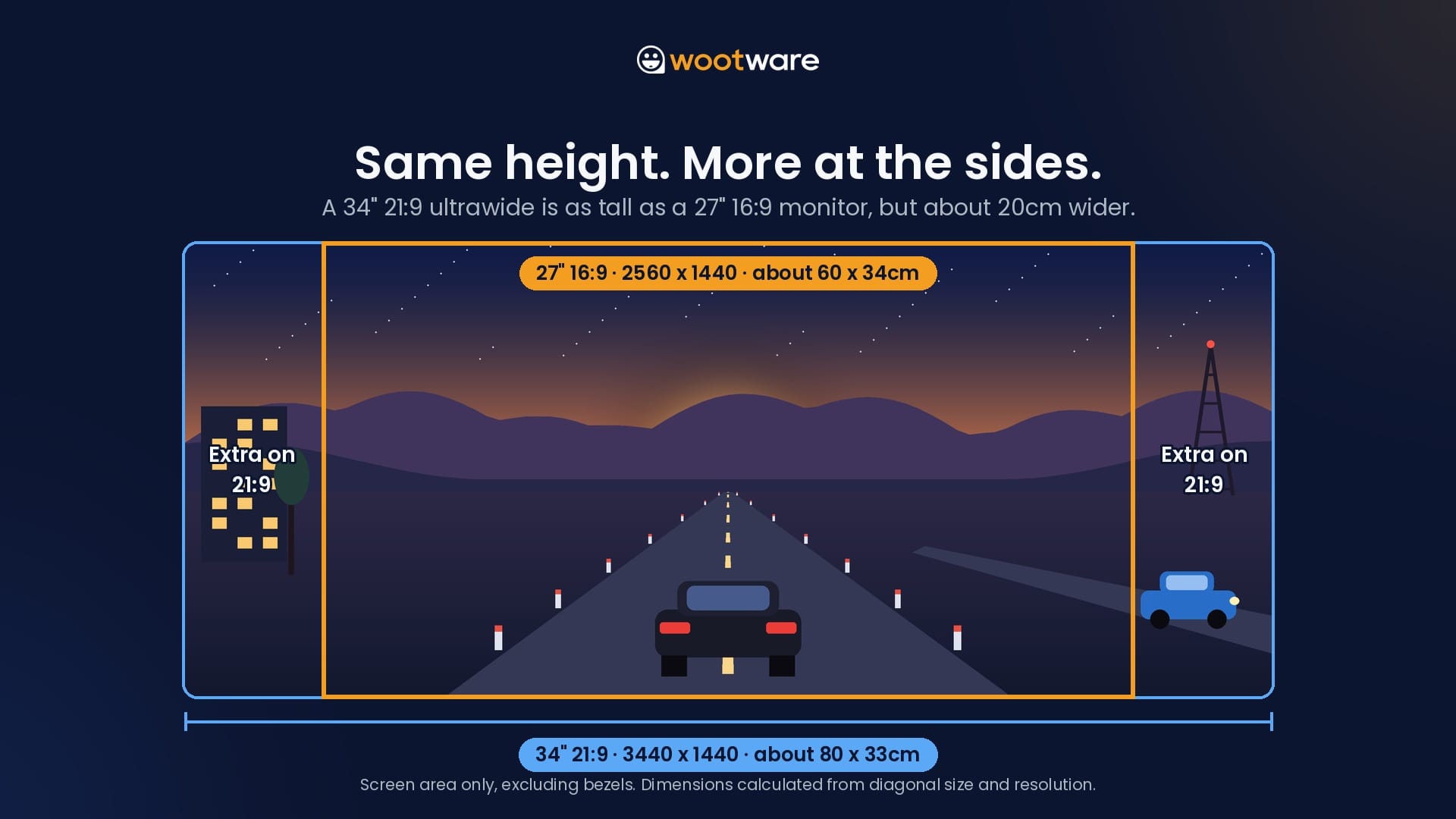
A 34" ultrawide at 3440 x 1440 gives you about 34% more pixels than a 27" 2560 x 1440 monitor, with the same pixel density (how tightly the pixels are packed), and therefore the same text size. That makes it the easiest way to gain working space without needing to fiddle with the Windows 11 scaling settings. It's also a heavier load for your graphics card than 1440p, though still well short of 4K.
For this round-up we've picked seven 34" ultrawides across seven price points, from a budget VA panel to the newest in QD-OLED technology. Spending more money does typically buy you more features and a better quality panel, so it is always worth considering the next tier up from where you're looking. The point of diminishing returns is very high up the pricing stack.
If you're still deciding whether ultrawide is right for your desk at all, our companion article covers graphics card performance, desk space and display scaling in more detail:
The Ultrawide Shortlist
From our selection of monitors available In Stock or Coming Soon with Wootware, or In Stock with suppliers, we've arrived at this list of models to choose from:
| Budget & Monitor | Best Fit |
|---|---|
| R4,299: WootVision 34QC V180 | Entry-level ultrawide for work and play |
| R6,999: Gigabyte G34WQC2 | Brighter 200Hz gaming with HDR400 |
| R7,999: Alienware AW3426DWM | High-refresh VA for fast games |
| R8,999: WootVision Pro 34QC M240 | Mini-LED HDR, 240Hz and USB-C docking |
| R11,142: Philips 34B2U5900C | 5K2K sharpness and single-cable docking |
| R15,799: Alienware AW3425DW | OLED contrast for games and films |
| R18,499: Alienware AW3426DW | Flagship QD-OLED with sharper text |
If you'd like just a quick recommendation for a single monitor that does a bit of everything well, the WootVision Pro 34QC M240 is our all-round pick.
The high 240Hz refresh rate handles fast games well with minimal ghosting, and the 1,344-zone Mini-LED backlight gives HDR content a real punch. There is USB-C connectivity with 90W charging and a built-in KVM switch (allowing for one keyboard and mouse to be shared between two computers) make it just as handy for a hybrid work setup.
At R8,999, it sits in the middle of this list on price but near the top on features. It's on pre-order for now, with stock expected on 18 November.
WootVision 34QC V180: The Cheapest Way into Ultrawide
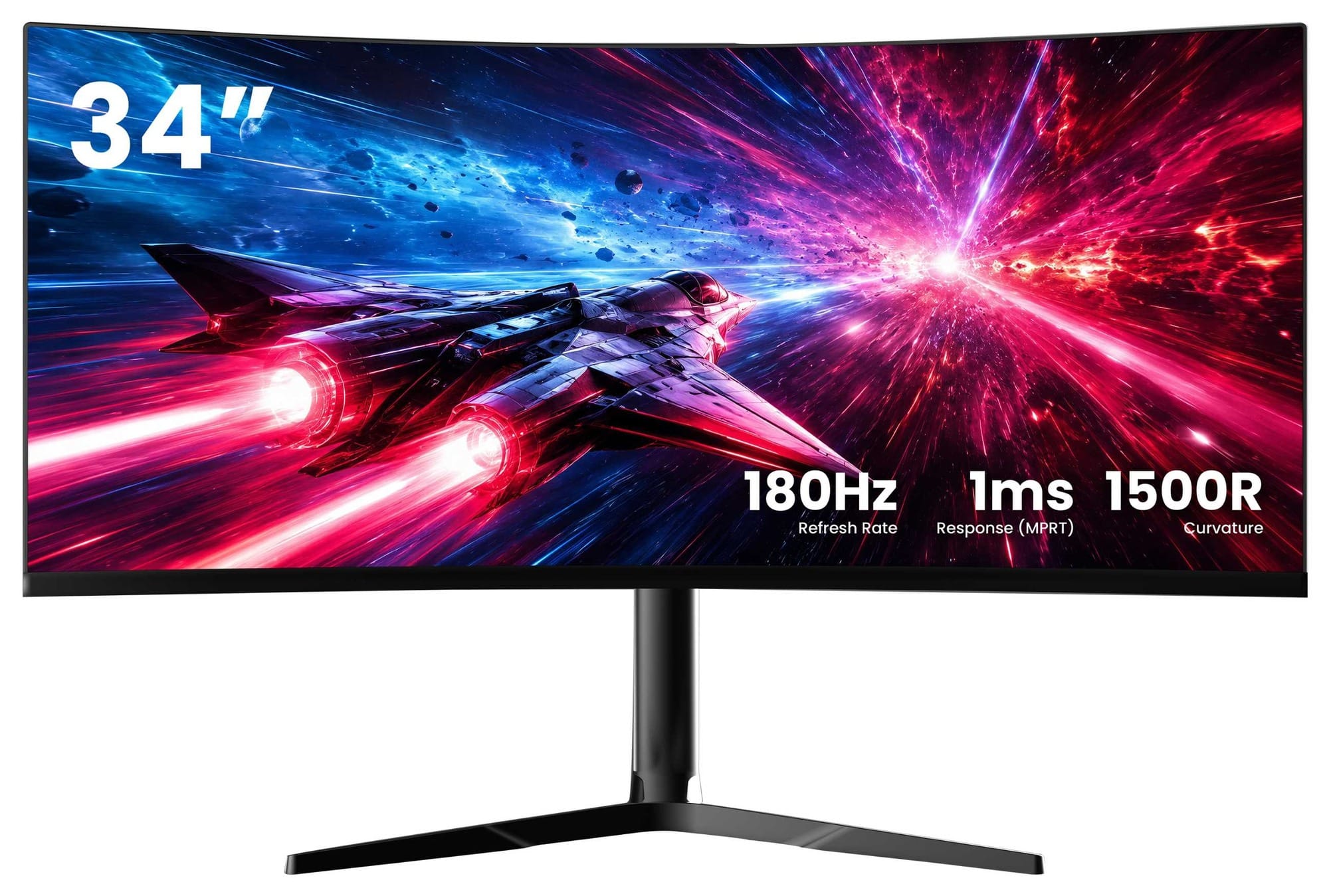
The WootVision 34QC V180 is our budget pick to start off, if you want to find out whether ultrawide suits you and your desk without spending a fortune. It pairs a 34" 3440 x 1440 VA (vertical alignment) panel with a nice and smooth 180Hz refresh rate. The 1500R rating describes the curve: the screen bends as if it were part of a circle with a 1.5m radius, and a smaller number means a tighter curve. It is very comfortable and immersive for a wide variety of tasks.
VA panels are good at displaying images with a high contrast (the gap between the brightest white and the darkest black), and the 34QC V180 claims a contrast ratio of 4,000:1. Dark scenes in games and films have more depth than they would on a budget IPS display, and you don't have to deal with the typical IPS glow in low-light environments.
The trade-off is that VA pixels can be slow to change between dark shades, so fast-moving dark objects can leave a faint smeared trail. It's not a problem for most people, but competitive FPS players will notice it before anyone else does.
Like most ultrawides at this price point, the scaler chip that drives the monitor has HDMI 2.1 TMDS ports, and limits the max refresh rate to 100Hz at the native resolution (the panel's full 3440 x 1440). There is a 1440p 120Hz preset supported over HDMI for use with game consoles like the PlayStation 5 and Xbox Series X. You also get a fully adjustable stand with height and swivel adjustment, AMD FreeSync variable refresh rate, and an impressive 99% coverage of the sRGB colour space.
For an entry-level monitor, it is very impressive and worth a look if this would be your first ultrawide.
Gigabyte G34WQC2: More Brightness, More Refresh
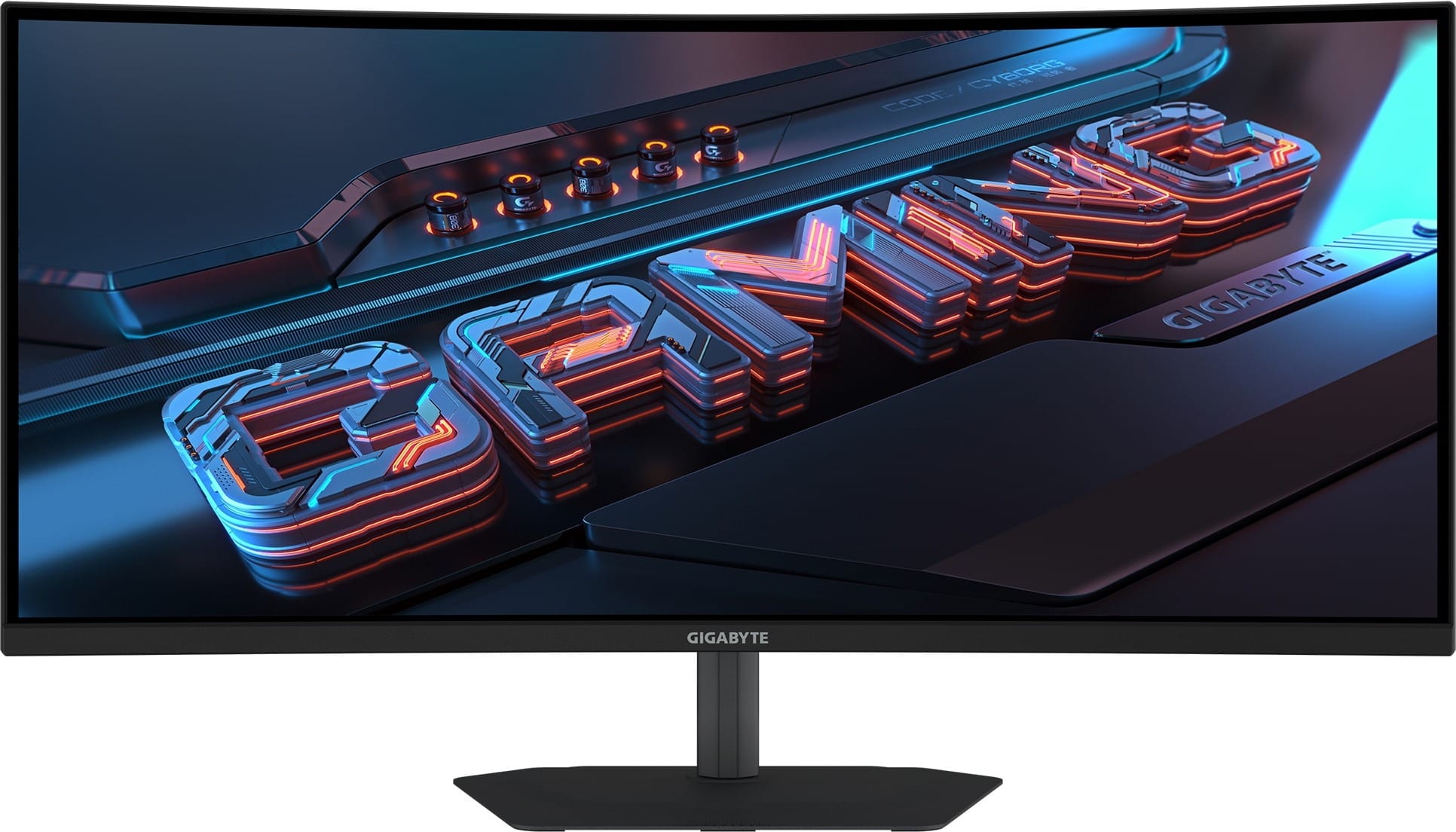
The Gigabyte G34WQC2 keeps the same basic recipe (a 34" 3440 x 1440 VA panel with a 1500R curve), but is just a bit more capable. The refresh rate climbs to 200Hz, brightness goes up to a claimed 450 nits (versus the 34QC V180's 300 nits) and colour gamut increases to 95% of DCI-P3, the wider colour range used for grading film and HDR (high dynamic range) content.
That extra brightness earns it a VESA DisplayHDR 400 certification, but this is a regular edge-lit LCD monitor, where all the light comes from LEDs along the edges of the display. While HDR content does carry extra colour information to deliver brighter highlights and more shadow detail than standard video, the edge-lit backlight in practice will end up brightening the entire scene and perhaps changing the colour saturation.
At the very least, this monitor will be capable of displaying an HDR image correctly in a technical sense, so it is still a useful feature to have. The WootVision 34QC V180 can also process HDR content, but it does not have a DisplayHDR 400 certification.
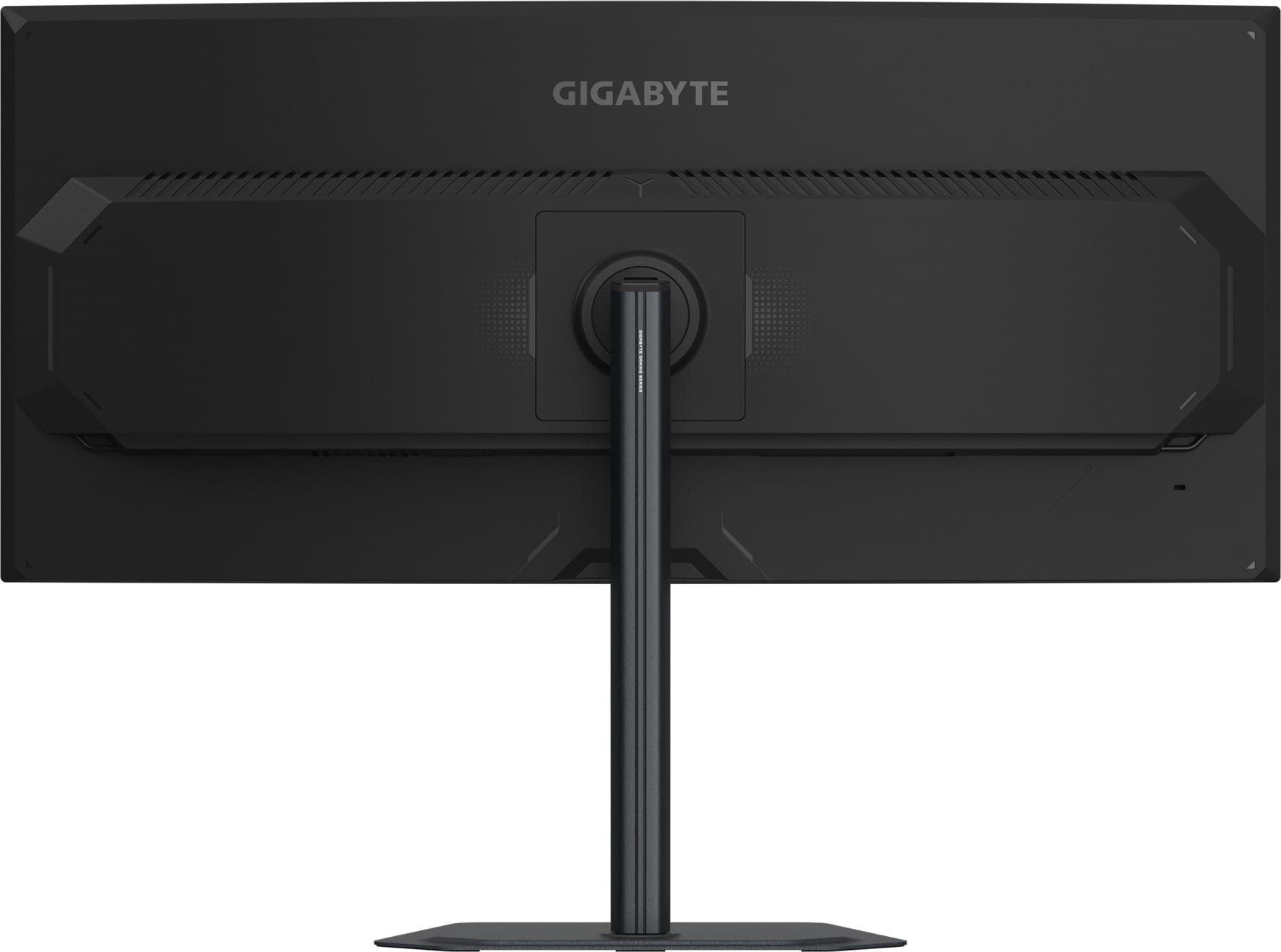
The G34WQC2 comes standard with two DisplayPort 1.4 and two HDMI 2.0 inputs, limiting the refresh rate at native resolution over HDMI to 100Hz (just like the 34QC V180). There is also a pair of basic 2W speakers for system sounds and the occasional video call, and the stand adjusts for height, tilt and swivel. A three-year warranty rounds it out.
Before we move on, a note about high-refresh monitors. In this new age of AI-assisted super resolution technologies like NVIDIA's DLSS 4 and AMD's FSR 4, we also have frame generation as an option. From your base frames per second (fps) in a supported game, frame generation will use AI to add in a second or third frame to smooth out the animation, making a game feel like it is running faster and smoother. The higher the base frame rate, the better frame gen feels to use.
A 200Hz monitor would suit 2x frame generation assuming your minimum fps in-game is around 100 fps, making the game feel much more responsive. A monitor at 180Hz supports games running at 90 fps using frame generation, as well as 60 fps with 3x frame generation (less ideal, but still possible). If you're keen on testing it out, try adjusting settings to hit half your monitor's refresh rate cap, and then enable 2x frame gen to see how well it works on your setup.
Alienware AW3426DWM: 240Hz Without OLED Money
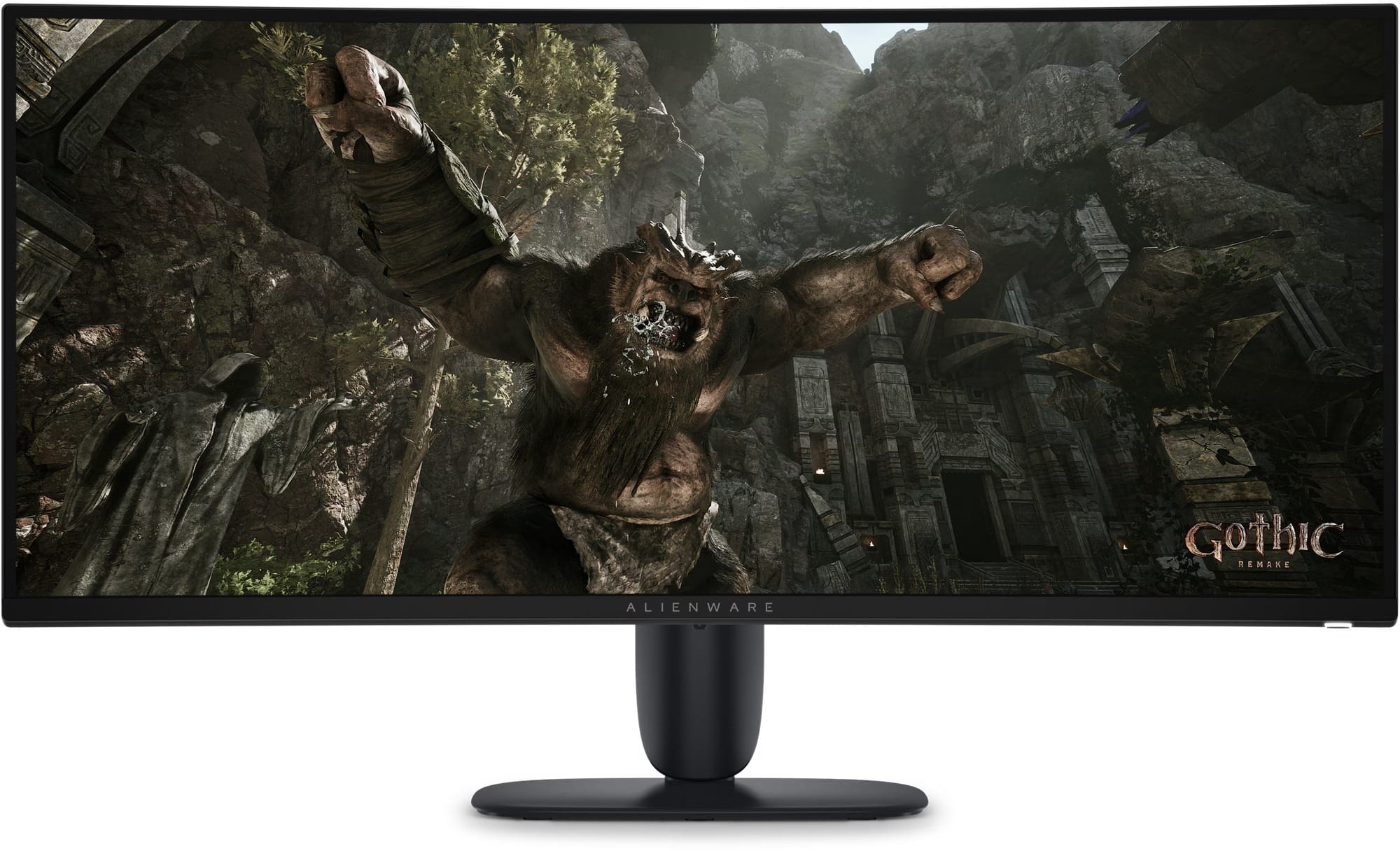
The Alienware AW3426DWM is for gamers who want a very high refresh rate experience, but aren't looking to buy an OLED monitor. This 34" VA panel runs at up to 240Hz, with a claimed 1ms grey-to-grey response time in its fastest overdrive mode. Response time is how quickly a pixel can change from one shade to another, and overdrive pushes the pixels harder to speed that up by supplying more voltage to them during each refresh, which keeps fast motion clearer.
With typical VA panels, fast motion has usually meant that there would be visible smearing as the pixels attempted to shift as fast as you expected. A higher refresh rate does alleviate this somewhat, and the higher contrast and deeper black levels are a great side effect of choosing VA. Alienware does offer an OLED for the same price, the AW2726DM, if you're interested in a faster panel and not an ultrawide aspect ratio.
The connectivity is a step up from our cheaper picks in this round-up. There are two HDMI 2.1 ports alongside one DisplayPort 1.4 port. Unlike the HDMI 2.0/2.1 ports on the cheaper monitors, these support the faster Fixed Rate Link (FRL) signalling and Display Stream Compression (DSC) that newer graphics cards and consoles use to push high resolutions and refresh rates over HDMI. A small USB hub adds USB Type-A and Type-C ports to the bottom of the monitor, which is convenient if you have a wireless mouse and headset that need line of sight to work best.
HDR support covers VESA DisplayHDR 400 and, surprisingly, Dolby Vision (Dolby's proprietary HDR format used by streaming services and some games), although the same entry-level edge-lit caveats apply here as it does to the Gigabyte G34WQC2.
The anti-glare screen, a height-adjustable stand, and Dell's three-year Advanced Exchange warranty make this an easy monitor to live with. If you mostly play fast-paced games and want 240Hz from a well-supported brand, this is the sensible pick at this price.
WootVision Pro 34QC M240: Mini-LED HDR on Pre-Order
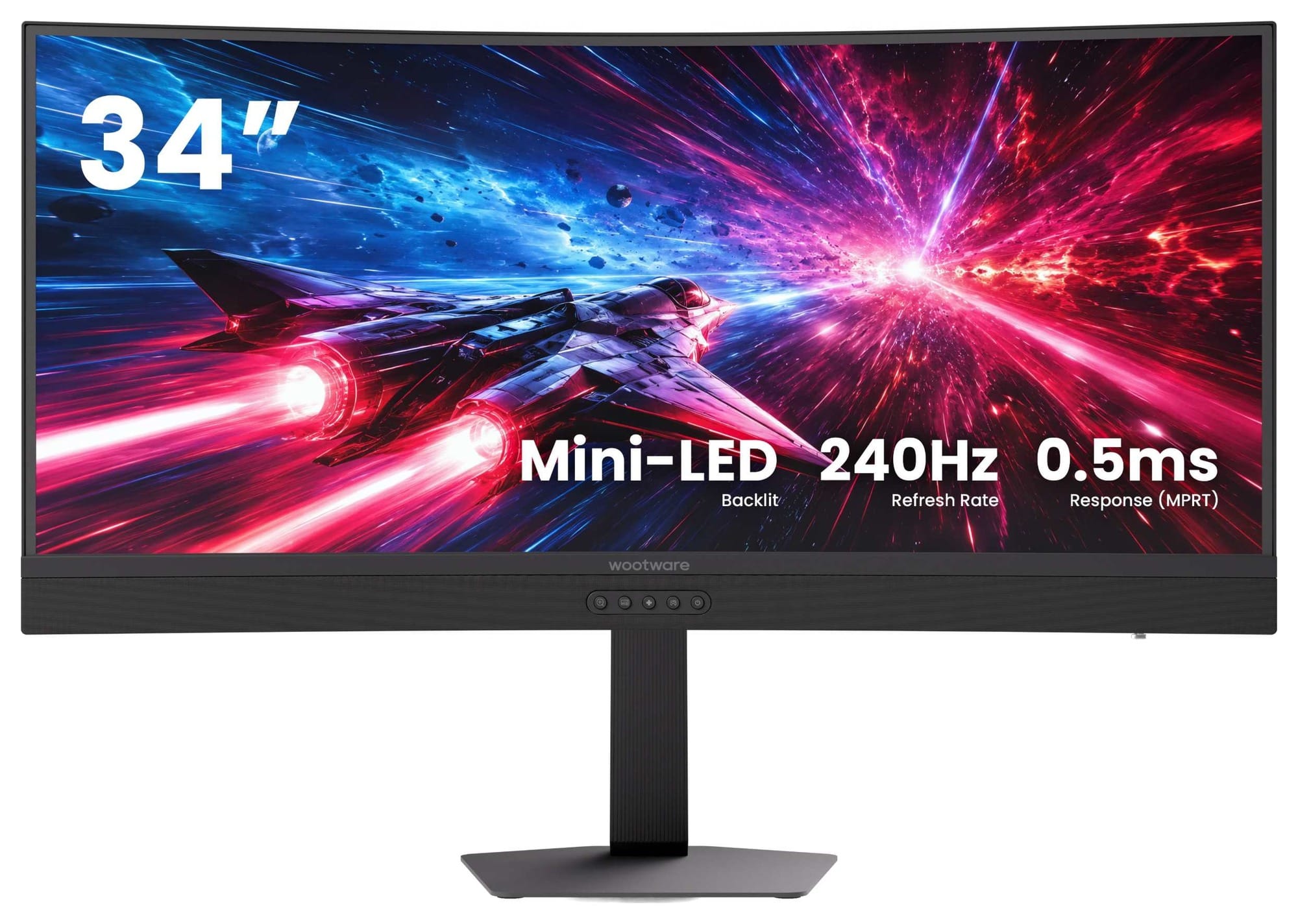
The WootVision Pro 34QC M240 is the most interesting monitor in the middle of this list. Like the Alienware AW3426DWM, it uses a curved VA panel with a 240Hz refresh rate, but it adds a Mini-LED backlight array with 1,344 local dimming zones. The panel is now directly lit up from behind instead of from the edges, which gives it some serious chops when it comes to displaying HDR content.
An edge-lit monitor can only brighten or dim the whole screen in broad strips. With 1,344 individual zones, the M240 can push parts of the display to the highest brightness possible (up to 1000 nits at peak) whilst keeping the darker parts of the scene properly dark. The only minor drawback to this design is something called HDR bloom, where small bright objects on black backgrounds can show a halo around the object. This annoys some people, but the overall presentation is still better than regular edge-lit panels.
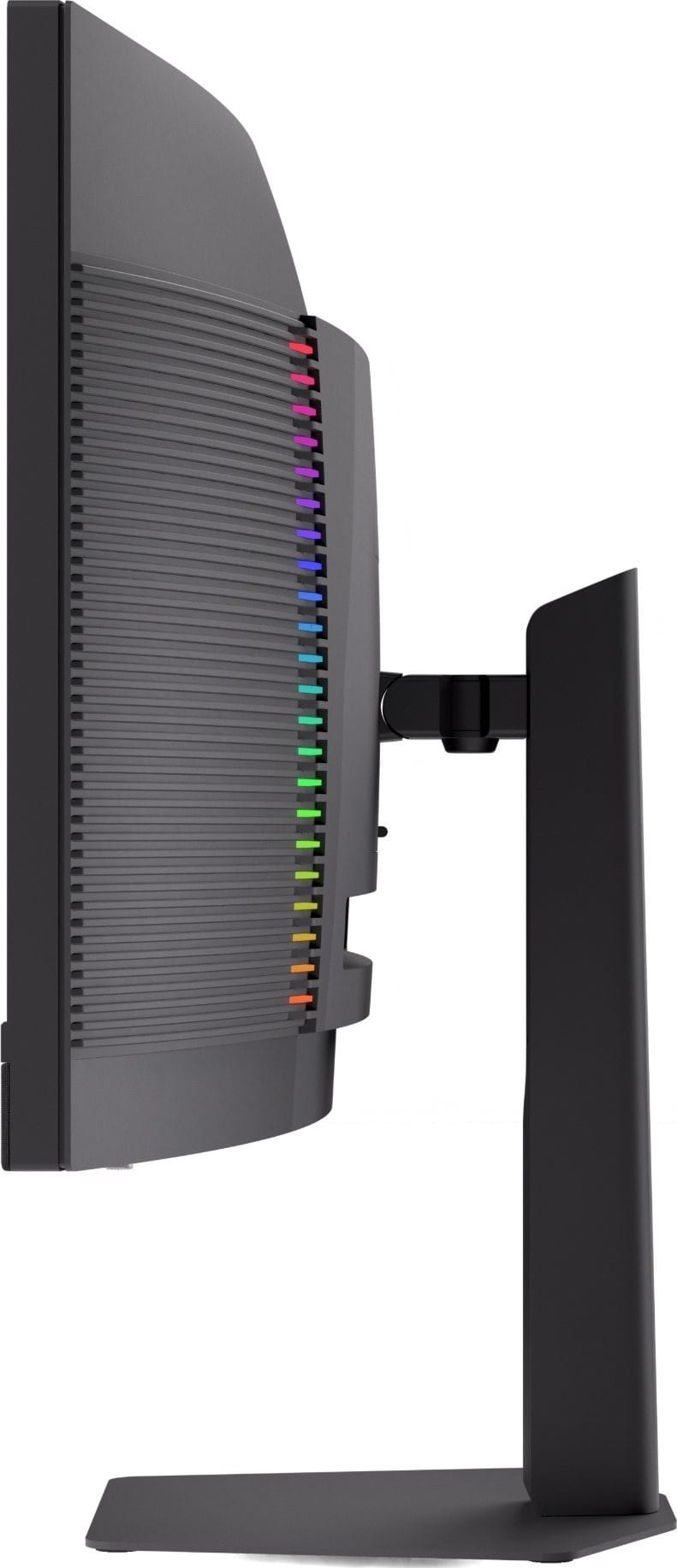
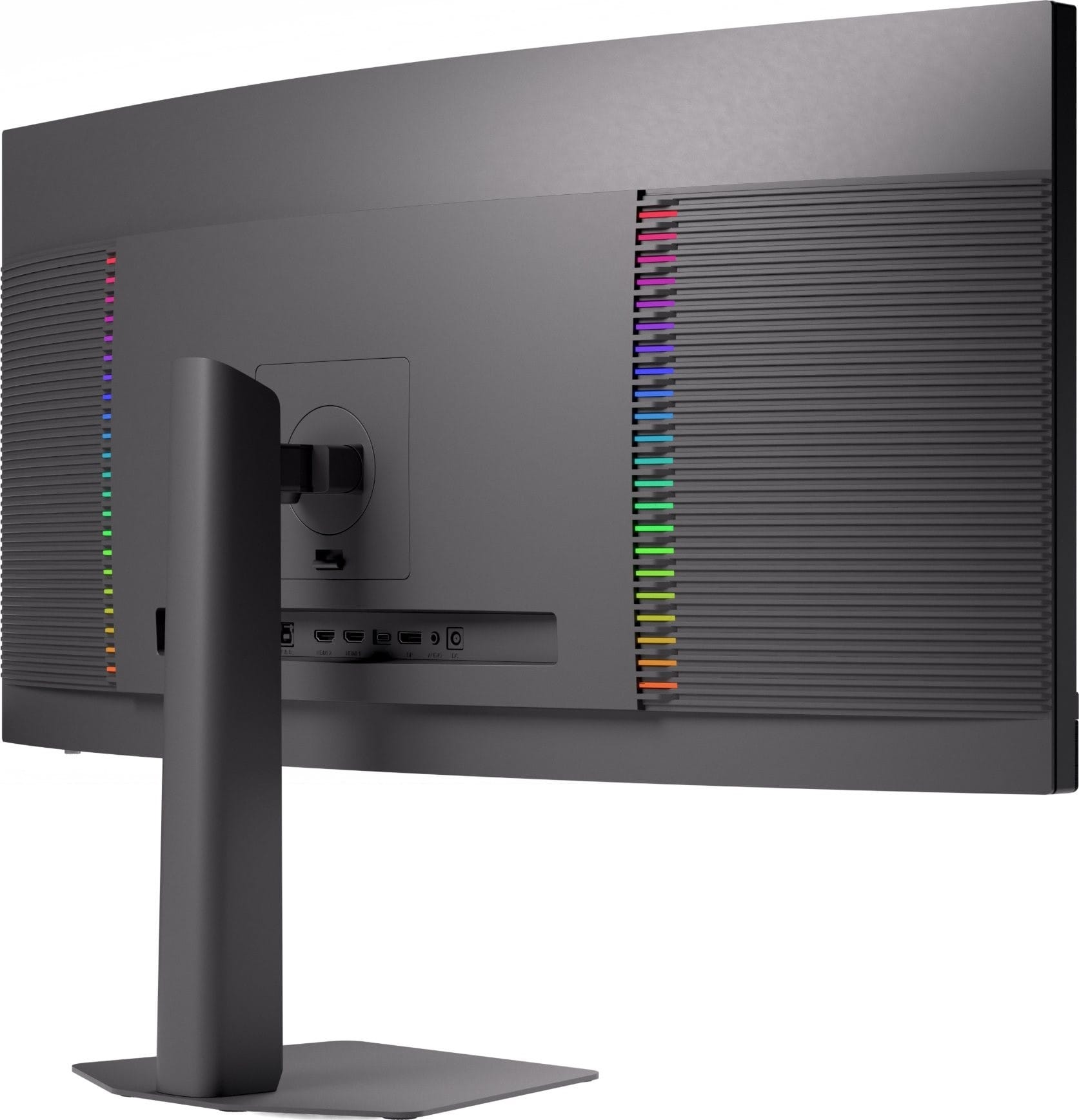
The feature list is longer than you'd expect at this price. There's a USB Type-C port that carries video (DisplayPort Alt Mode) and up to 90W of charging, so a compatible laptop can connect with one cable, plus a built-in KVM switch for sharing a keyboard and mouse between two machines. It also has two HDMI 2.1 FRL ports, DisplayPort 1.4, and a three-year warranty.
For colour-sensitive video or photo editing, the Pro 34QC M240 claims 93% coverage of the DCI-P3 colour space, and a Delta E under 2 in sRGB mode, the standard colour space for Windows and the web. Delta E measures how far displayed colours stray from the intended ones, and values under 2 are generally hard to spot by eye.
Suffice it to say, this is a very good pick. As an all-rounder for work or gaming setups, we think it deserves a spot on your shortlist.
The WootVision Pro 34QC M240 is currently on pre-order, with stock expected to land on 18 November 2026. If you can wait a bit, it's worth it.
Philips 34B2U5900C: The Productivity Pick
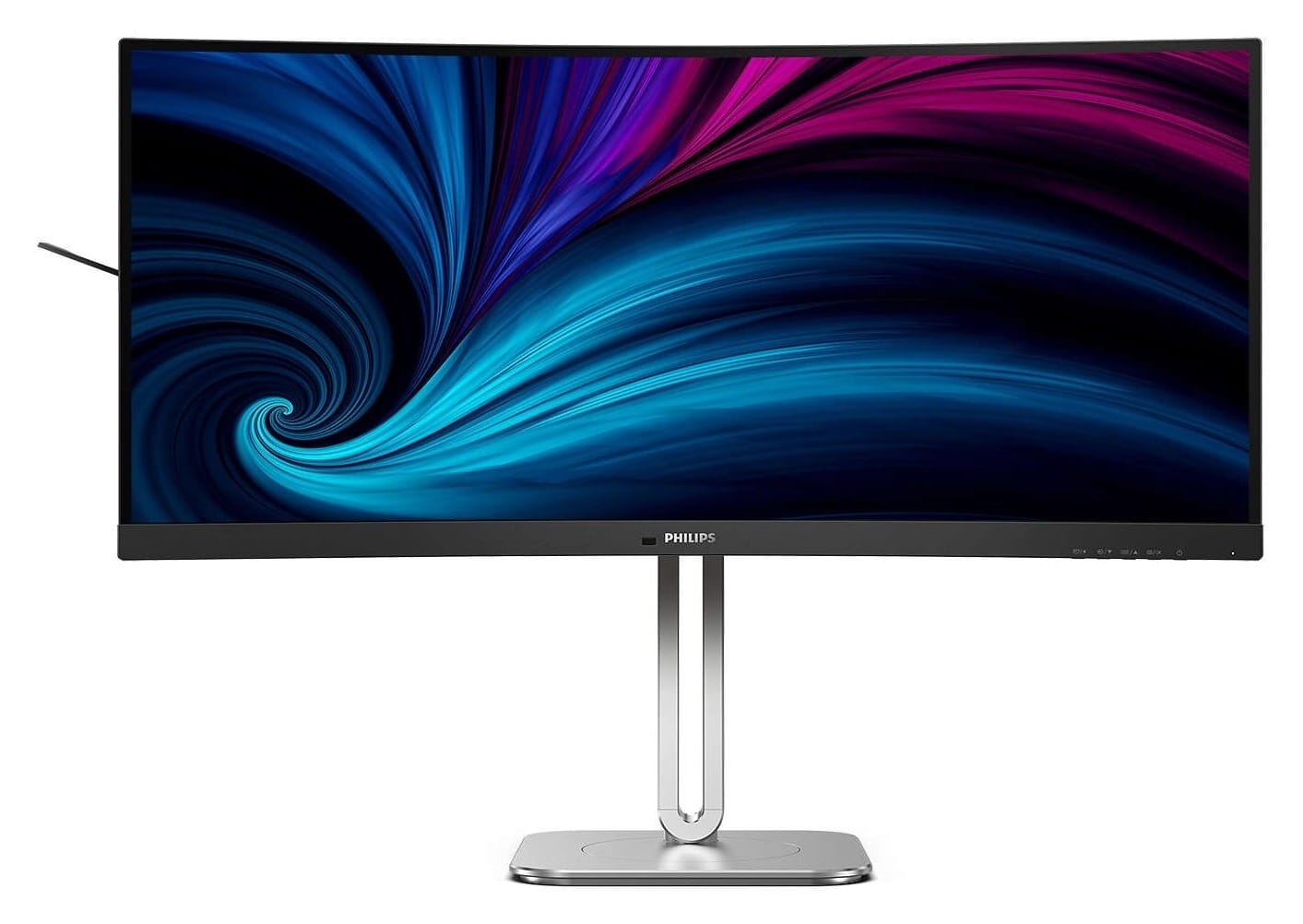
The Philips 34B2U5900C is the odd one out, but it's far from the black sheep in the family. Every other monitor in this round-up runs at 3440 x 1440, but Philips chose to adopt the latest panel technology in the 34B2U5900C. It ships with a 5120 x 2160 VA panel, which works out to 164 pixels per inch (PPI) instead of the usual 110 PPI found on most desktop monitors.
As a result, this is a very crisp display.
Text on the 34B2U5900C looks closer to a high-end laptop or phone's screen than a typical desktop monitor. With Windows display scaling set to 150% (which enlarges text and icons to a comfortable size), you get roughly the same workspace as a standard 34" ultrawide, but fonts used in documents and code look clean and sharp, almost as if they were printed on paper. High-resolution images can show greater detail, and video footage captured in 4K can be played back and viewed at full native resolution.
If you spend eight hours a day doing work that involves writing, photo or video editing, this is the monitor we'd recommend to you.
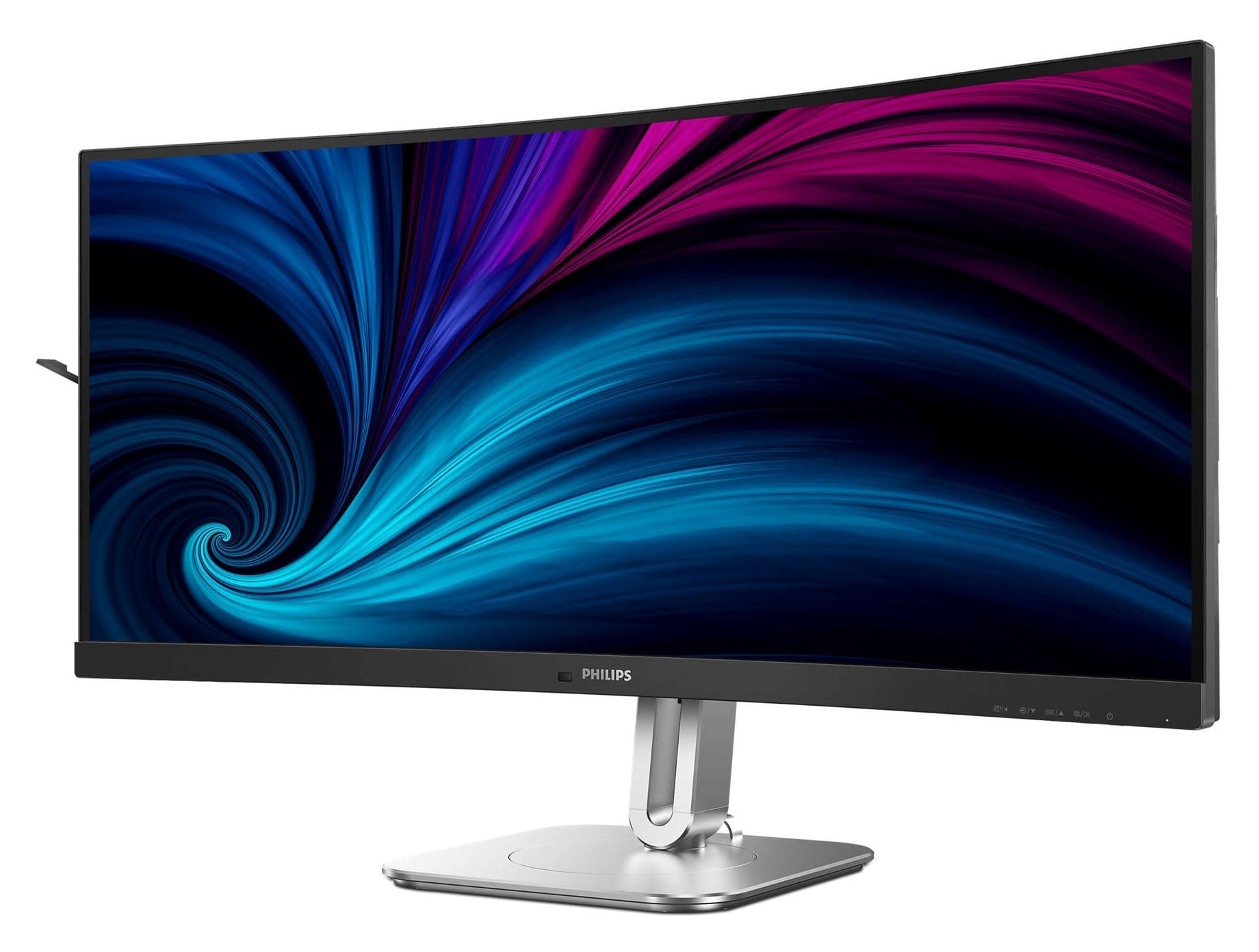
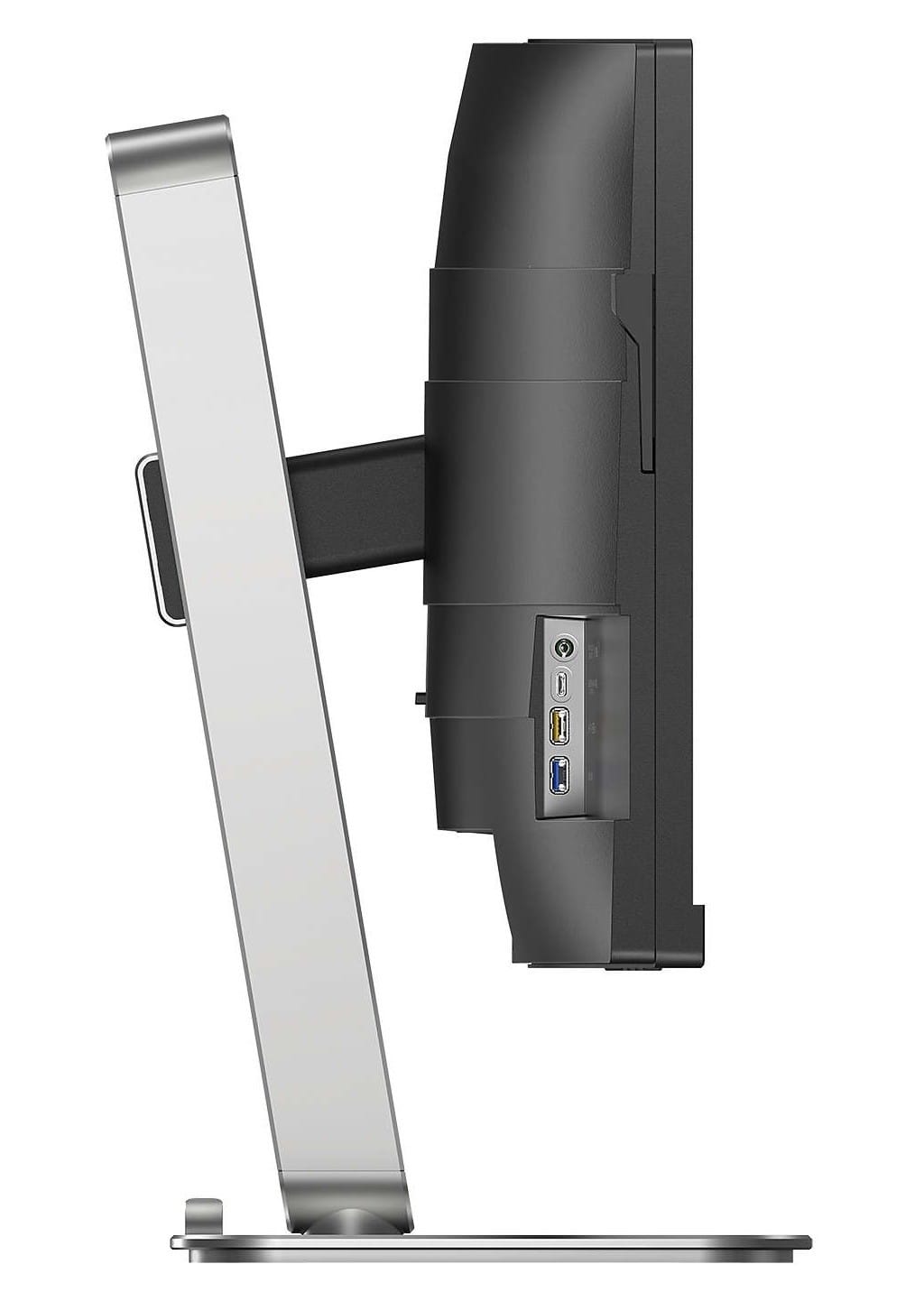
Philips equipped the 34B2U5900C to be the centre of a work desk. The main USB-C port carries video, data and up to 140W of power delivery, so a single cable can connect to your laptop. The claimed 140W figure needs Philips' Smart Power mode and a compatible laptop to reach that level, and at full power it will dim the panel to some degree as there's a tug of war for power from the monitor's power supply. With Smart Power disabled, the port realiably delivers up to 65W to any compatible device.
You also get a wired Ethernet port, a 10Gbps USB hub, a KVM switch you can control from the keyboard via a nifty control app, Picture-by-Picture and Picture-in-Picture for two machines, a pair of 5W speakers, and a premium metal stand with 180mm of height adjustment.
Running the native 5120 x 2160 resolution at 120Hz requires a GPU that supports Display Stream Compression (DSC), a visually lossless compression method that squeezes a high-resolution signal through a single cable. You're not likely to be playing games on this, but Philips has thought of that as well: a Dual Mode switch flips the panel to 2560 x 1080 at 240Hz. That's a far lighter load for most mid-range GPUs, and useful for kicking back to play some games after work.
If you need a single monitor that does it all without you having to compromise, this is a sensible choice for professionals.
Alienware AW3425DW: QD-OLED at a Sensible Price
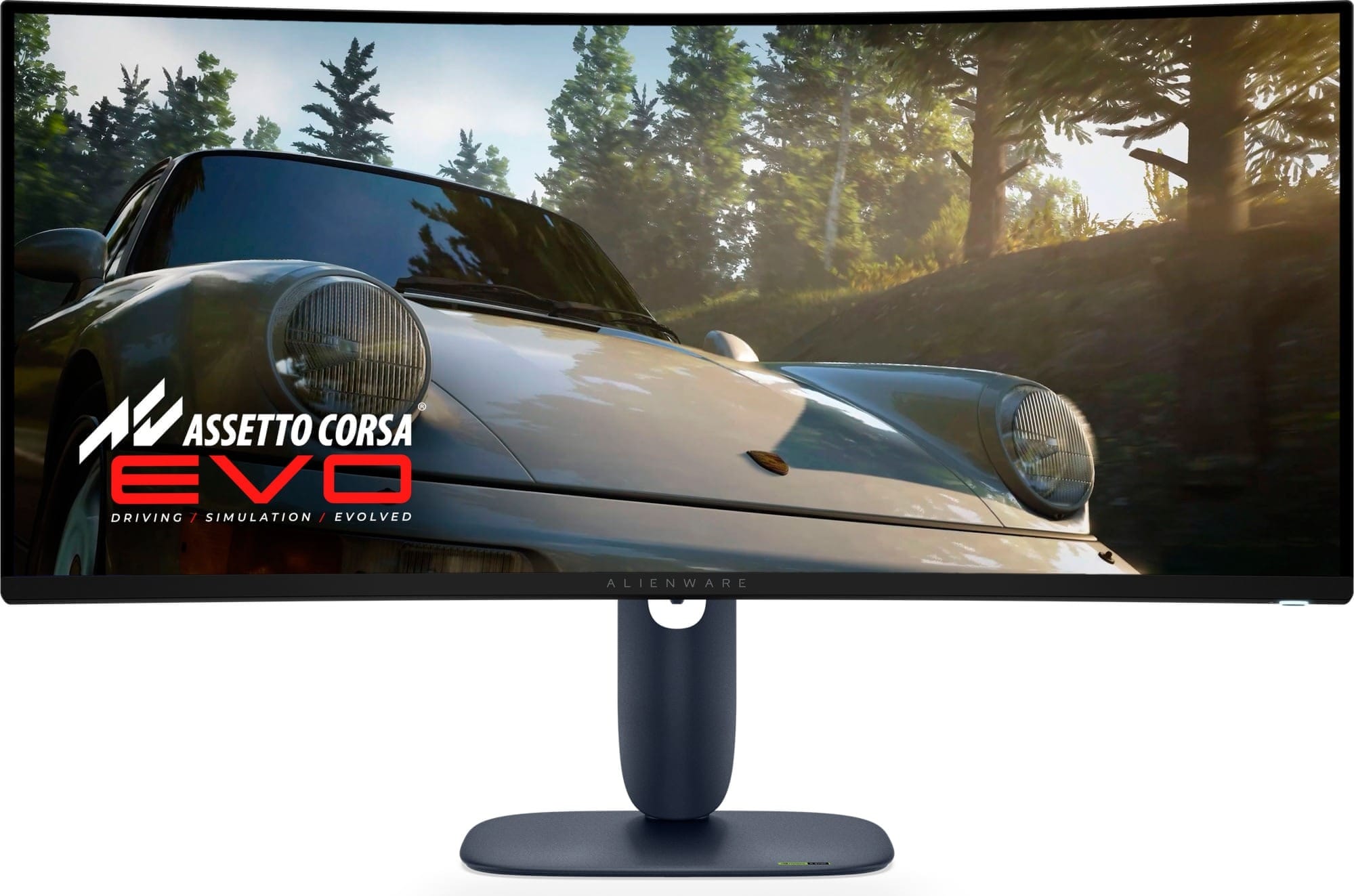
The Alienware AW3425DW is our first OLED pick on the list, and it's a different experience from every LCD you've ever owned. Each pixel on an OLED panel makes its own light and can switch off completely, so black is actually devoid of any colour or light, and there is no backlight to bloom around bright objects. With a 0.03ms response time, motion at its 240Hz refresh rate is also clearer than any VA panel can manage.
The instantaneous response of an OLED is fantastic. It feels like playing on a CRT, for those readers already weak at the knees for age-related reasons. Any image in motion is perfectly clear at any refresh rate.
The 34.2" third-generation QD-OLED panel in the AW3425DW uses a less aggressive 1800R curve, covers a claimed 99% of DCI-P3 colour, and peaks at 1,000 nits with HDR enabled. It carries VESA DisplayHDR True Black 400 certification, VESA's separate HDR standard for OLED screens, and supports Dolby Vision. In a dark room, games and films look exceptional.
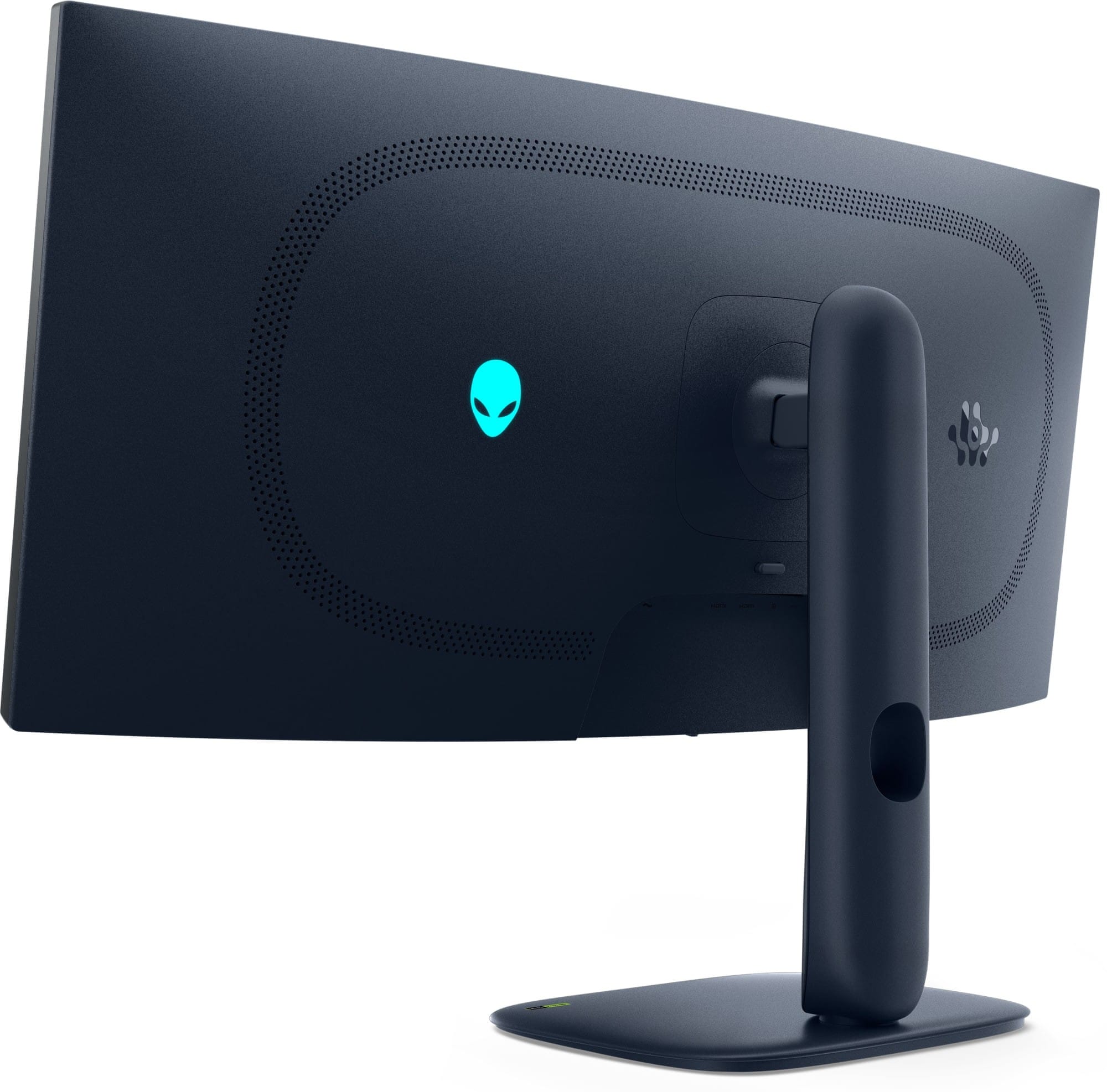
There are two things to weigh up here if the AW3425DW catches your eye. As it is a third-generation QD-OLED panel, the typical full-screen brightness in SDR mode is a more modest 250 nits, so use in very bright rooms is not its strength. In an environment where you can control the lighting more directly, this is a great fit.
The second caveat is the subpixel arrangement. Each pixel is made up of red, green and blue subpixels, and this generation of QD-OLED arranges them in a triangle rather than a straight row. That can leave faint colour fringes on the edges of text. Many people do stop noticing it after an hour or two of use, but if your day is spent mostly writing and reviewing text-heavy documents, you may want to look at the next monitor instead.
Dell's excellent three-year warranty covers OLED burn-in (the permanent ghost image that static elements like a taskbar can leave on an OLED), which takes most of the worry out of using it for long periods of time. OLEDs are now capable of lasting many years with little burn-in, as the long-term Monitors Unboxed testing has shown.
Alienware AW3426DW: The Best Panel in the Lineup
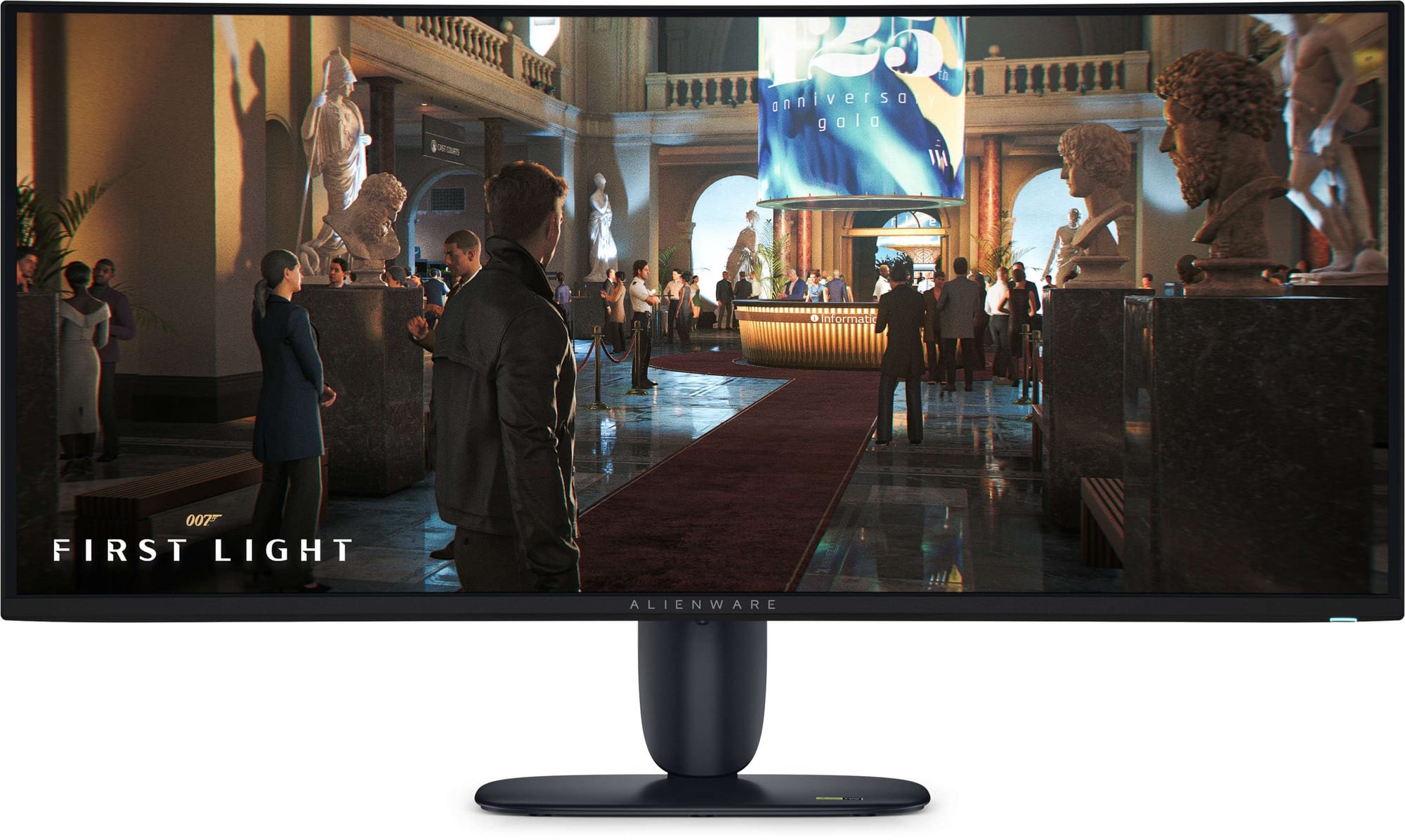
At the top of our list is the Alienware AW3426DW. This is king of the hill, the cream of the crop. Alienware uses Samsung's fourth-gen QD-OLED panel, called "Penta Tandem", which stacks five light-emitting layers on top of each other in alternating fashion and switches to an RGB stripe subpixel layout. It lays the red, green and blue subpixels side by side in a row, the same arrangement Windows expects from a normal LCD.
TFTCentral's review found that this removes the colour fringing seen on earlier 34" QD-OLED panels, which makes it the first OLED ultrawide we'd happily recommend for long workdays as well as gaming. It got the nod from Monitors Unboxed as well.
This is a brand new generation of monitors for the modern era. The refresh rate climbs to 280Hz, typical brightness in SDR mode goes up to 300 nits, and HDR highlights peak at a claimed 1,300 nits. It carries VESA DisplayHDR True Black 500 certification and Dolby Vision support, and Dell says the new panel coating improves black levels in brighter rooms.
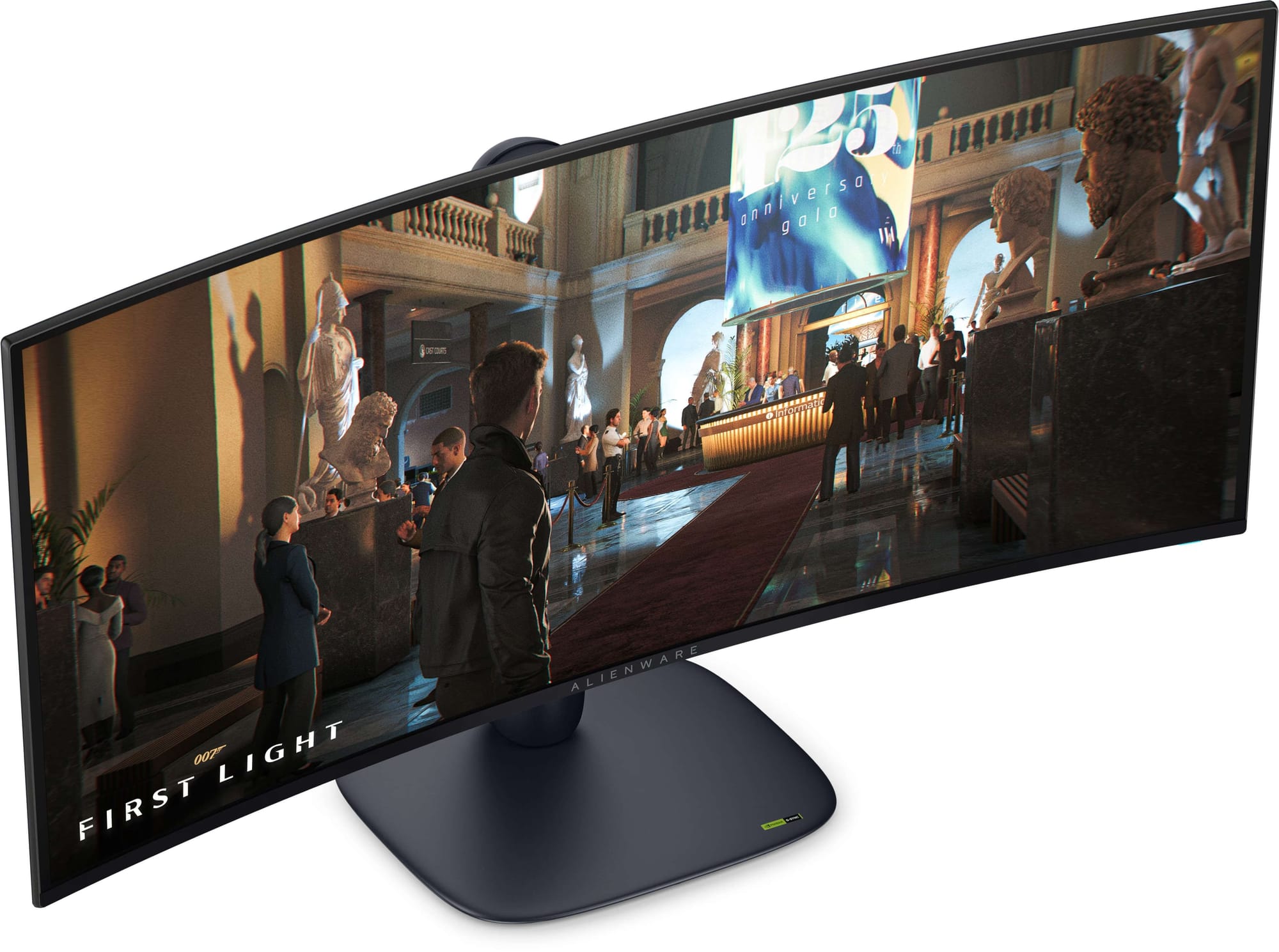
Aside from the fantastic panel, Dell equips the AW3426DW with two HDMI 2.1 48Gbps FRL ports alongside DisplayPort 1.4 with DSC, and includes a USB hub with a Type-A and Type-C port, tasteful RGB lighting on the rear, and an immersive but gentle 1800R curvature.
It costs way more than the AW3425DW, true. If you're looking for a gaming-only setup in a dark room, the older model is still excellent value. But if the experience you're looking for is OLED for work and play, this is really, really hard to beat. It also has the same three-year warranty with burn-in cover.
Choose the Ultrawide That Fits Your Desk
Not sure whether an ultrawide suits your setup, or whether your graphics card can keep up at 3440 x 1440?
Our Choosing Your Next Monitor guide covers graphics card performance, desk space and display scaling in more detail. If you're coming from a 24" or 27" 16:9 screen, the move to 21:9 gives you room for two full-size windows side by side, and games that support it feel far more immersive.
Do measure your desk first, because a 34" ultrawide is about 80cm wide. A flat ultrawide needs to sit a little further away than a curved one, so keep in mind how deep your desk is as well. Anything more than 75cm is going to be quite comfortable.
Don't see your ideal monitor here? Visit wootware.co.za to browse the full range, set a price alert, or get in touch with us for a quote.