The Wootware Monitor Buyer's Guide
Find the right monitor for you with this handy buyer's guide, from budget ultrawides to premium 4K, and high-refresh gaming OLEDs, for your PC!
So you’re interested in a new monitor for your PC? Awesome! It is the part of your setup that you look at every day, and a better display can change how the entire machine feels to use.
This guide is our shortlist of monitors worth looking at across a range of budgets and use cases. If you are still deciding between Full HD, 1440p, 4K and ultrawide, read our companion article, Choosing Your Next Monitor: A Buying Guide, first. It covers GPU performance, desk space and display scaling in more detail.
We have included several choices at the same or similar price point, because a good productivity monitor and a good competitive-gaming monitor are not always the same thing.
| Budget & Monitor | Criteria |
|---|---|
| R2,500: WootVision 27Q I120 | The budget all-rounder |
| R4,500: WootVision 34QC V180 | Affordable ultrawide gaming |
| R4,500: Samsung Odyssey G53F | High-refresh 1440p gaming |
| R5,000: LG 27US500-W UltraFine 27 | Affordable 4K productivity |
| R6,000: WootVision 32U V144 | Big-screen 4K PC and console gaming |
| R8,000: Gigabyte M27UP | The high-end all-rounder |
| R9,000: WootVision Pro 27Q O240 | The best-value OLED experience |
| R14,000: Dell U2725QE | Premium productivity and laptop docking |
| R14,000: WootVision Pro 27Q O500 | No-compromise competitive gaming |
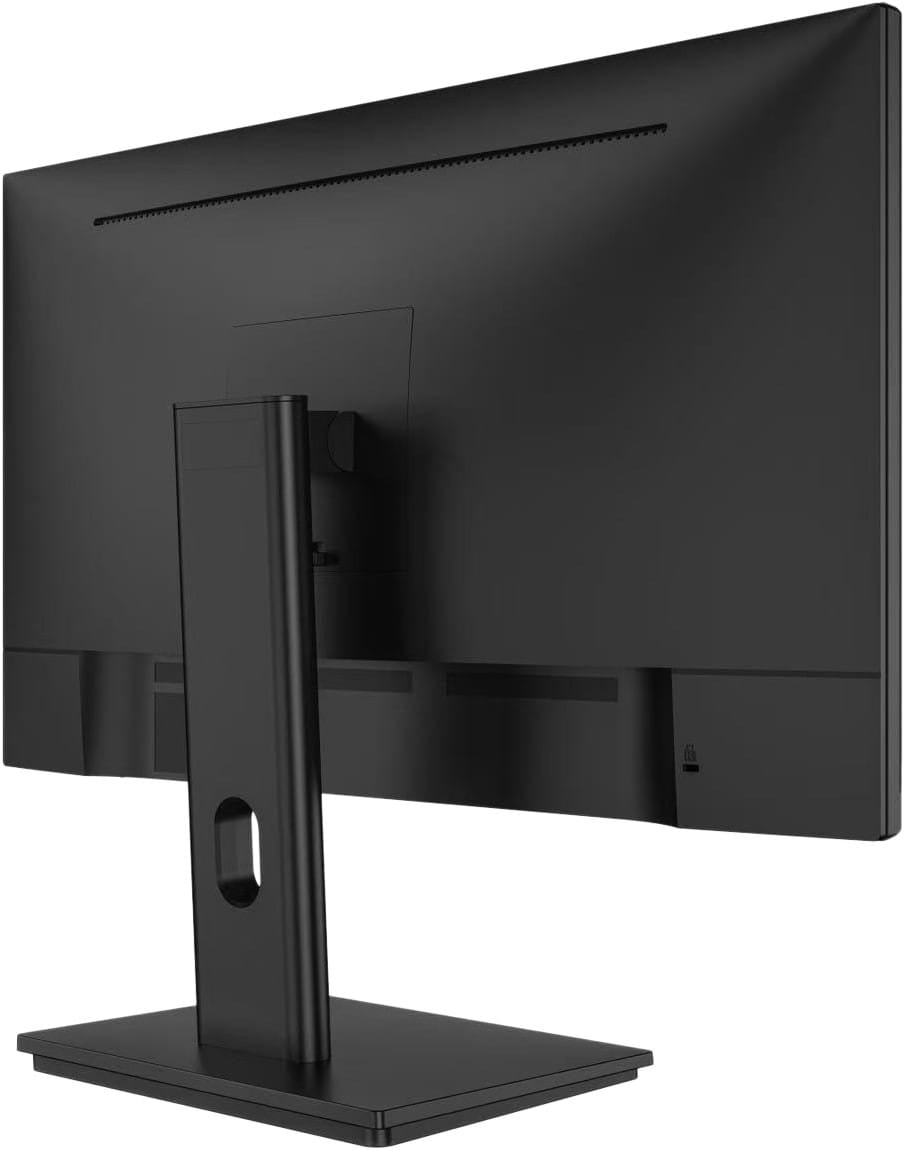
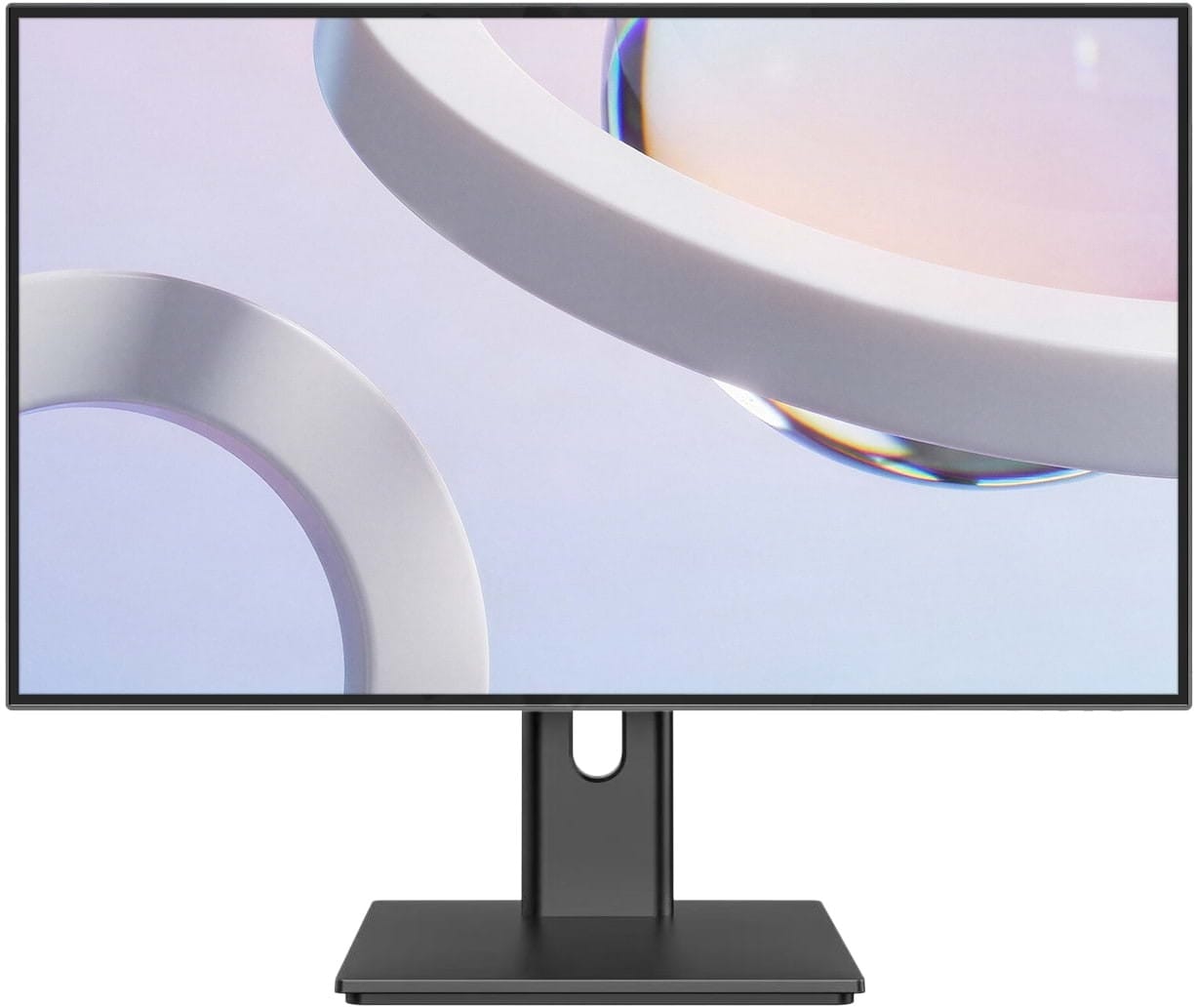
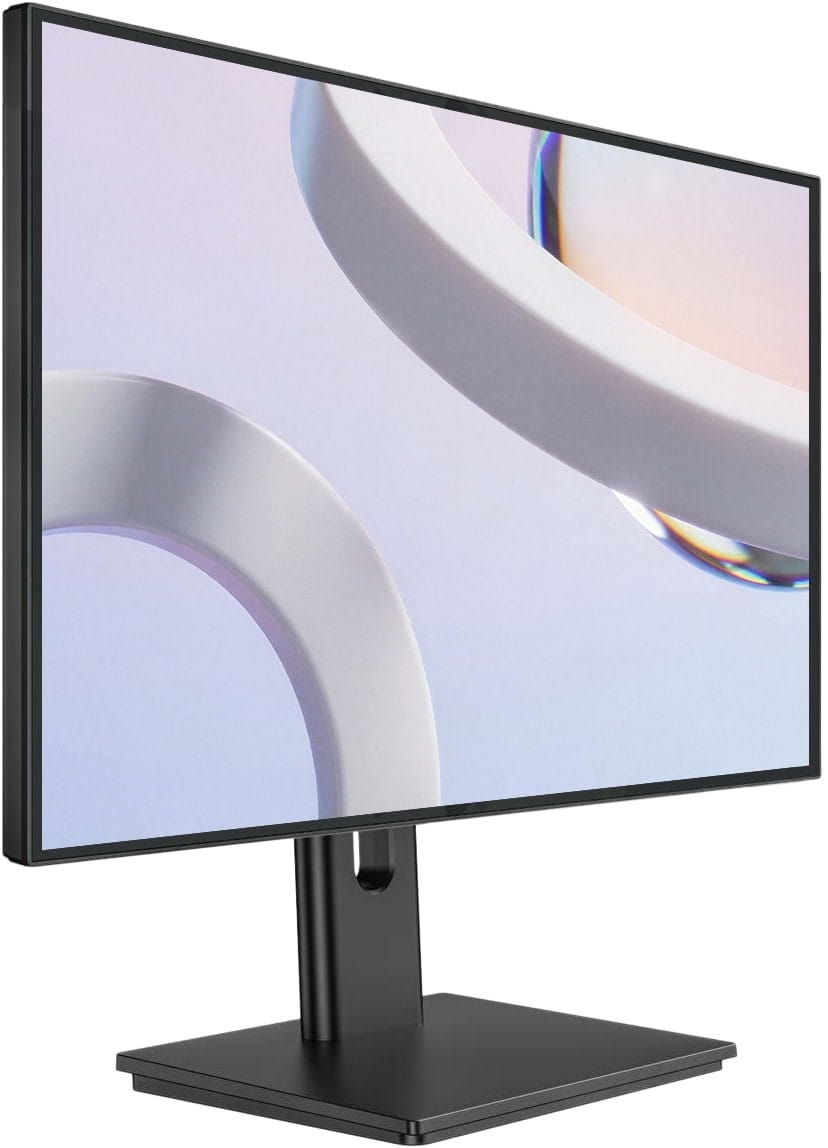
The WootVision 27Q I120 is the easiest recommendation in this guide. It is a 27-inch WQHD monitor with an IPS panel, a 2560 x 1440 resolution and a 120Hz refresh rate. It also supports 1440p at 120Hz from PlayStation 5 and Xbox Series consoles.
That combination is hard to beat at this price. You get considerably more working space and finer detail than you would from a 27-inch Full HD monitor, while 120Hz makes games, scrolling and general desktop use feel much smoother than 60Hz. The panel covers a claimed 96% of the DCI-P3 colour space and has an anti-glare finish, so it is suitable for work, media and gaming without leaning too far in any one direction.
The compromise is the stand. It is simple and fixed, with no height adjustment, so taller users may want a riser or monitor arm. Remove the stand and you will find 100 x 100mm VESA mounting holes. The narrow bezels also lend themselves nicely to a multi-monitor setup.
If you want one capable monitor and do not want to overthink the purchase, start here. This is our budget all-rounder.
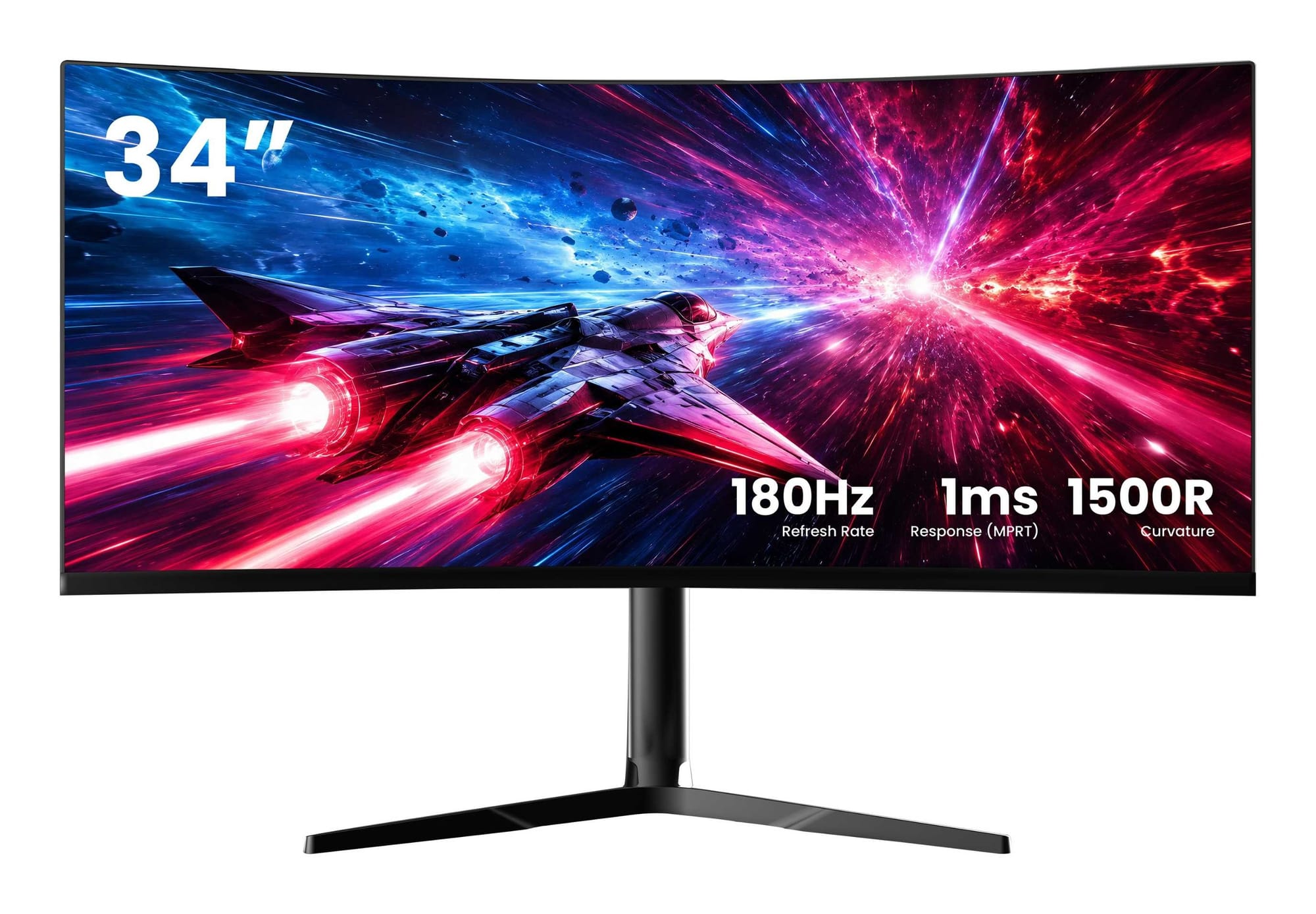
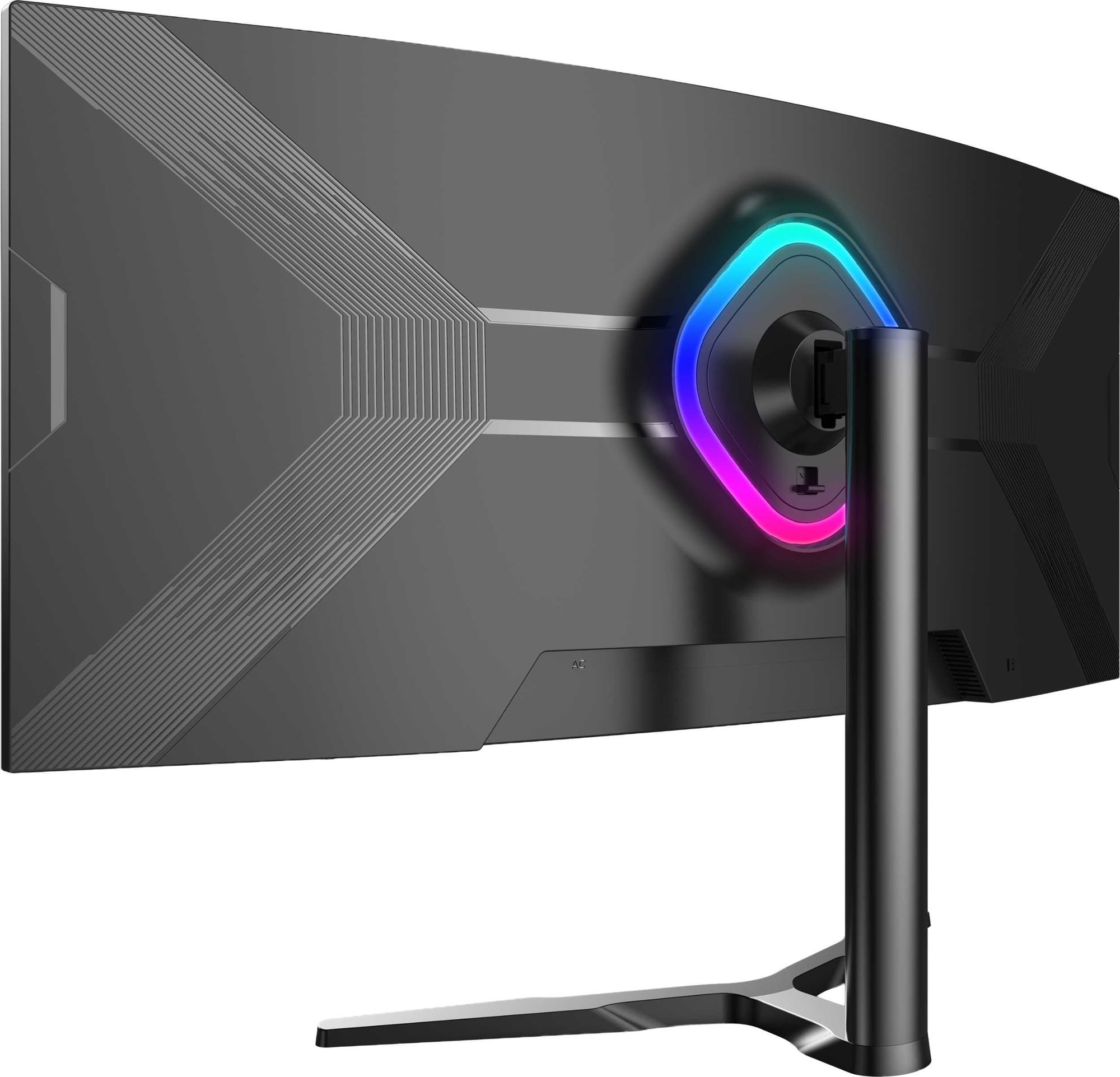
The WootVision 34QC V180 is what happens when the affordable monitor grows sideways. It uses a 34-inch 3440 x 1440 VA panel with a 1500R curve and a 180Hz refresh rate.
For productivity, the ultrawide format gives you enough room for two useful windows side by side without a bezel running through the middle. For games that support 21:9 properly, the wider view is far more immersive than a standard 16:9 panel. The VA panel also has a strong claimed 4000:1 contrast ratio, so dark scenes have more depth than they usually do on an entry-level IPS display.
There are some catches. You need DisplayPort to reach the full 180Hz refresh rate, as the HDMI inputs top out at 100Hz at the native resolution. VA panels can also show more smearing in dark motion than a good fast IPS or OLED panel. In return, you get a height-, swivel- and tilt-adjustable stand, FreeSync, Picture-in-Picture and Picture-by-Picture support at a remarkably low price.
If you have the desk width and want to try ultrawide without spending OLED money, put this one on the shortlist.
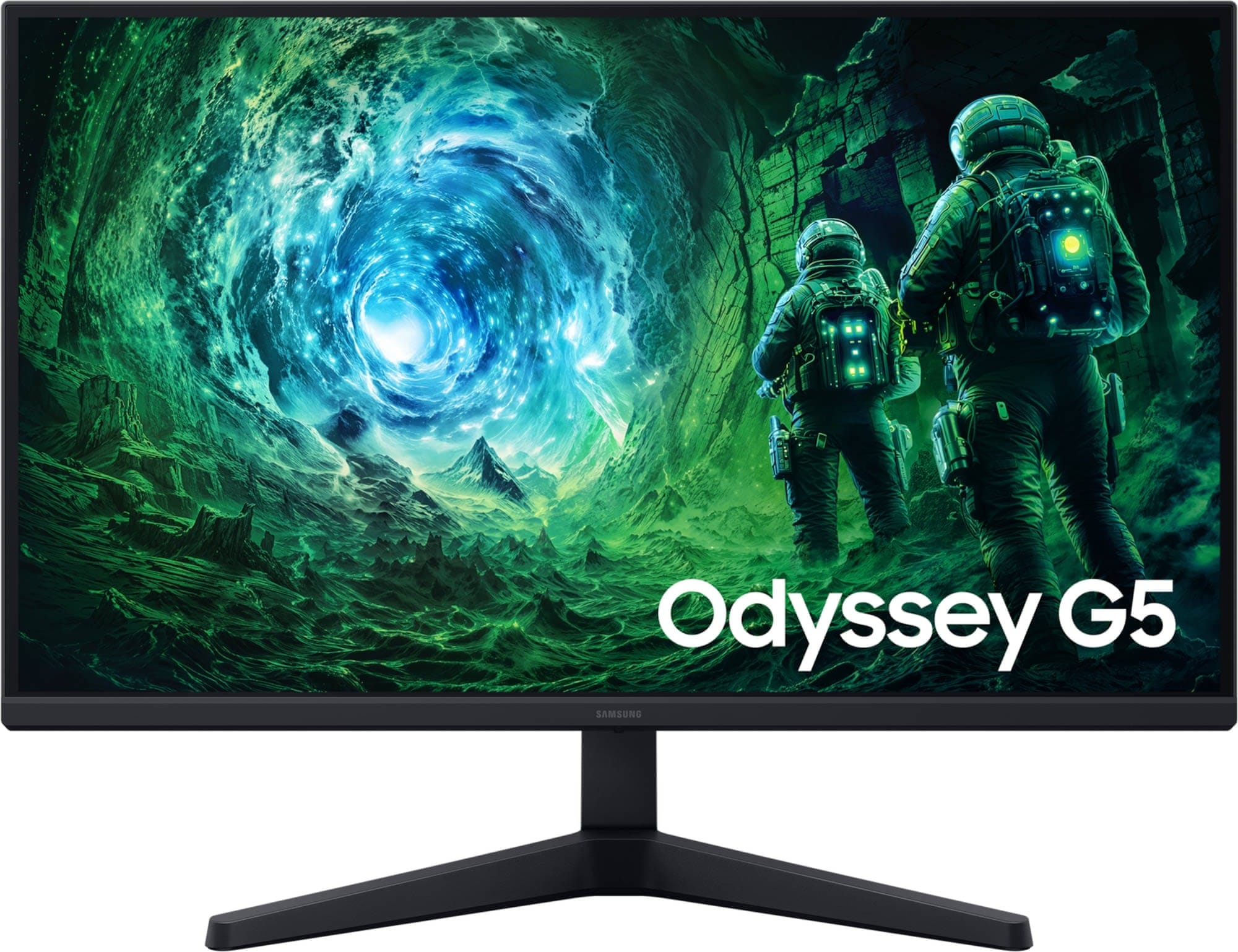
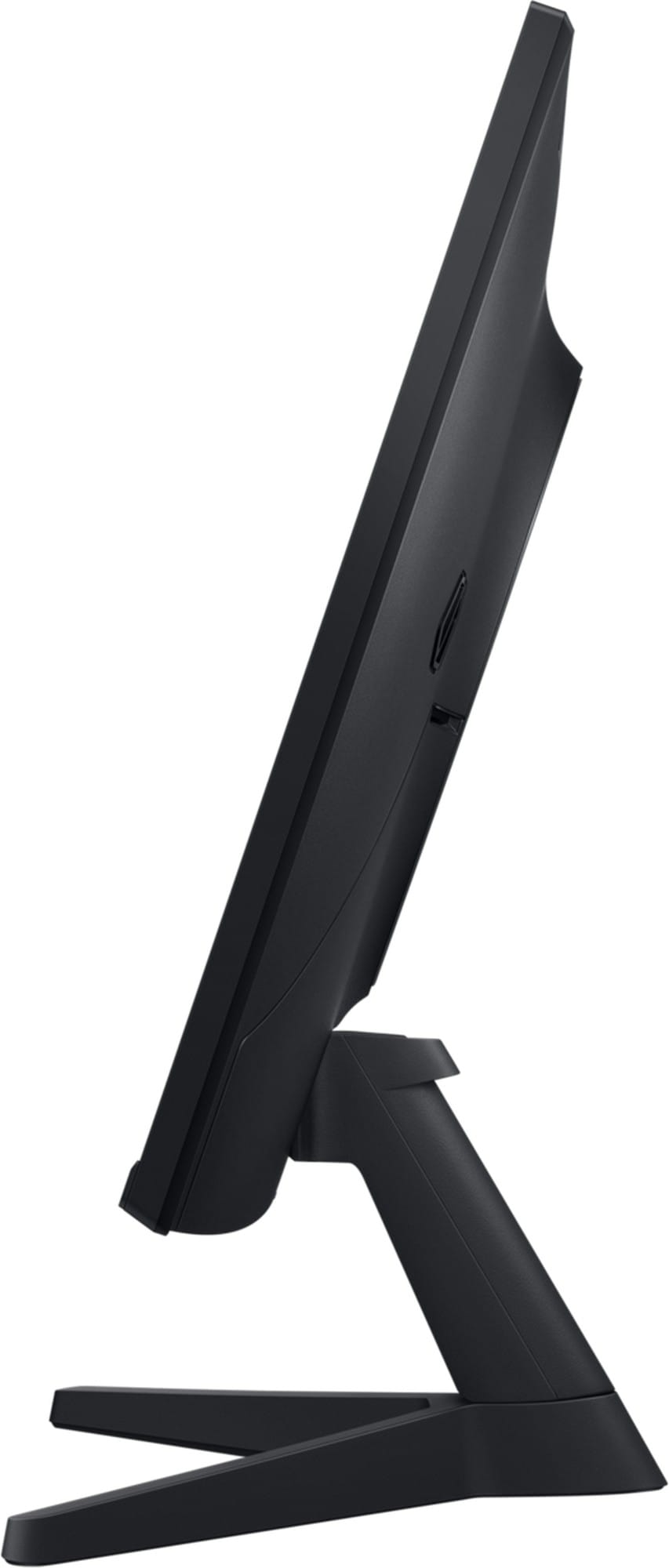
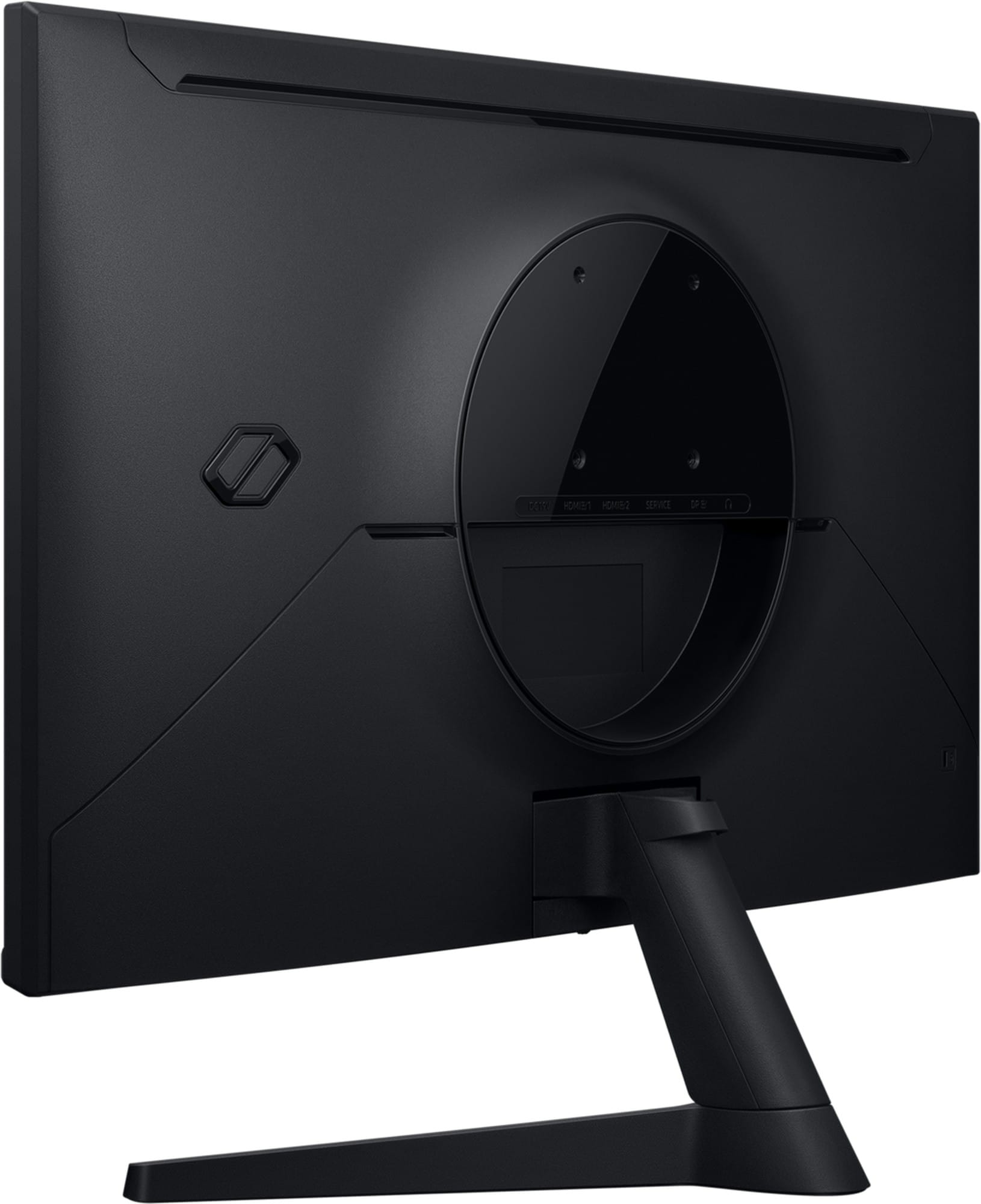
If you prefer the familiar 27-inch, 16:9 format, the Samsung Odyssey G53F is the safer gaming pick.
Its 2560 x 1440 IPS panel runs at up to 200Hz and supports AMD FreeSync Premium. That is a strong middle ground for modern gaming PCs: 1440p is visibly sharper than Full HD, but it is much easier to drive at high frame rates than 4K. The 27-inch size also works well on most desks without asking you to sit further back.
Samsung includes one DisplayPort 1.4 input and two HDMI 2.0 inputs. The stand only offers tilt adjustment, there is no USB Type-C connection, and the 300-nit panel does not have the hardware needed for genuinely impactful HDR despite accepting an HDR10 signal. Those are reasonable compromises at this price, but they are worth knowing before you buy.
For high-refresh 1440p gaming without moving into premium territory, the G53F gets the important parts right.
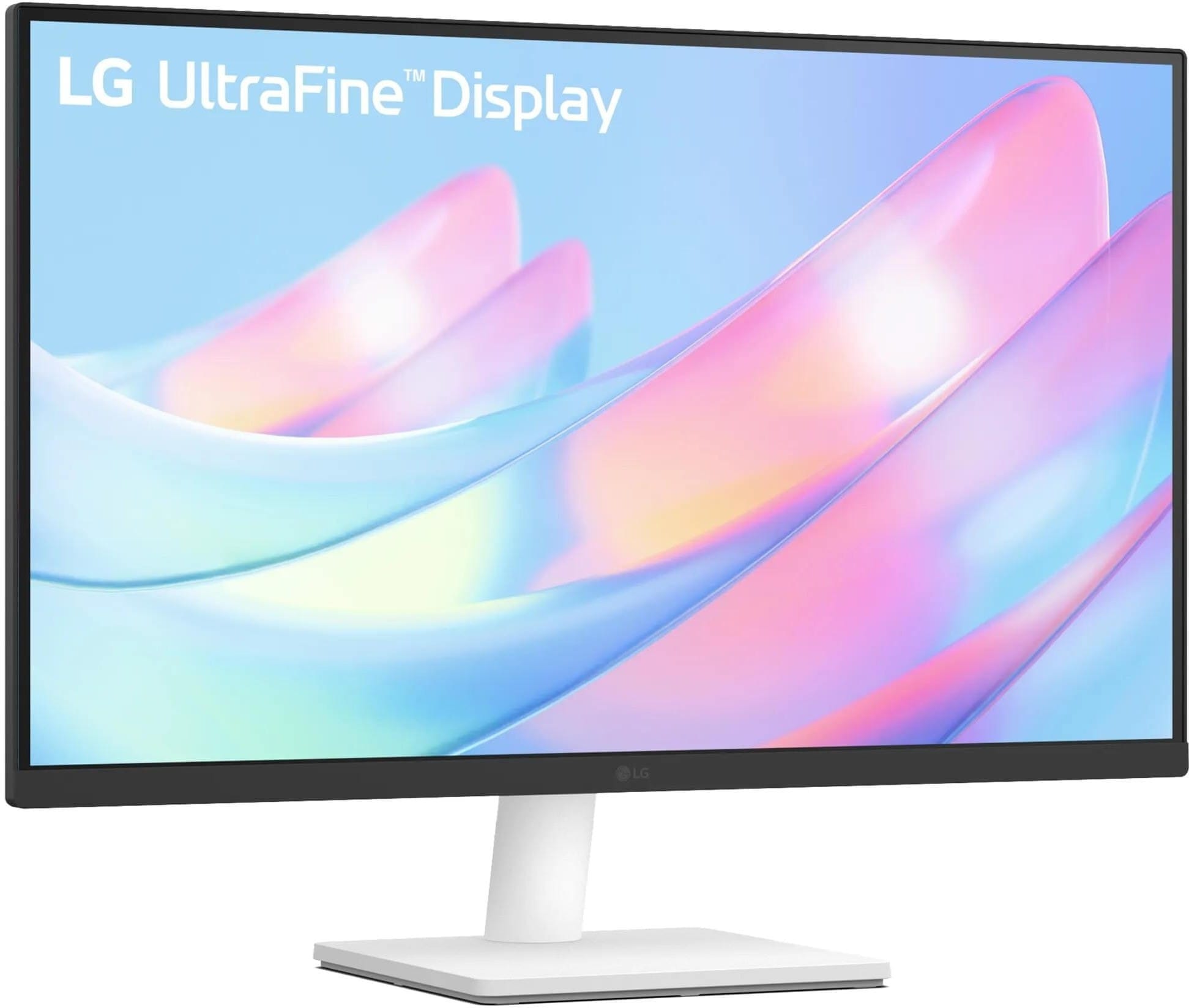
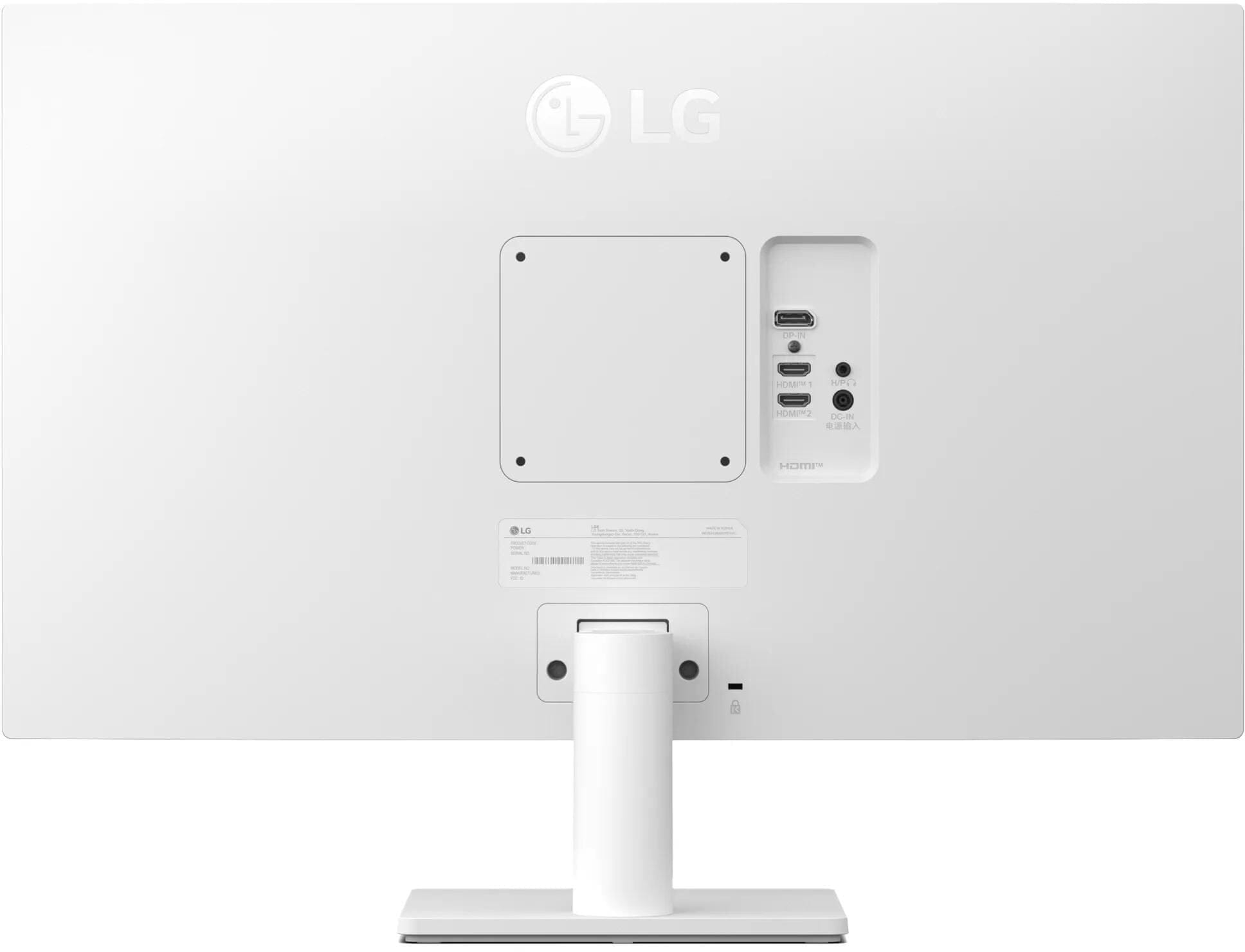
The LG 27US500-W UltraFine 27 is aimed in the opposite direction. It is a 27-inch 4K IPS display for productivity, media work and general PC use where resolution and image quality matter more than refresh rate.
LG specifies 90% coverage of the DCI-P3 colour space, support for 1.07 billion colours and a typical brightness of 300 nits. The 3840 x 2160 resolution packed into a 27-inch panel makes text and high-resolution images look exceptionally sharp. You will probably use Windows, Linux or macOS display scaling to keep text comfortable, but the extra pixel density is the entire point of buying it.
The refresh rate is fixed at 60Hz and the stand only tilts, so this is not the monitor we would choose for fast-paced gaming or an elaborate ergonomic setup. It can accept HDR10 content, although its brightness and lack of local dimming mean you should think of that as compatibility rather than a full HDR experience.
If most of your day is spent in documents, spreadsheets, code, browser windows or editing applications, you would be hard-pressed to find a sharper display for the money.
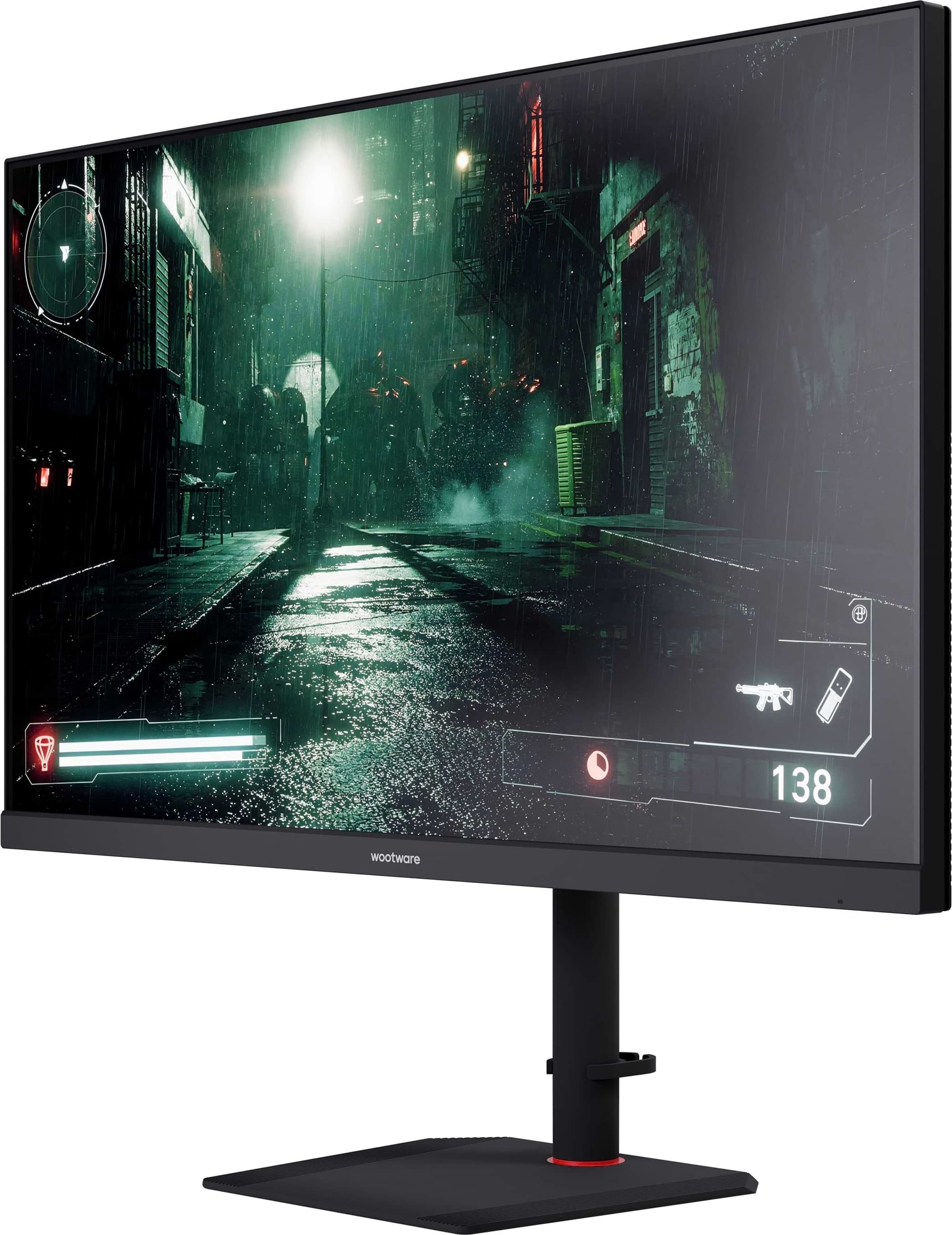
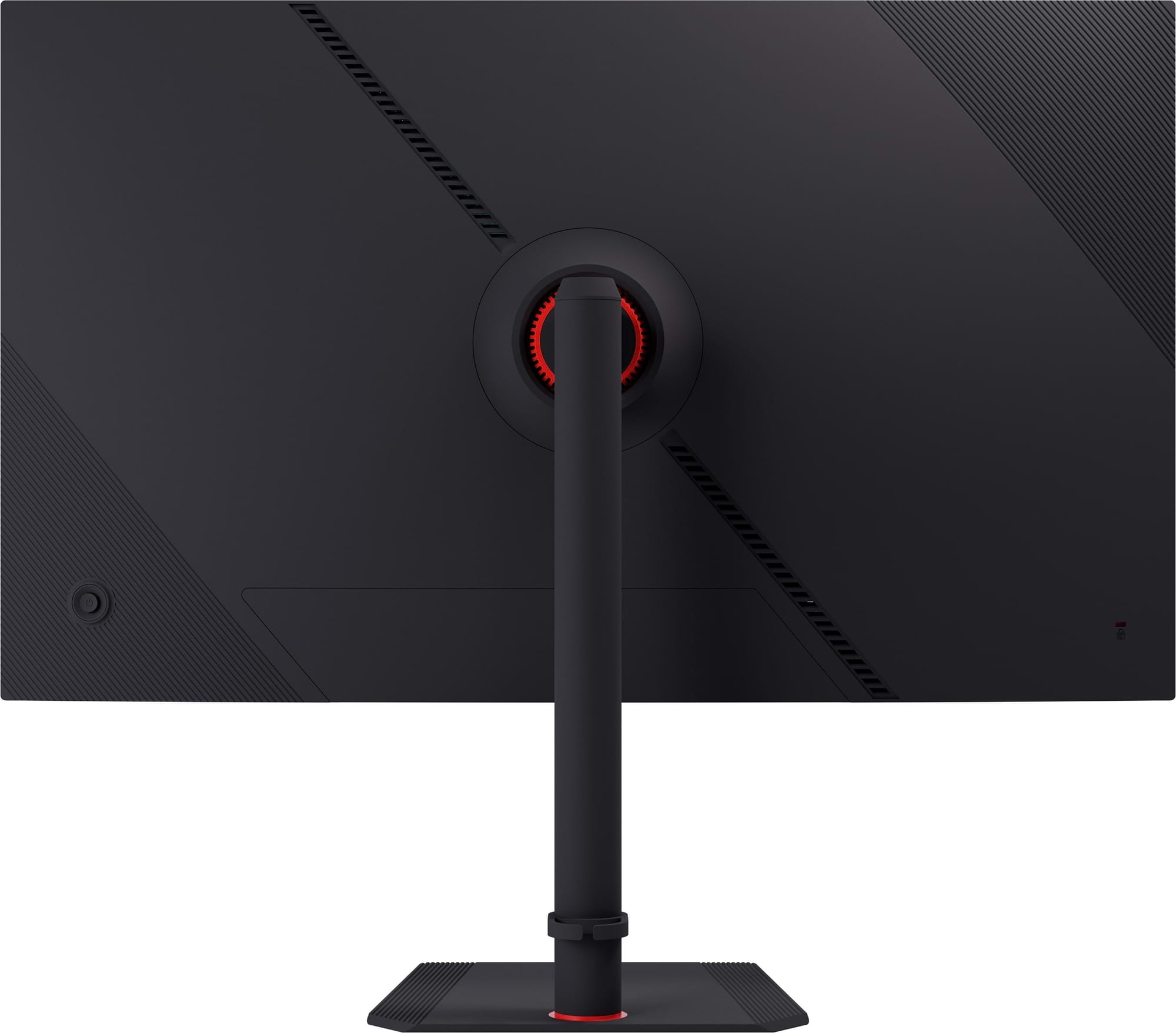
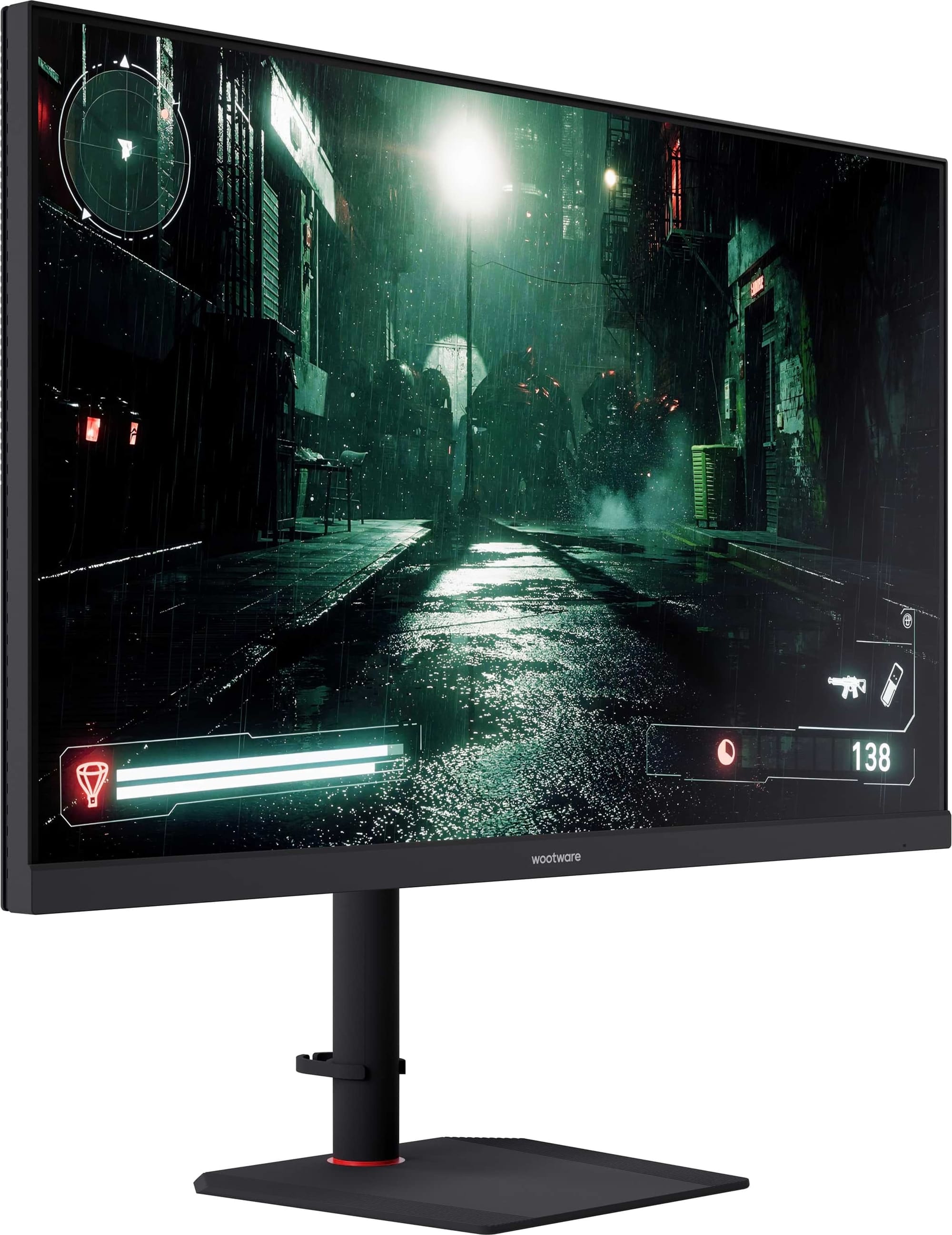
The WootVision 32U V144 is for anyone who read “4K at 60Hz” and immediately wanted more speed.
This is a 31.5-inch 4K VA monitor with a 144Hz refresh rate, two full-bandwidth HDMI 2.1 inputs and two DisplayPort 1.4 inputs. It supports 4K at 120Hz from PlayStation 5 and Xbox Series X consoles, while a capable gaming PC can use the full 144Hz refresh rate. The stand has height, pivot, swivel and tilt adjustment, which is unusually generous at this price.
The larger panel makes 4K easier to use without aggressive display scaling, and the claimed 3000:1 contrast ratio gives dark games and films more weight than a typical IPS panel. The trade-off is that VA pixel response can be slower in dark transitions, so it will not have the same motion clarity as the OLED options further down this list. There is no USB Type-C dock or KVM switch either.
Even with those limits, a large 4K panel running above 120Hz for this money is slightly ridiculous. In a good way.
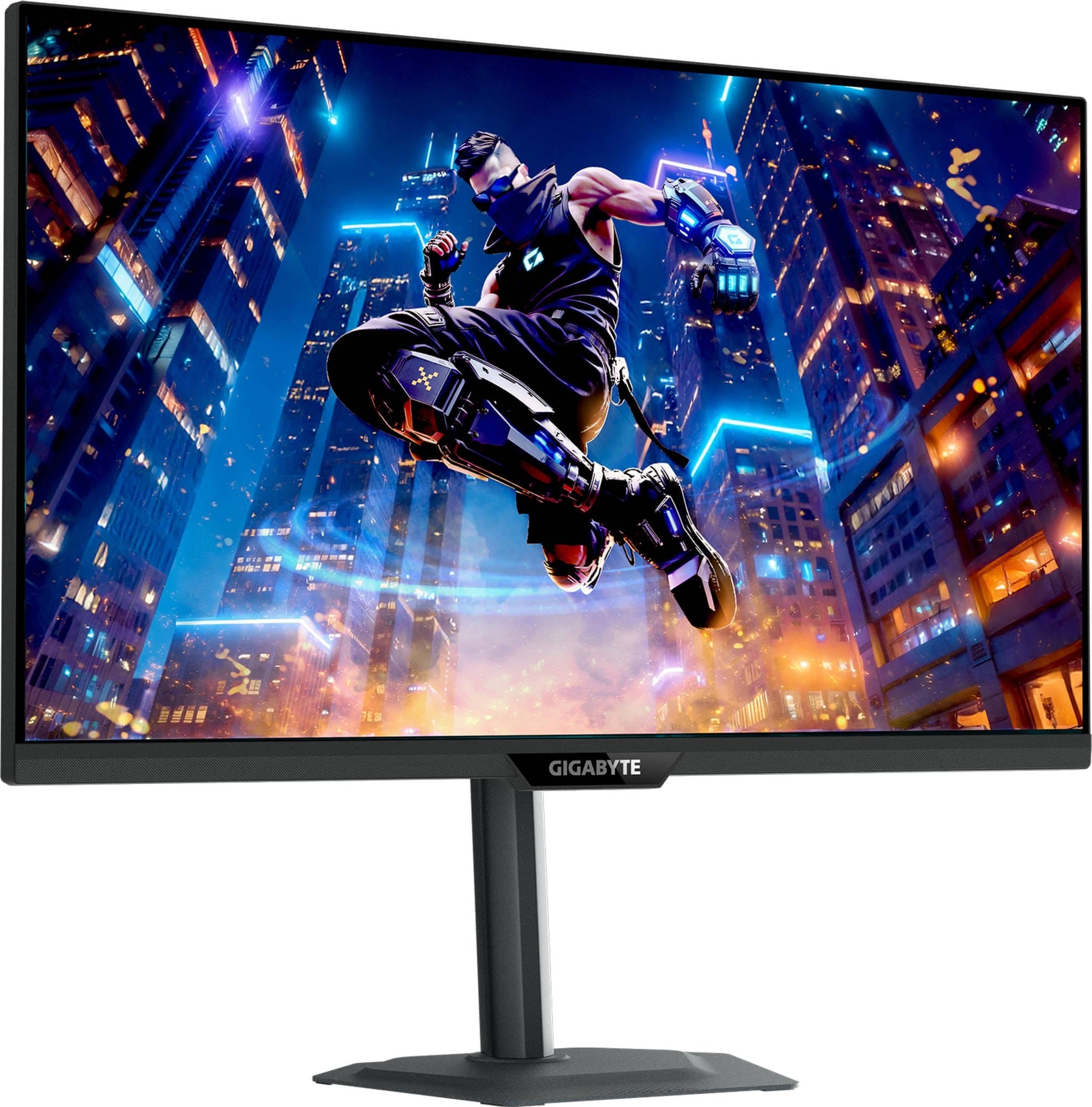
The Gigabyte M27UP is part of a newer generation of dual-mode gaming monitors. Natively, it is a 27-inch 4K IPS monitor with a 160Hz refresh rate. Switch modes in the on-screen menu, and it runs at 1920 x 1080 with a refresh rate of up to 320Hz instead.
That gives you a sensible split between slower games that benefit from 4K detail and competitive games where frame rate takes priority. There is no magic involved: Full HD will look softer on a 27-inch 4K panel, but the lower resolution is far easier for the GPU to drive at 300-plus frames per second.
The rest of the monitor is just as useful. You get two HDMI 2.1 inputs, DisplayPort 1.4, a USB Type-C input, a three-port USB hub, built-in speakers and a KVM switch. The stand adjusts for height, pivot, swivel and tilt. Its USB Type-C Power Delivery is modest, so it can run a display signal and peripherals from a laptop but should not be treated as a full-powered laptop dock.
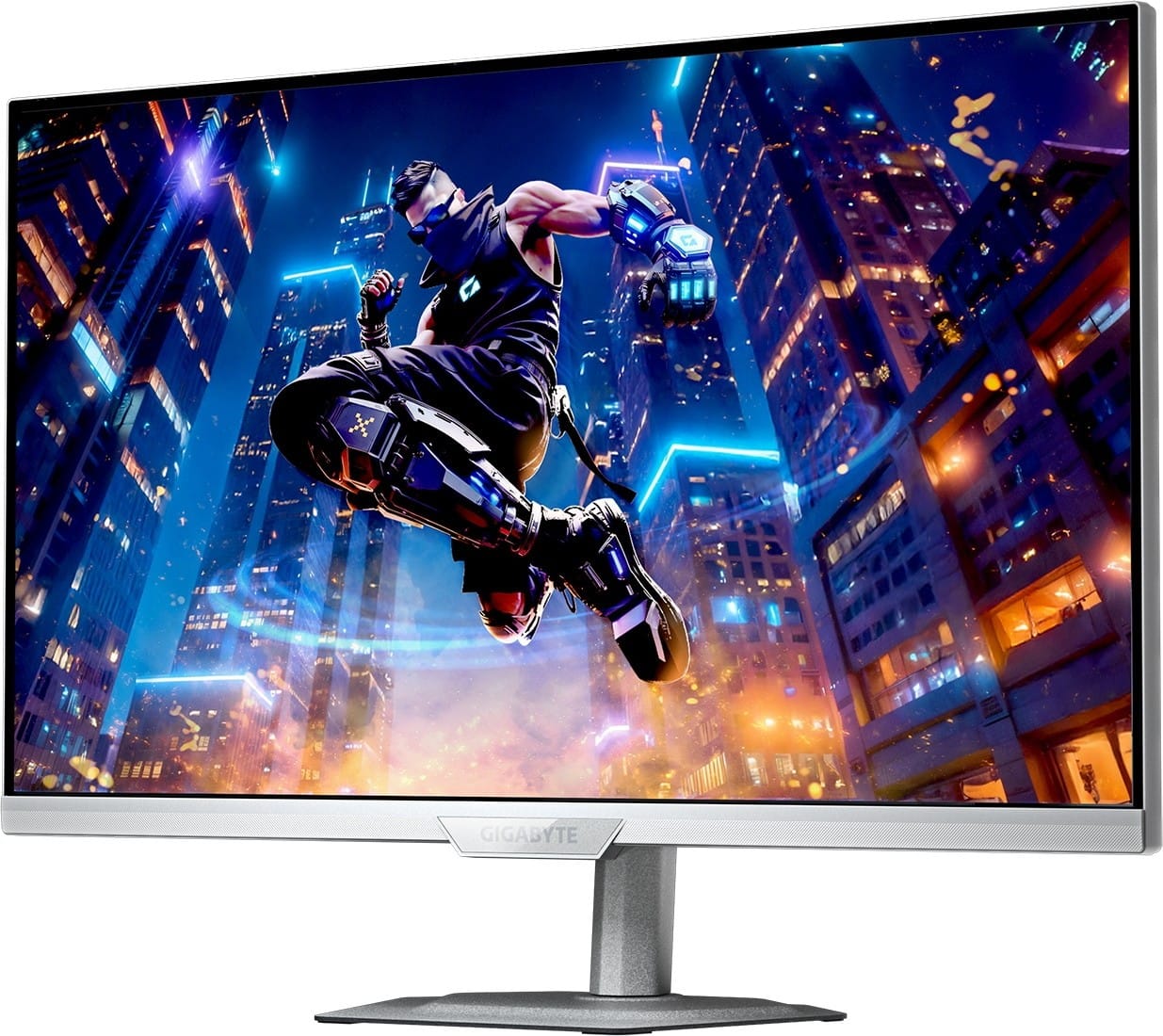
If you want one screen for work, PC gaming and current consoles, this is the strongest all-rounder in the upper mid-range. A white variant, called the M27UP ICE is also available.
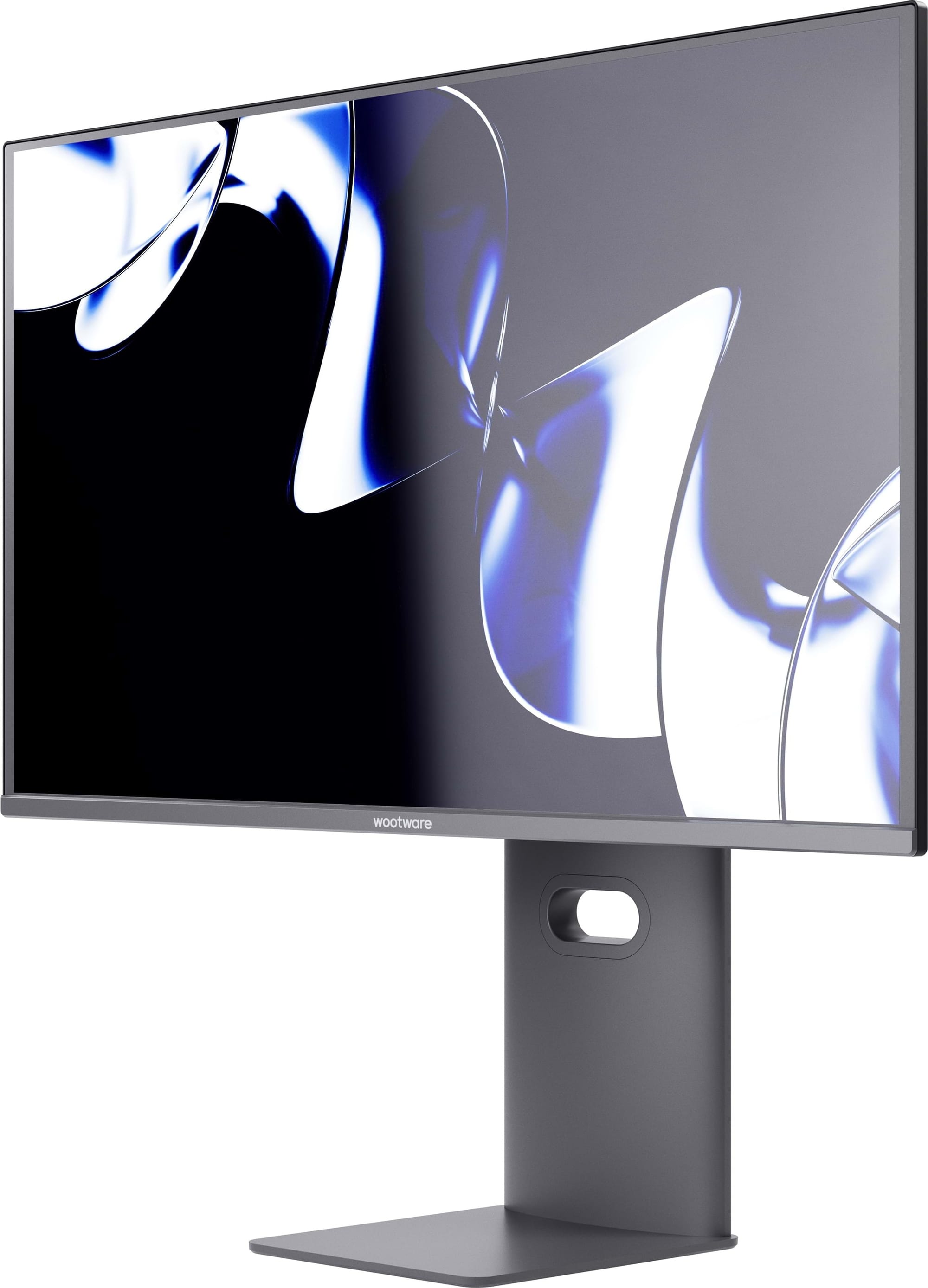
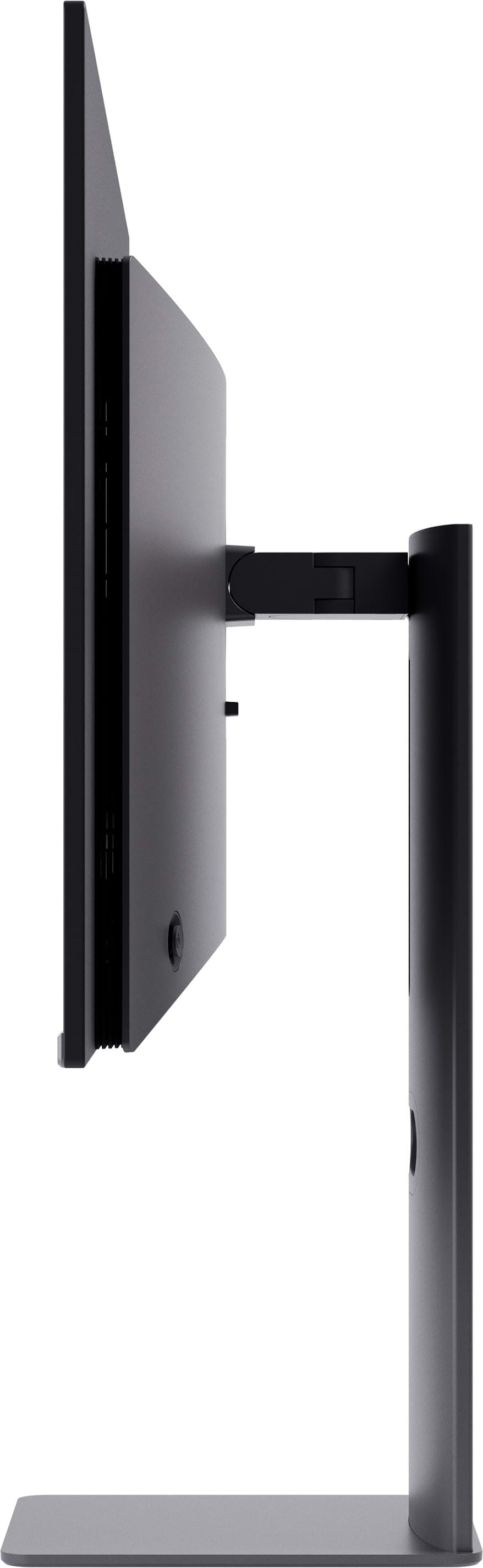
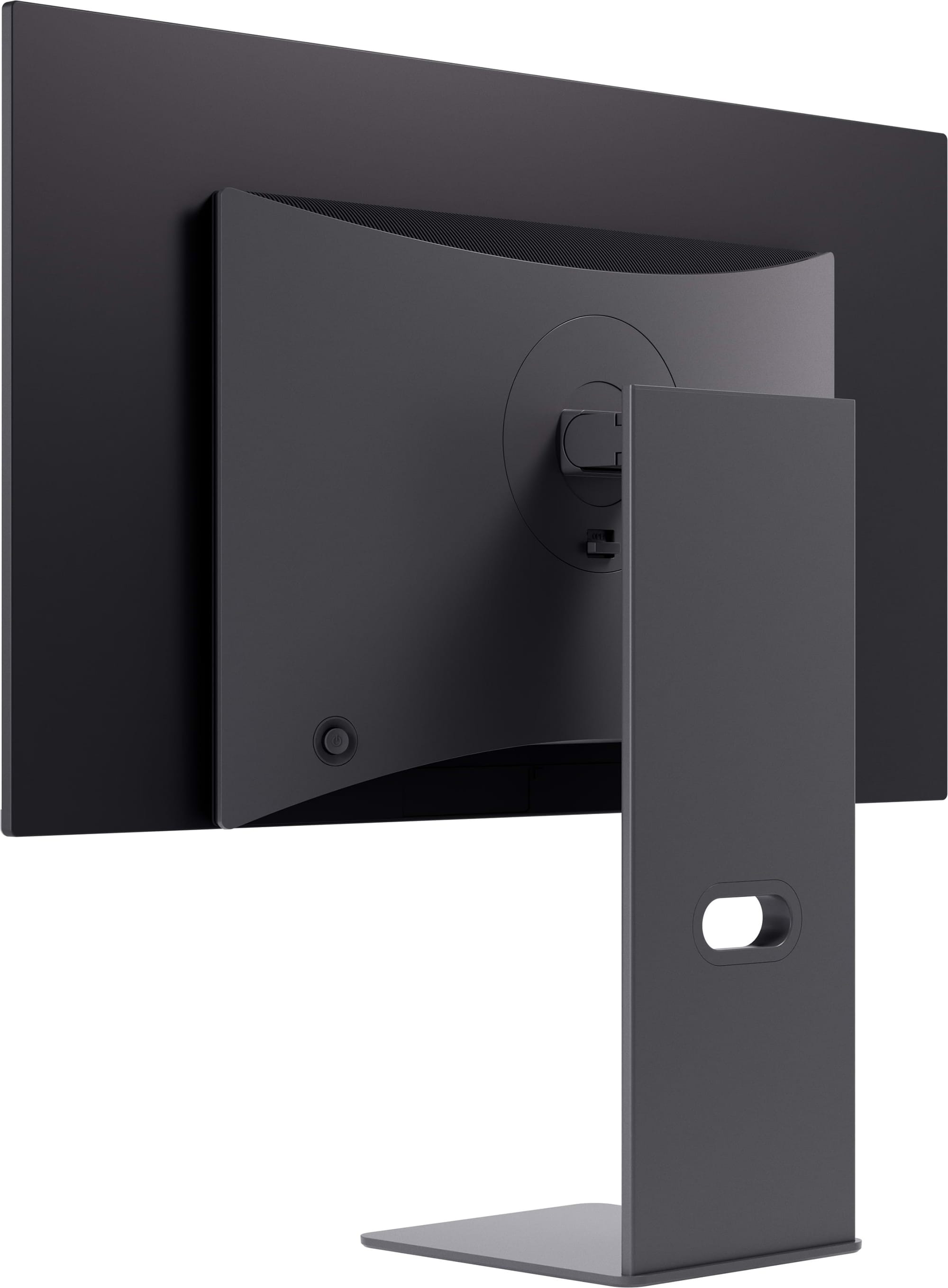
The WootVision Pro 27Q O240 is one of the least expensive ways to put a current-generation OLED monitor on your desk.
It uses a third-generation Samsung QD-OLED panel with a 2560 x 1440 resolution, a 240Hz refresh rate and near-instant pixel response. Games feel unusually direct because the panel can change states far faster than an LCD, while perfect blacks and per-pixel light control give HDR scenes the contrast they are supposed to have. Colours pop. Dark scenes stay dark. Flashbangs remain a health hazard to your fictional character and possibly your retinas.
The included stand adjusts for height, pivot, swivel and tilt. There are two full-bandwidth HDMI 2.1 inputs for a PC, PlayStation 5 or Xbox Series console, plus DisplayPort 1.4. Wootware also covers the panel for burn-in for three years and includes a zero dead-or-stuck-pixel guarantee.
OLED still needs some care if you leave static desktop elements visible all day, and some people notice colour fringing around fine text because of the QD-OLED subpixel layout. For gaming and media, though, LCD monitors at this price have a very difficult time keeping up.
Put it near the top of your shortlist.
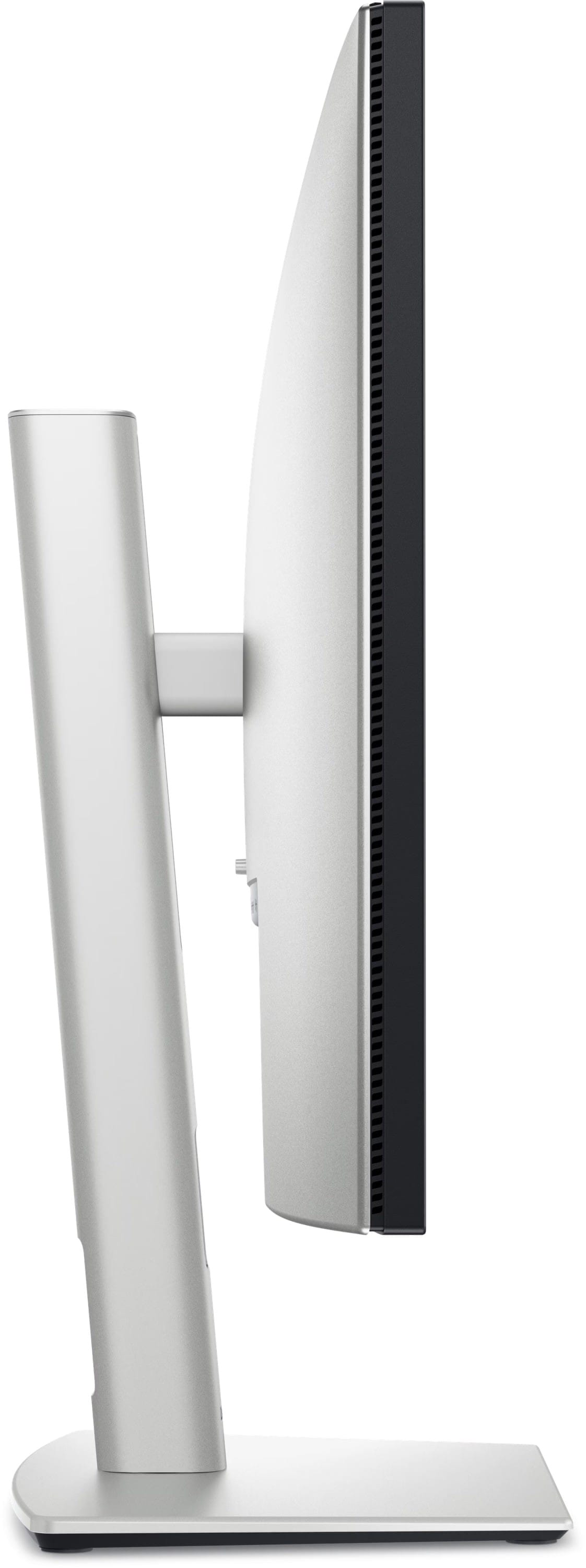
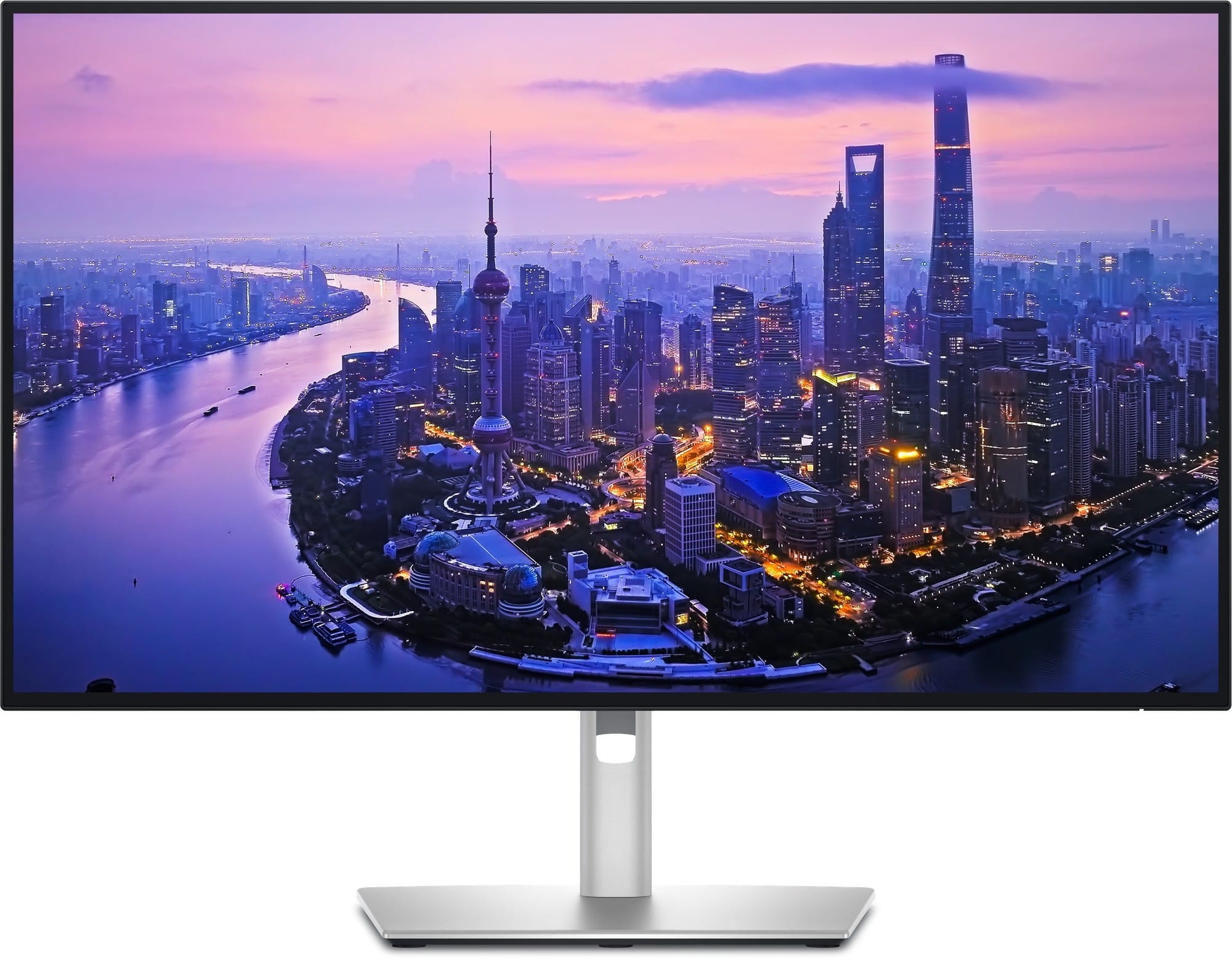
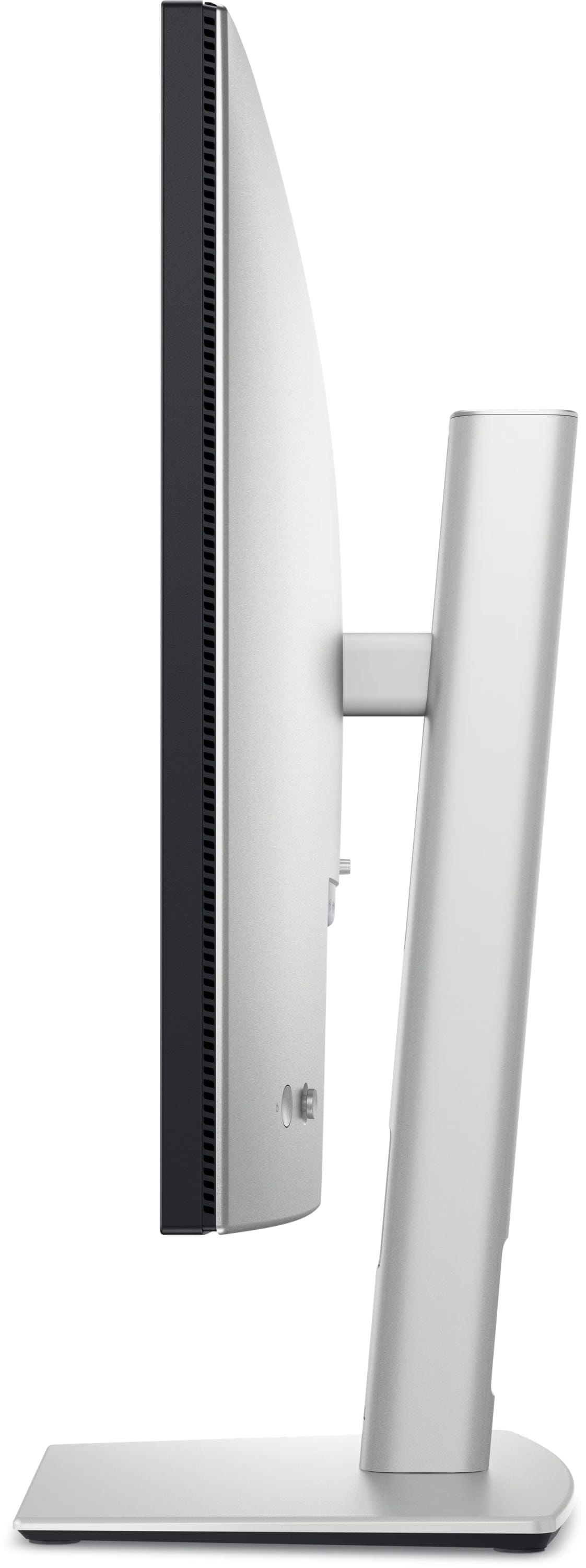
The Dell U2725QE is the premium work monitor in this guide. It is a 27-inch 4K IPS Black display with a 120Hz refresh rate, a claimed 3000:1 contrast ratio, 99% DCI-P3 coverage and VESA DisplayHDR 600 certification.
The panel is only half the reason to buy it. Its Thunderbolt 4 connection can carry display, data and up to 140W of Power Delivery to a compatible laptop. There is a second Thunderbolt 4 port for daisy-chaining, a USB hub and KVM functionality for switching peripherals between computers. The fully adjustable stand and 120Hz refresh rate make it comfortable to use all day, while 4K keeps text and detailed work exceptionally sharp.
You can game on it, but gaming is not the reason it costs this much. You are paying for colour performance, connectivity, a better desktop experience and the ability to turn a laptop into a workstation with one cable.
If the monitor is a tool you use to make money, the U2725QE makes a strong case for spending more on that tool.
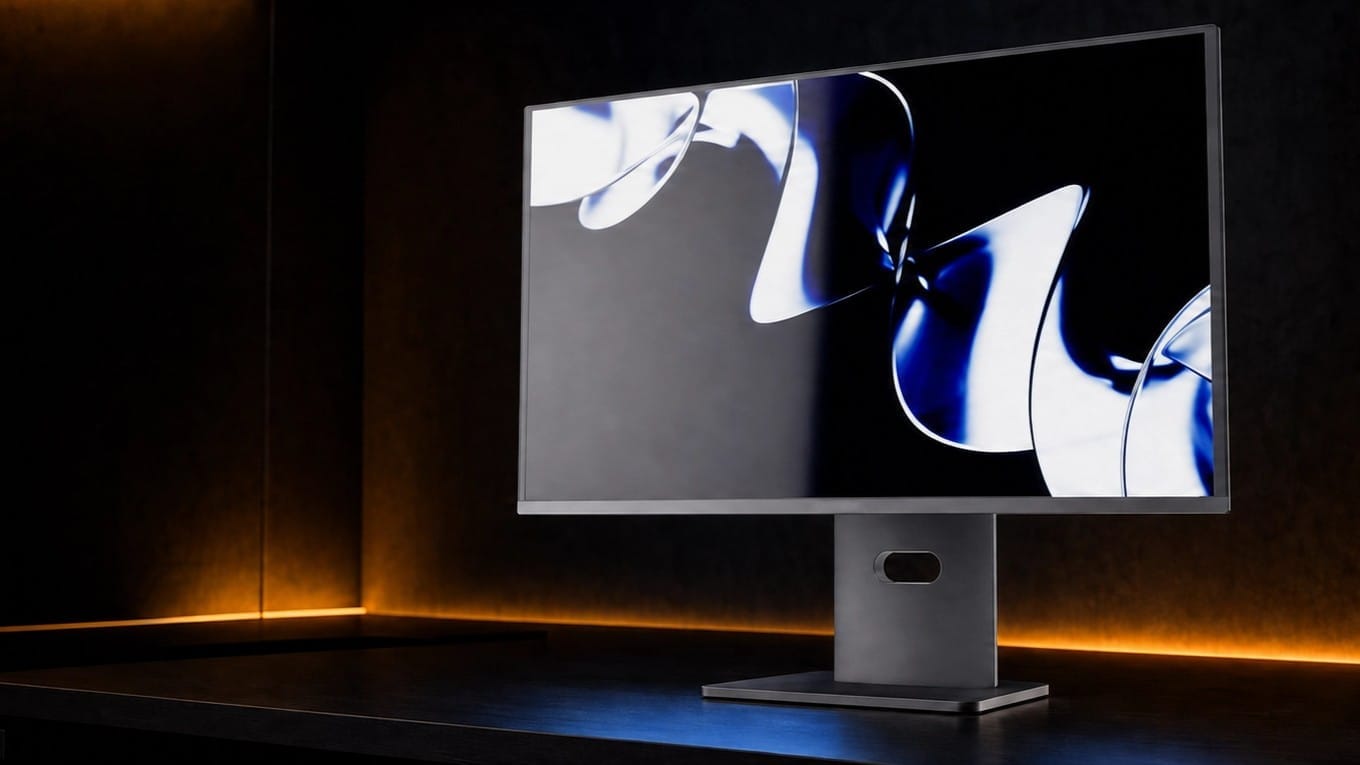
At almost the same price, the WootVision Pro 27Q O500 has a completely different job.
Its fourth-generation Samsung Penta-Tandem QD-OLED panel runs at 500Hz over DisplayPort and 360Hz over HDMI. It also reaches a claimed 1000-nit HDR peak, supports 10-bit colour, and combines OLED’s near-instant response with the sort of refresh rate that would have sounded made up a few years ago.
The feature list is unusually complete for an esports-focused monitor. USB Type-C carries display, data and up to 90W of Power Delivery, while the built-in USB hub and KVM switch make it practical to share peripherals between two systems. The stand is fully adjustable, and the three-year warranty includes panel burn-in coverage.
You will need a very fast CPU, GPU and game to make meaningful use of 500Hz. For most people, the 27Q O240 is the more sensible OLED purchase. If your PC already produces several hundred frames per second and “sensible” left the room a while ago, this is the one.
Do not see your ideal monitor here? Visit wootware.co.za to browse the full range, set a price alert or get in touch with us for a custom quote.
If you are still unsure what size, resolution or refresh rate will suit your setup, read Choosing Your Next Monitor: A Buying Guide next! It will help you narrow the field before you spend the moolah.