Alldocube iPlay 60 OLED Tablet Review
Alldocube's iPlay 60 OLED tablet is a bargain on a budget, but is it a good buy for you? Read on to find out!
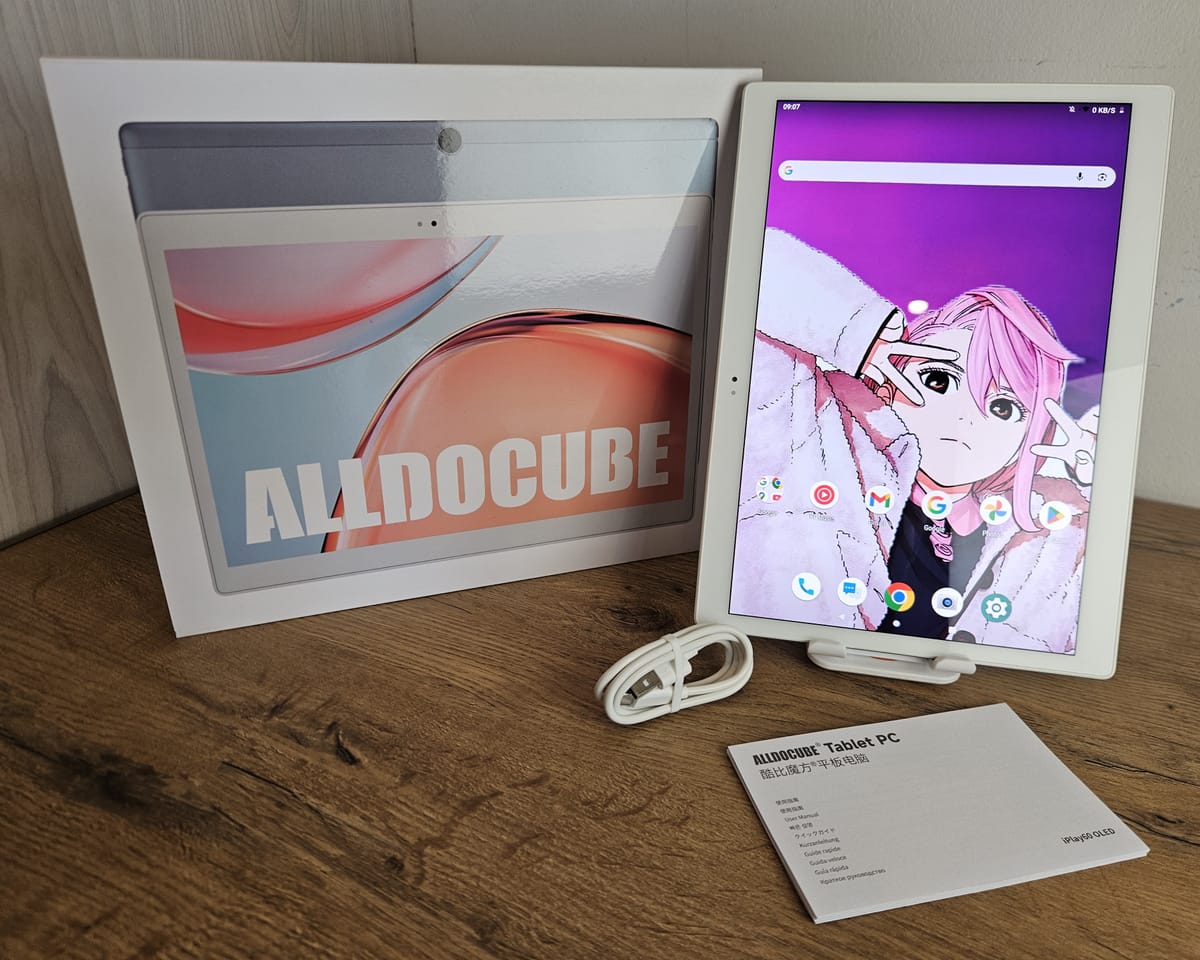
Budget Android tablets are pretty capable these days. They make for good e-readers and media streaming devices, and can play mobile games while you're on the go or on the couch. In a pinch, they'll allow you to edit and review documents or make calls, acting as a makeshift mobile office.
The Alldocube iPlay 60 OLED tablet ticks all those boxes, and it should be on your shortlist for a budget tablet.
Deceptively Lightweight
The first impression one gets of the iPlay 60 OLED, once out of the simple and utilitarian packaging it comes in, is that it is remarkably light for a 10.5-inch tablet. Indeed, at 443 grams measured on my digital kitchen scale, it is one of the lightest tablets I’ve ever used of this size.
Tablets in the 10-inch size range tend to be on the heavier side, which usually comes down to the choice of materials that the manufacturer makes. This is where the weight savings can be found.
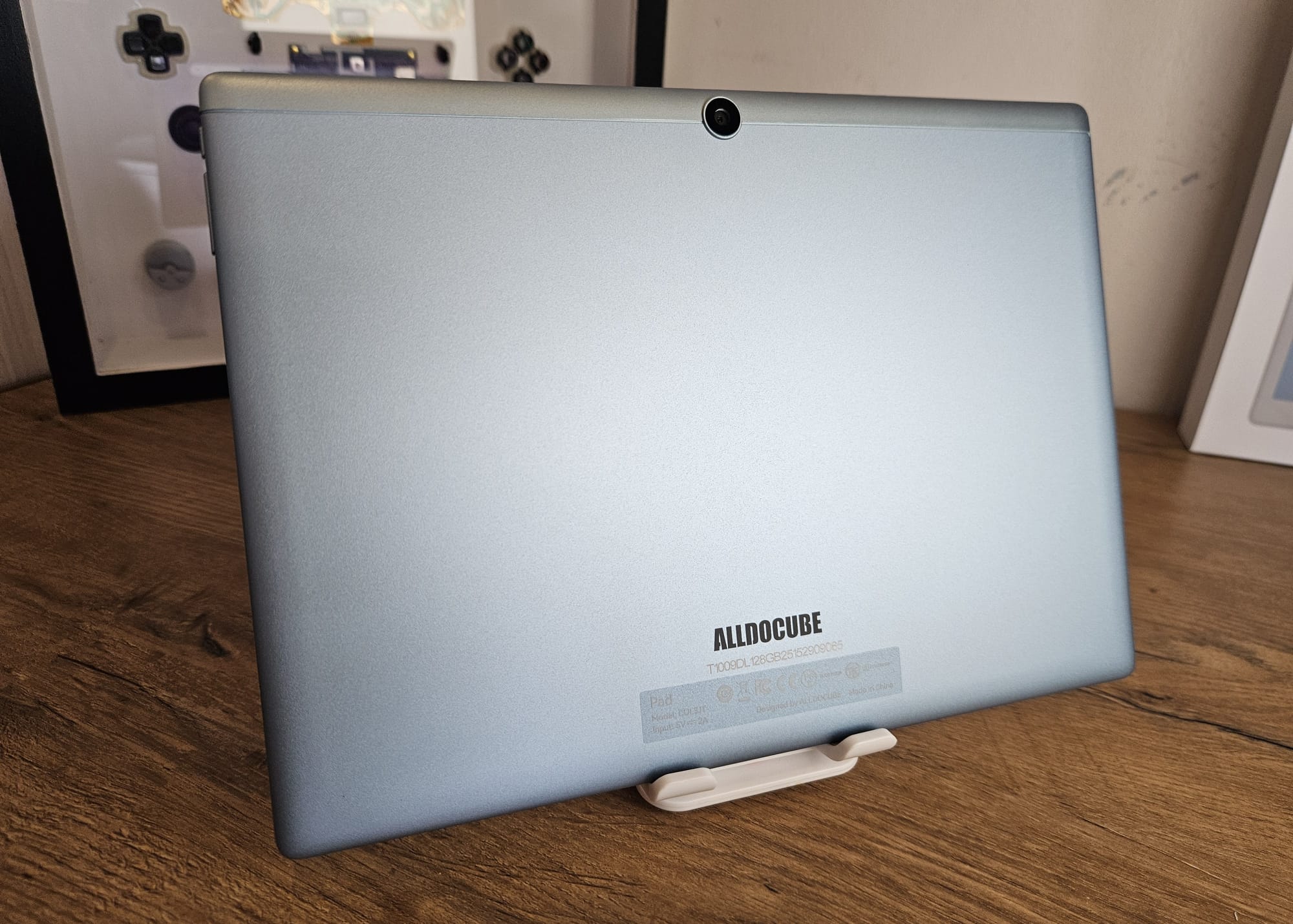
The rear of the tablet is a single piece of milled aluminium anodized in a pleasing light blue colour, with a complementary shade of silver for the strip of plastic on the top of the tablet to house the wireless antenna. A single 8MP camera with autofocus is located between the two materials, and does not come with an LED flash.
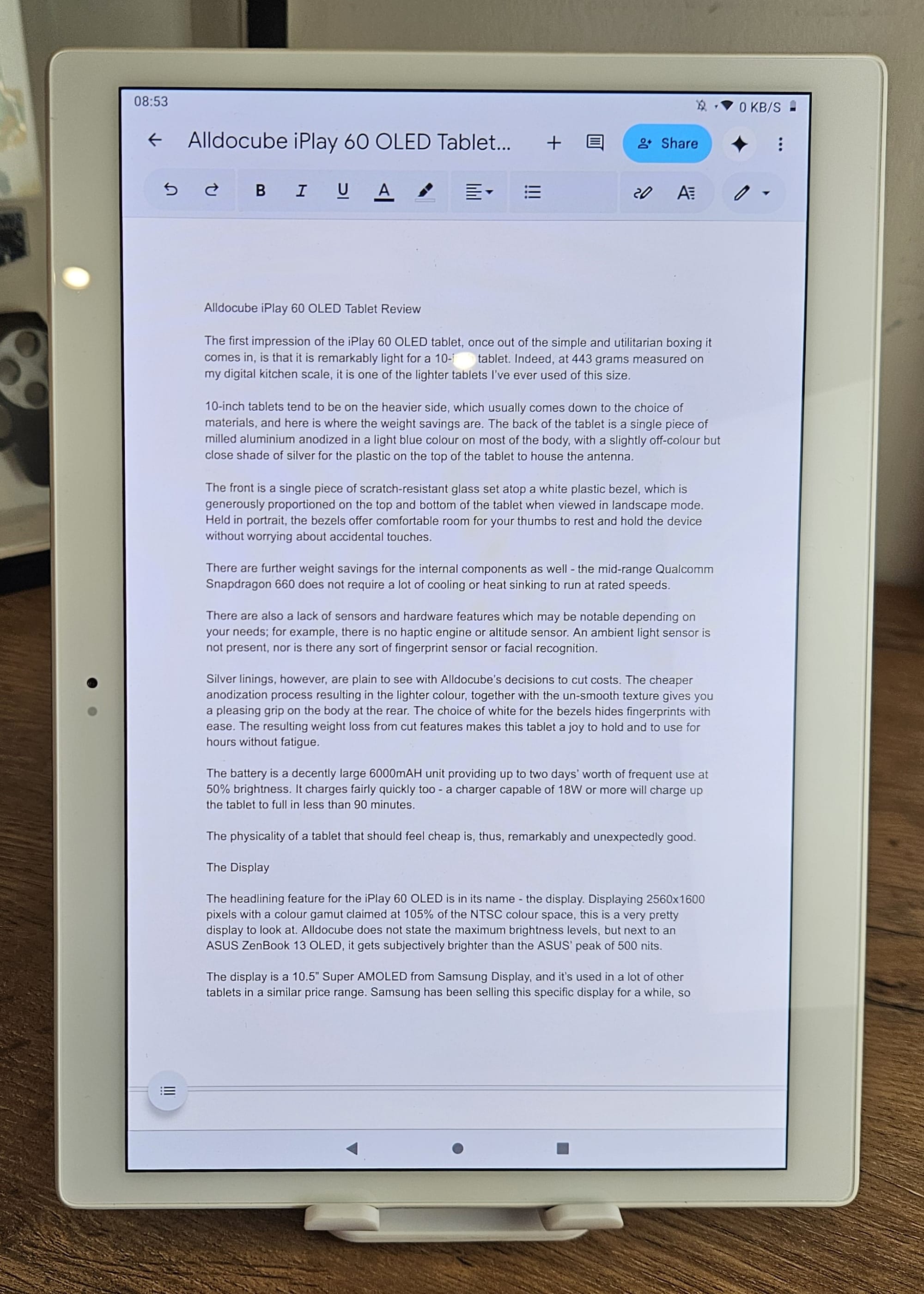
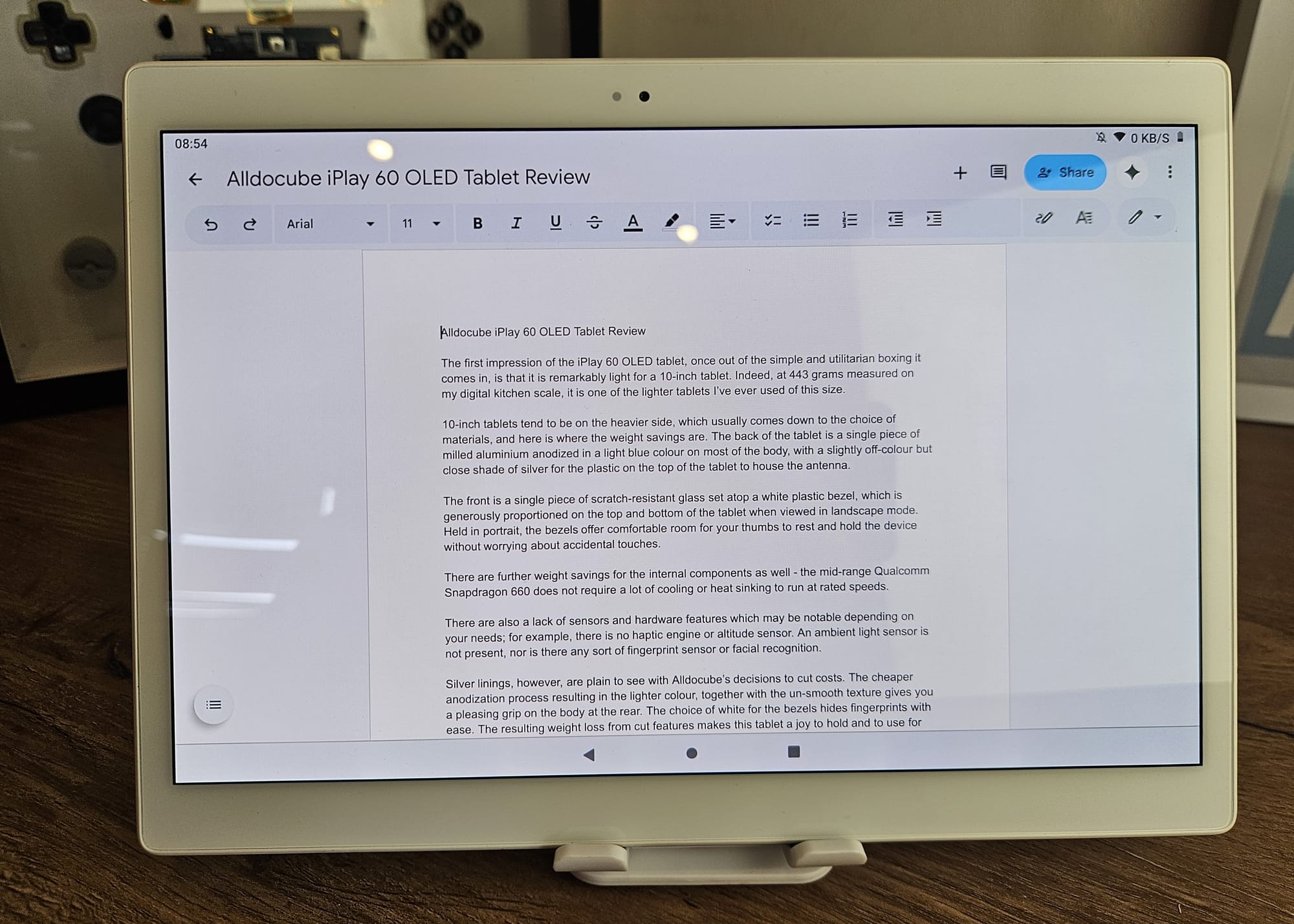
The front is a single piece of scratch-resistant glass set atop a white plastic bezel, which is generously proportioned on the top and bottom of the tablet when viewed in landscape mode. Held in portrait, the bezels offer comfortable room for your thumbs to rest and hold the device without worrying about accidental touches.
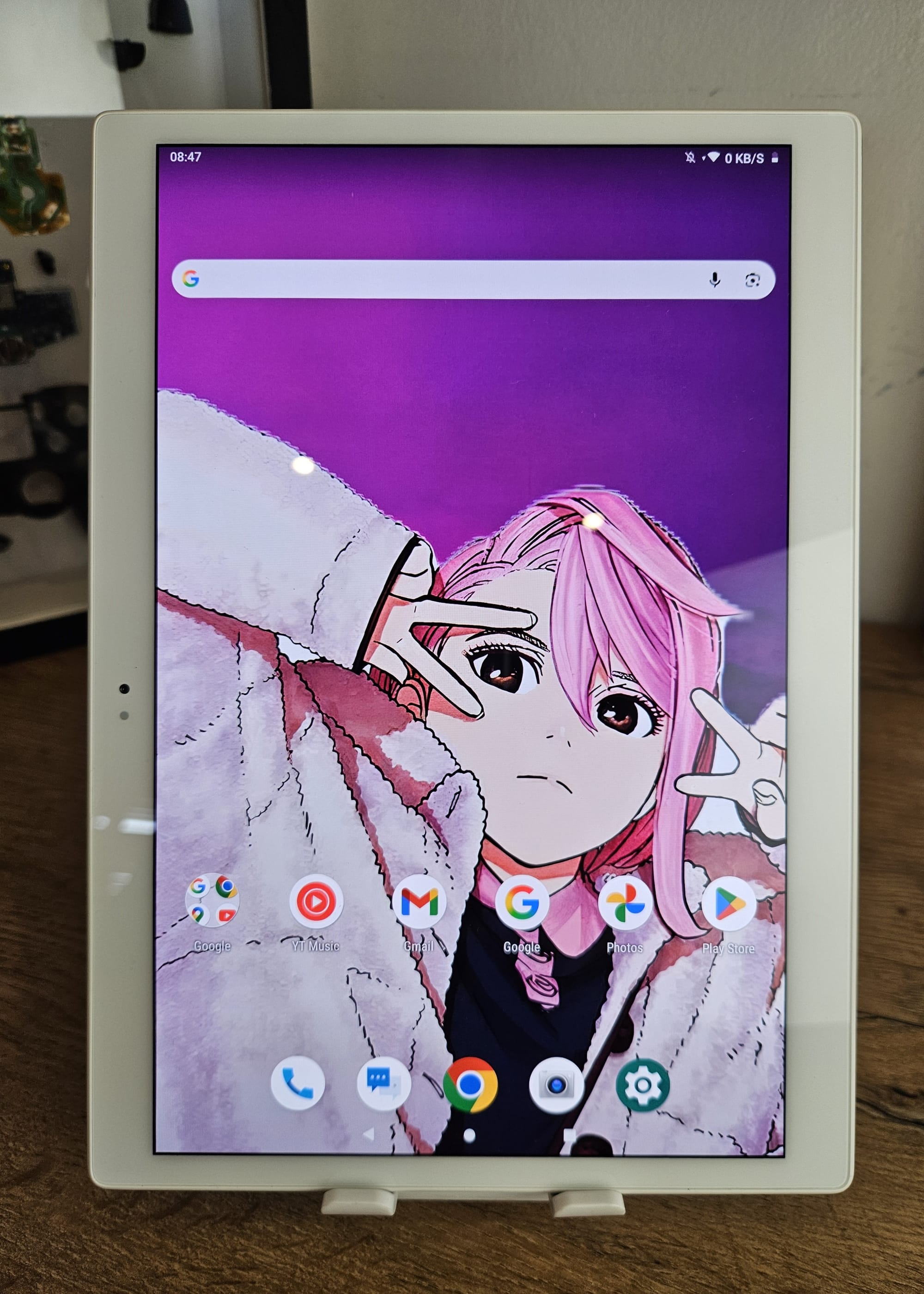
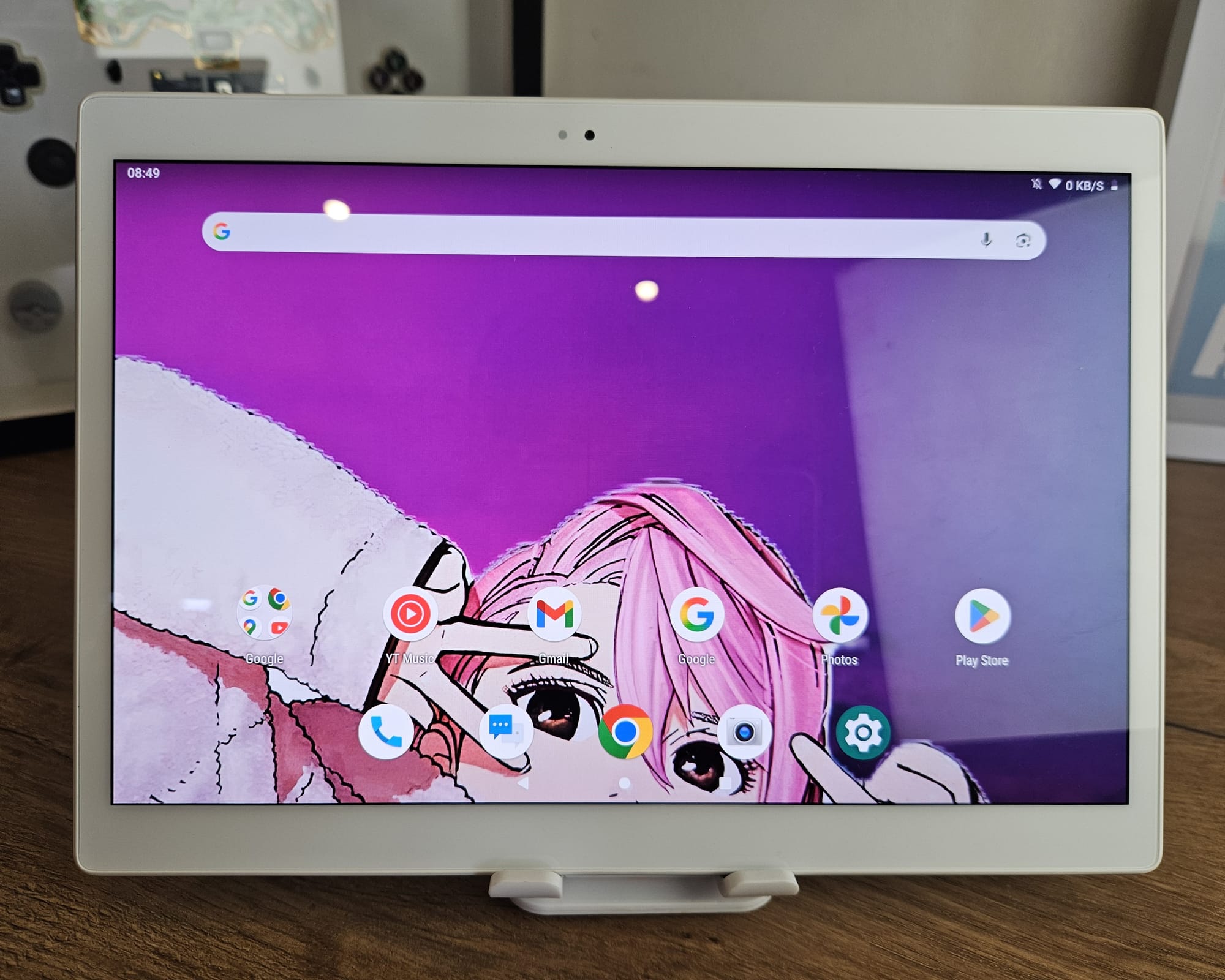
There are further weight savings for the internal components as well - the mid-range Qualcomm Snapdragon 660 SoC does not require a lot of cooling to run at rated speeds, so there are no heavy heatsinks or vapour chambers inside. The weight feels evenly distributed, too.
There are also a lack of sensors and hardware features, which may be notable depending on your needs; for example, there is no haptic engine or altitude sensor. An ambient light sensor is not present, nor is there any sort of fingerprint sensing capability or infrared facial recognition.
However, the silver linings are plain to see with Alldocube’s decisions to cut costs in these areas.
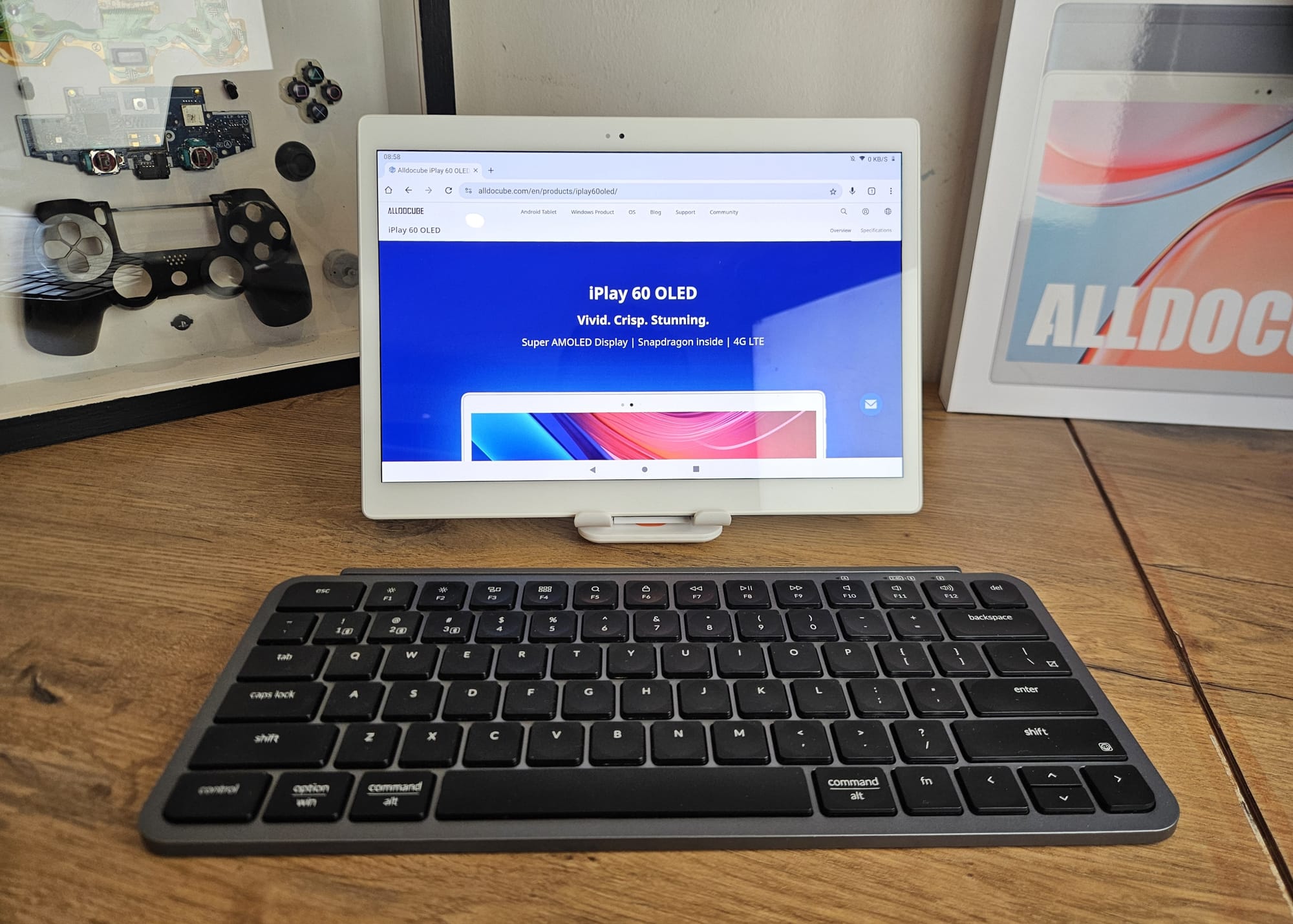
The cheaper anodization process, together with the gentle texture, renders a pleasing grip on the body at the rear. The choice of white for the bezels hides fingerprints with ease. The resulting weight loss from cut features makes this tablet a joy to hold and to use for hours without fatigue.
The battery is a large 6000mAH unit providing up to 1.5 days’ worth of frequent use at 50% brightness. It charges fairly quickly too - a 18W charger will top up the tablet to full in less than 90 minutes.
The physicality of a tablet that should feel cheap is, thus, remarkably and unexpectedly good.
The Display
The headlining feature for the iPlay 60 OLED is in its name - the display. With 2560x1600 pixels densely packed, and a claimed 105% coverage of the NTSC colour space, this is a very pretty display to look at. Alldocube does not state the maximum brightness levels, but next to a ASUS ZenBook S13 OLED it gets subjectively brighter than the Zenbook's peak of 500 nits.
The display is a 10.5” Super AMOLED from Samsung Display, and it is used in a lot of other OLED-equipped tablets in this price range. Samsung has been selling this specific display to OEM customers for a while, so buyers can rest assured that the OLED technology used here is mature and stable, with a low risk of burn-in through regular use.
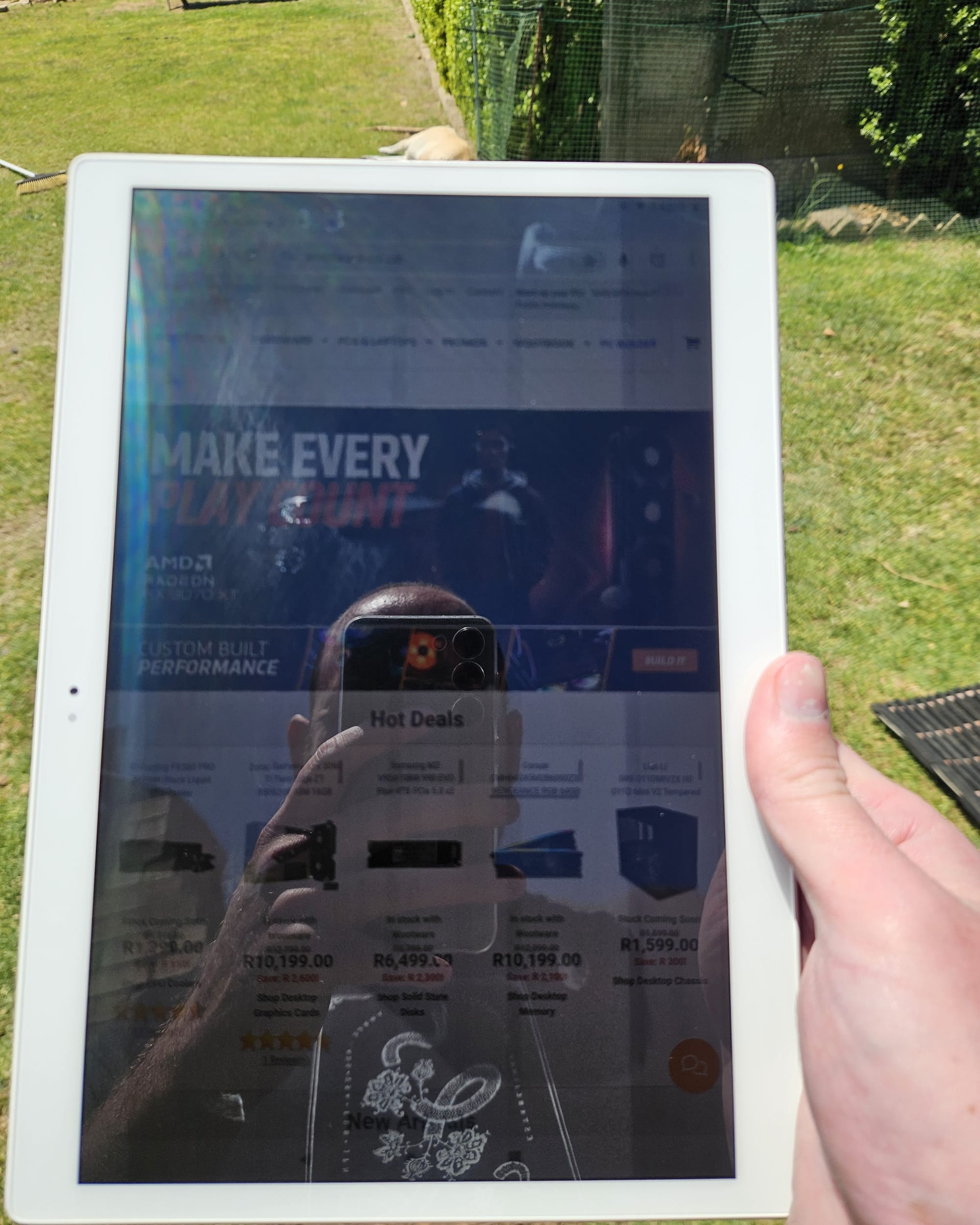
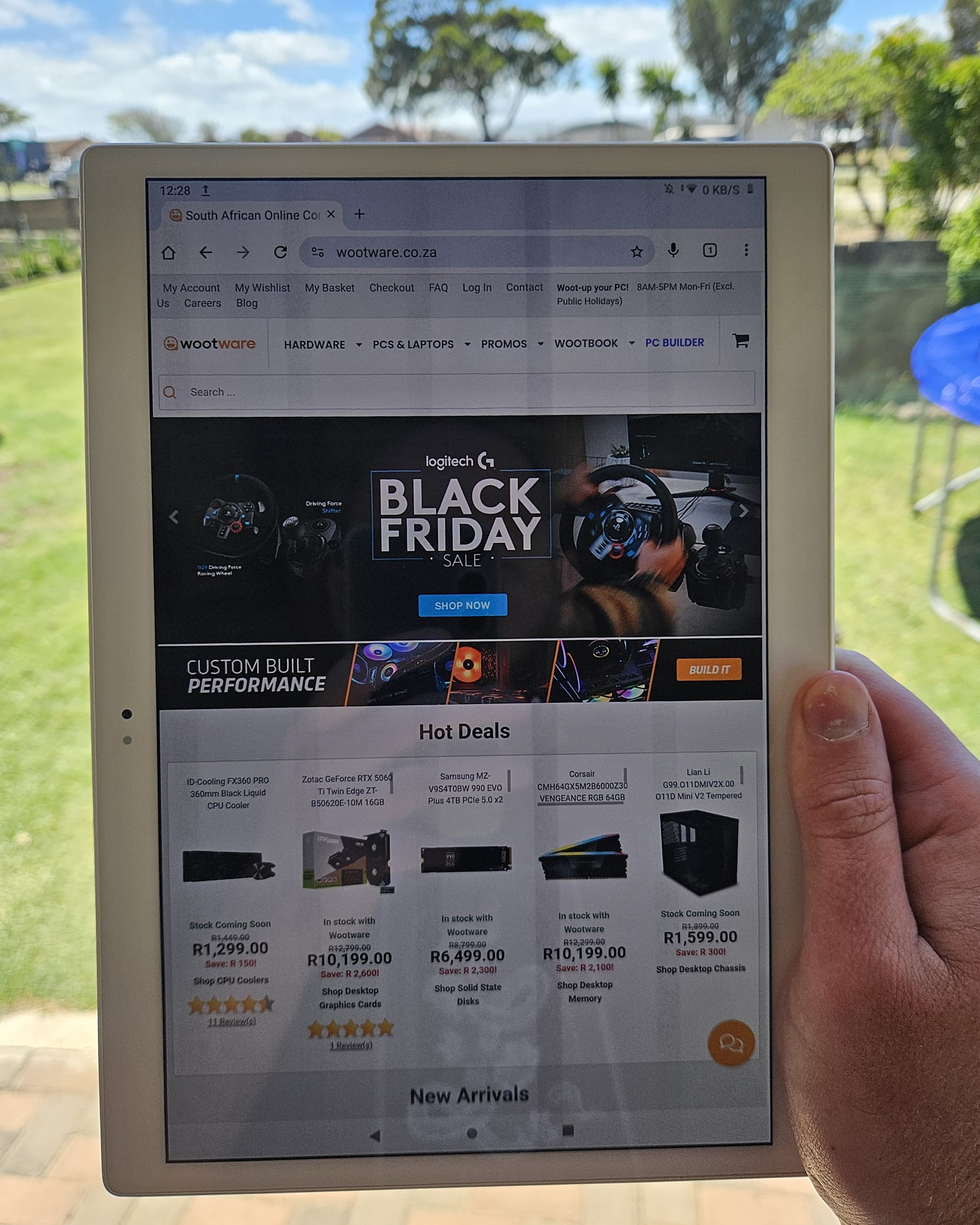
Alldocube makes use of On-Cell Full Lamination for its glass front with an Oleophobic coating, which gives the display some anti-reflect and anti-smudge properties. It is still a glossy finish, but not one that is overly annoying or too reflective indoors. Outdoor use in direct sunlight isn't recommended even at full brightness, as some shade is required to see content on the display properly.
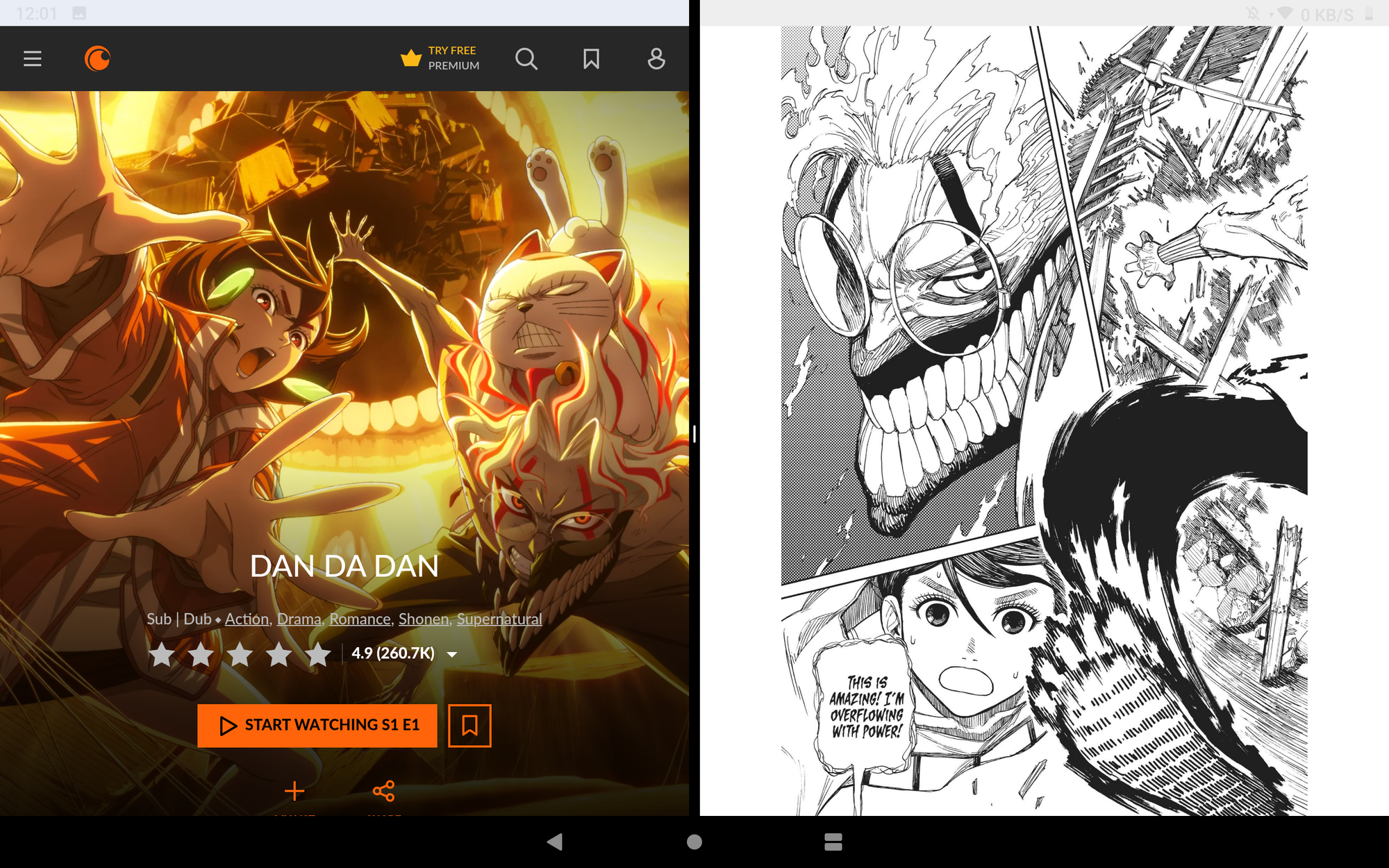
For many owners, using the iPlay 60 OLED will mostly entail streaming media, perhaps with some social media use and light gaming on the side. The deep, inky blacks inherent to OLED displays make watching high-contrast content on Netflix and Crunchyroll a delight. Colours do not seem to be overly saturated on this unit.
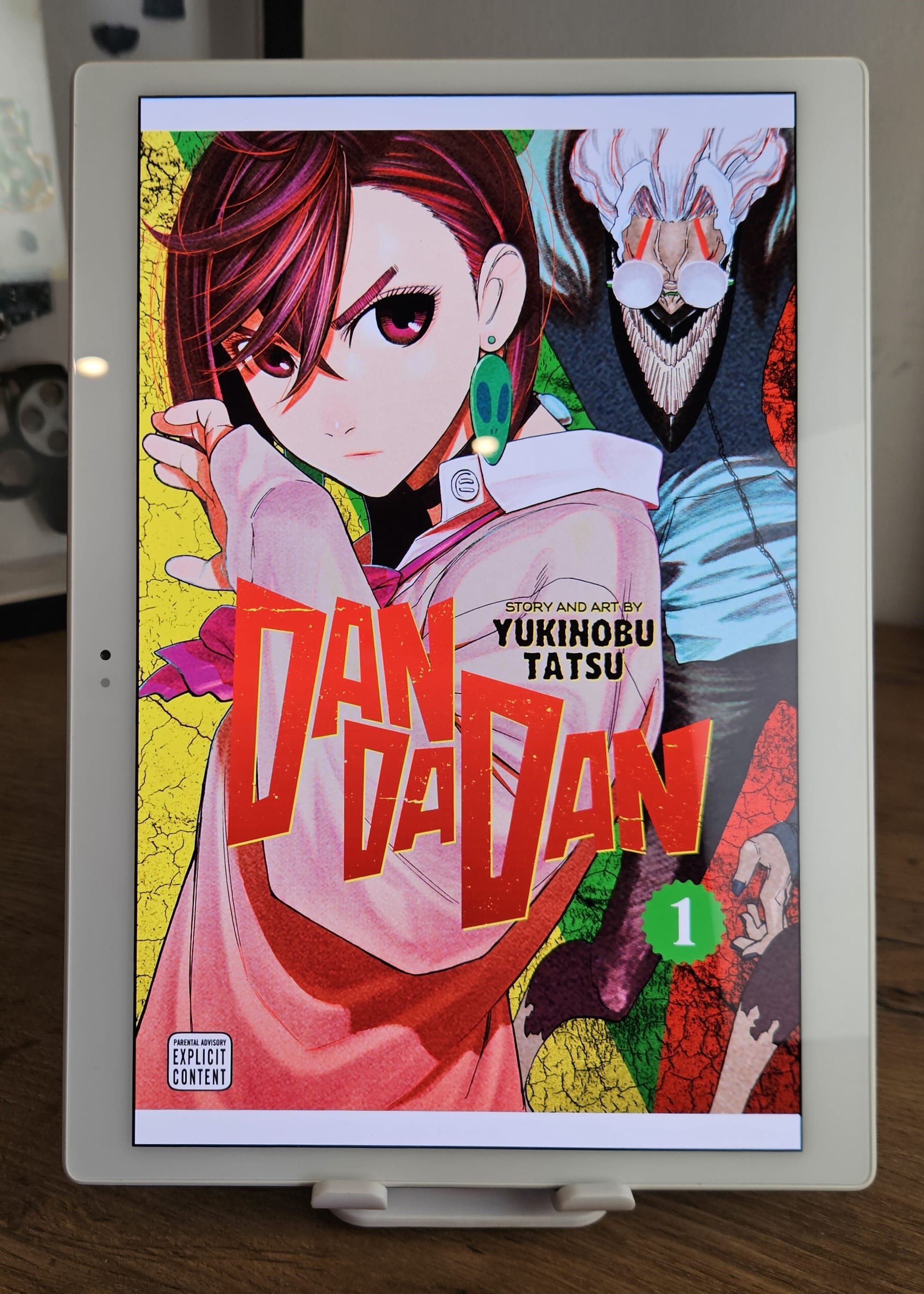
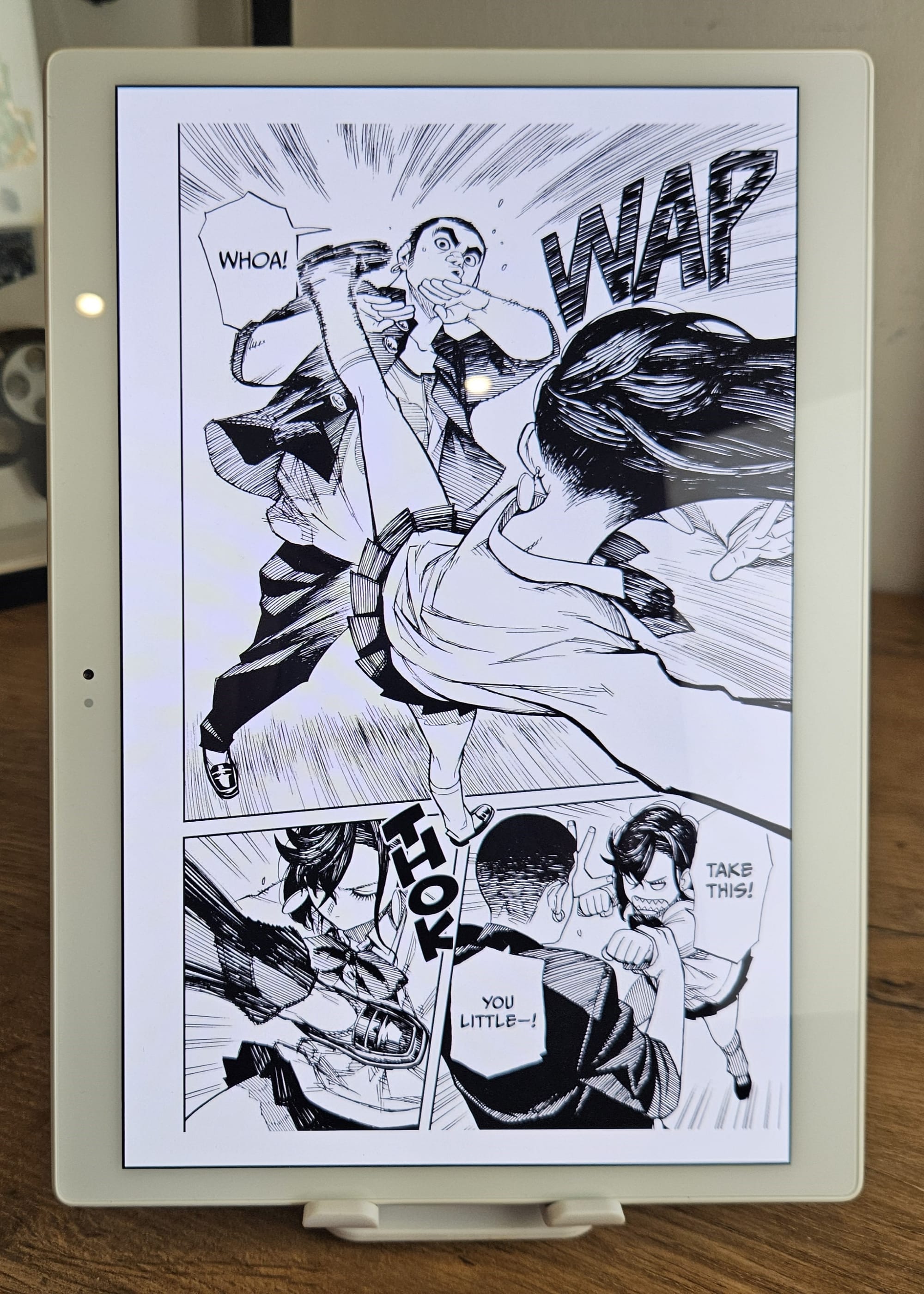
With such a high pixel density and the ability to display colours quite accurately, this is a joy to read books and anime on. The colours of book covers look fantastic, and the detailed panels of Dandadan delight your eyes further.
Reading in low light is a similarly pleasant experience. The display brightness can drop to around 10 nits, and in practice this makes it good enough to read by a bedside light with minimal eyestrain.
There is enough of a brightness range for anyone to find a level they are comfortable with depending on the environment, yet the lack of an ambient brightness sensor to automatically manage this for you is a clear drawback to usability in changing conditions.
Opinionated Design
While Alldocube chose their materials purposefully to meet a lower price, the design choices they’ve made in other areas indicate that this tablet was created with particular uses in mind.
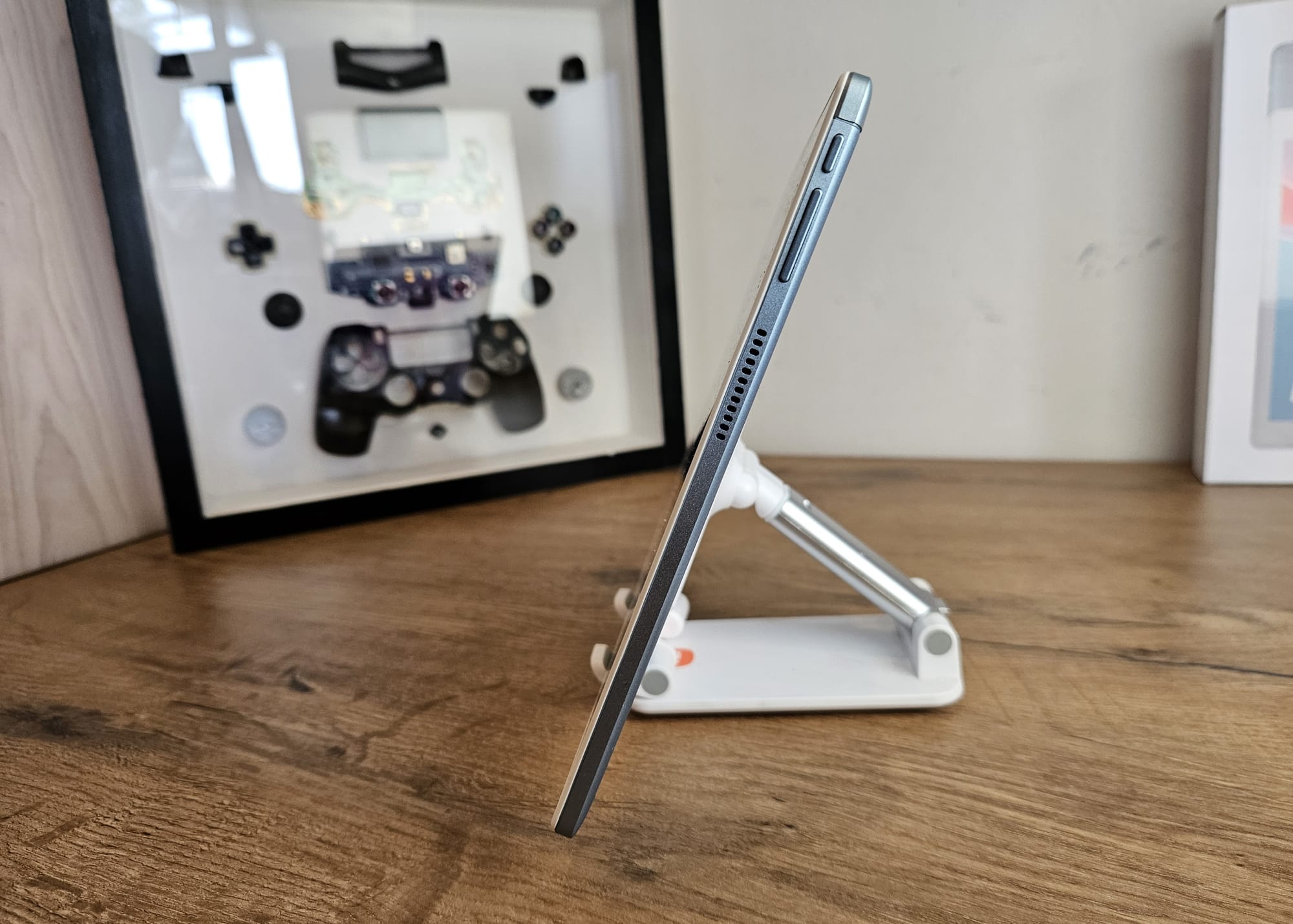
Viewed horizontally in landscape mode, the power button and volume rocker switch are placed on the top right corner. The 3.5mm combo audio jack can be found on the opposite edge, to the left. The USB 2.0 Type-C port is placed on the left in the middle, with the Dual SIM/MicroSD tray on the bottom left.
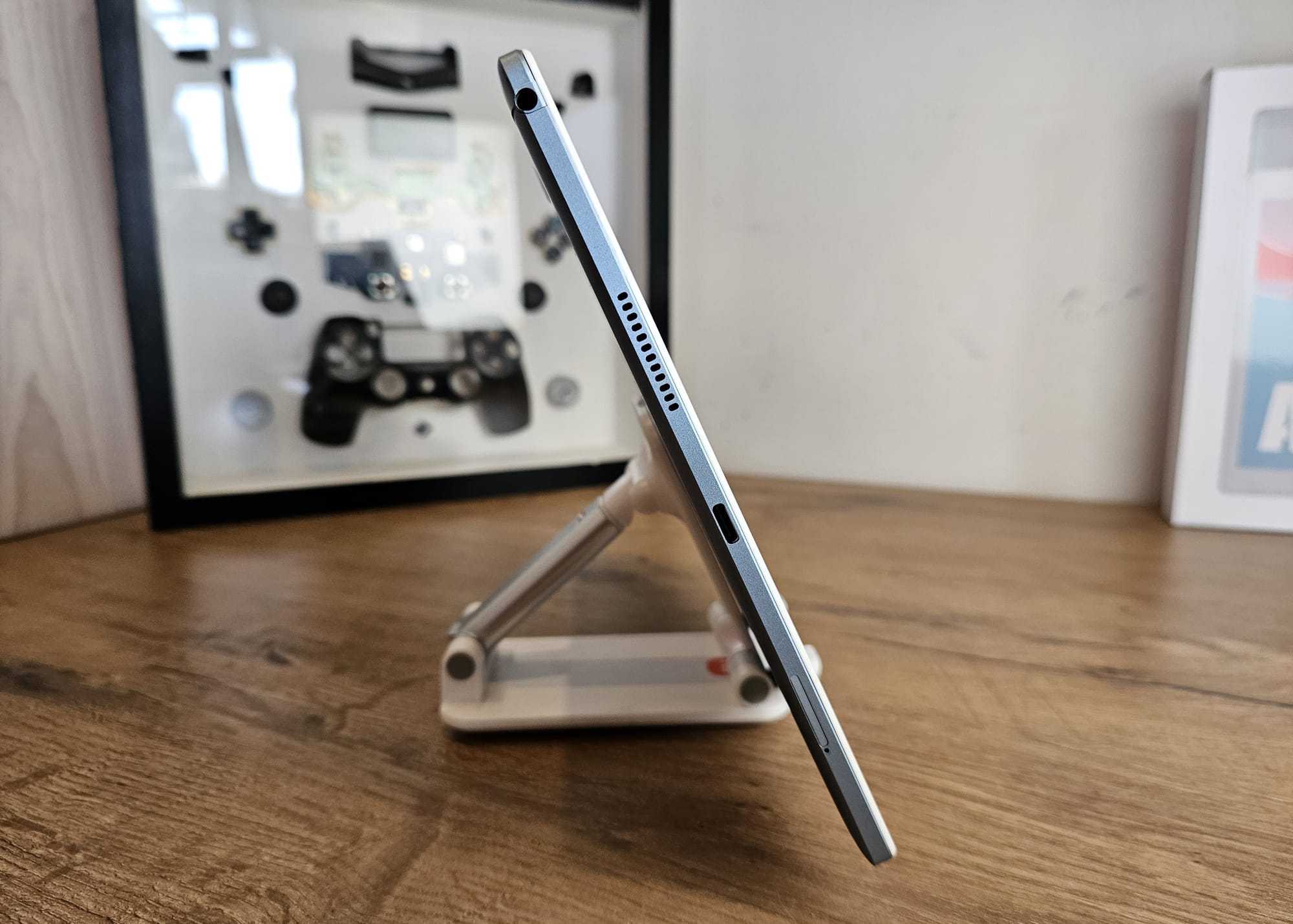
After about two days reviewing this tablet, it became clear that it was initially designed to be used in a landscape orientation, perhaps for use in Point of Sale setups, a classroom, or light productivity work.
The location of the power button and volume rocker means that you cannot hold this tablet in portrait (rotated clockwise) without needing to move your fingers to avoid hitting the buttons accidentally. This isn't a problem for the vast majority of Android apps, but it is a particular issue for Marvel Snap, which launches in portrait and rotated 90 degrees clockwise.
The stereo speakers are side-firing in landscape mode, instead of towards the user. The location of the 3.5mm audio jack similarly limits how you’re able to hold it on the opposite side, though this isn’t a problem if you use Bluetooth headphones. Most applications also will auto-rotate just fine, too.
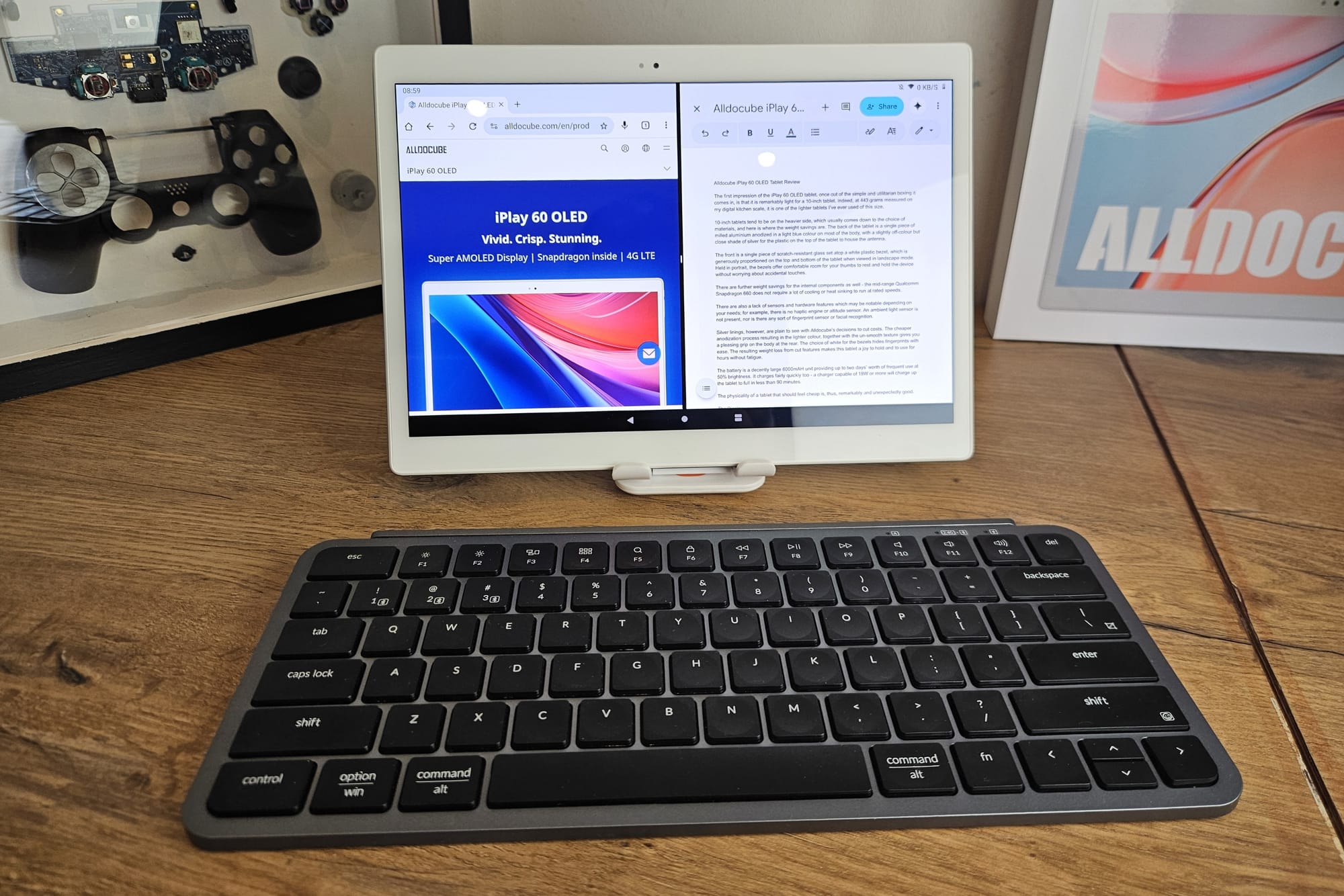
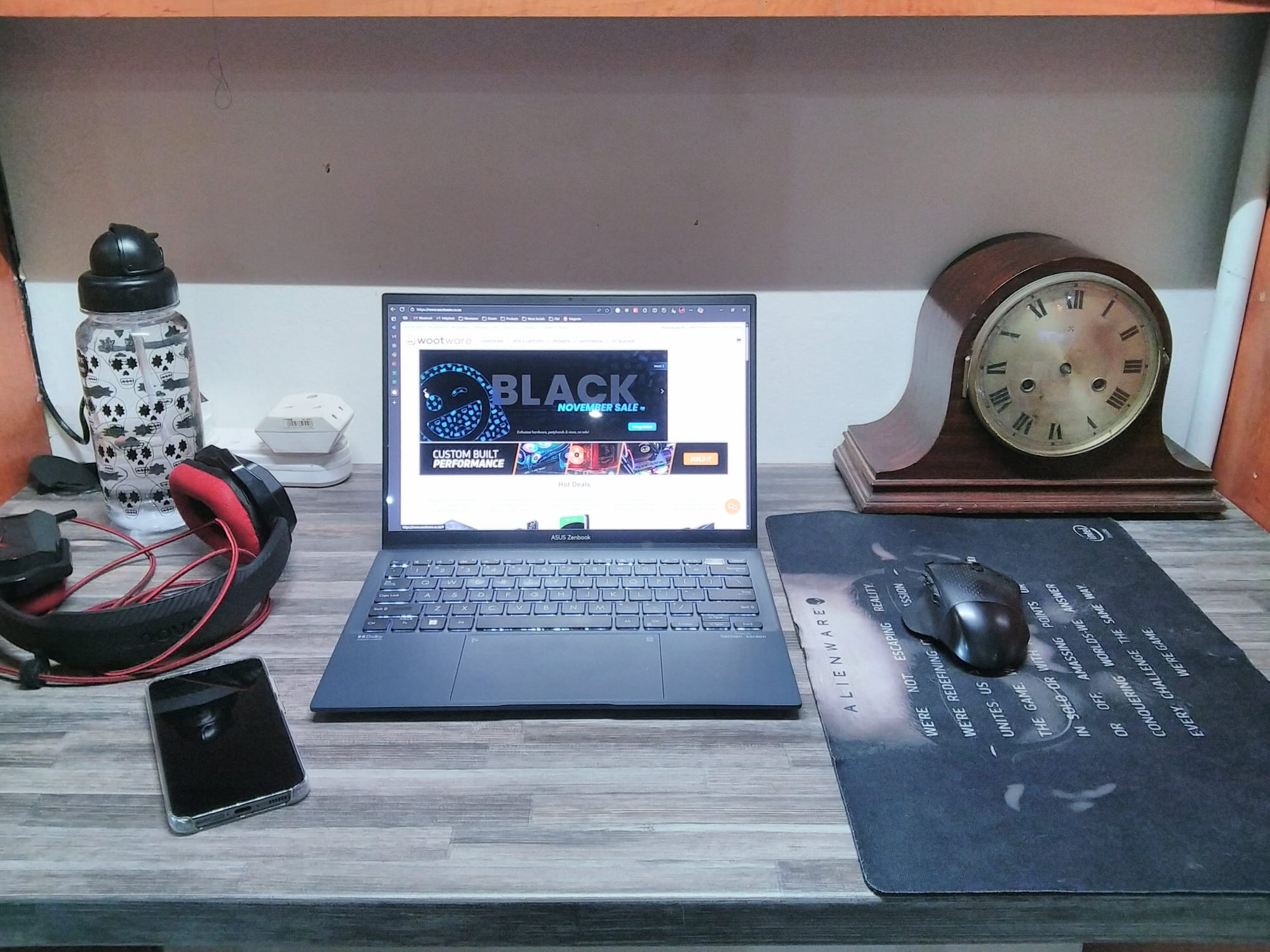
While this may be a drawback for you if you were looking for a tablet that would primarily be used for streaming and gaming, I don’t think it is a downside. These very words you’re reading now were typed on a Keychron Bluetooth keyboard paired to the iPlay 60 OLED, with a Logitech G604 mouse, headphones plugged in, and with the display tilted on a stand to a comfortable angle.
As a basic productivity machine for Google Workspace, these port and button placements make sense because they move cables out the way of your mouse hand. Email, research, and writing on this has been unproblematic, and the 4GB of system memory hasn’t been holding it back either. Multiple Chrome tabs are open as I write this, YouTube Music is running in the background, and I have Gmail and Vampire Survivors idling in memory as well.
At a regular distance from the display, between 40cm and 50cm away on a level desk, I also have no issues with text clarity or legibility at the default text scaling setting set to “Large”. “Medium” may be a good middle ground for younger owners with better eyesight, while “Small” is not comfortable in my experience.
Performance and Usability
The iPlay 60 OLED uses a Qualcomm Snapdragon 660 processor mated to 4GB of LPDDR4X RAM, and 128GB of eMMC storage. It isn’t equipped with newer UFS storage owing to the older platform it is based on, but that hasn’t really stopped it being usable for every tasks and Google Workspace productivity.
The Snapdragon 660 SoC is an older model, but it checks out. Released in 2017, it was already considered mid-range by most metrics back then, and today may benchmark lower when compared to newer, more modern mid-range SoCs. Snapdragon 660 came out long before the era of hardware ray tracing and Vulkan support in Android.
Vampire Survivors runs fine until you have hundreds of enemies in view with six fully evolved weapons - framerates can dip below 30fps in these instances, and input is visibly delayed using a mouse or your finger.
Slower-paced games like Marvel Snap run acceptably at the full 1600p resolution, but Snap's heavy use of particle effects relegates you to using low settings to run the game at a stable 60fps. One of my favourite classics, Netflix's Into The Breach, is perfectly playable with no issues.

The performance of the cameras is passable for basic use and sharing on social media. The main 8MP rear camera is perfectly serviceable for scanning documents and taking a few pictures here and there, while the front-facing 5MP fixed focus camera is acceptable for video calls.
Selfies appear soft with a loss of detail in noisy areas of shots taken, with decent highlights and shadows contributing to a usable final image.
Android 13 with a Vanilla Flavour
Alldocube lightly skins the Android 13 operating system with some tweaks to the user interface they call "Alldocube OS". It is as close to stock Android as you can reasonably get outside of a Google Pixel device.
The iPlay 60 OLED does not get recognised as a tablet, however. Alldocube appears to implement Android on this device as if it were a phone, and there are some settings and menus that indicate that this is the case. The UI sometimes does not scale well to the display's size, and there are no custom scaling options to compensate for this.
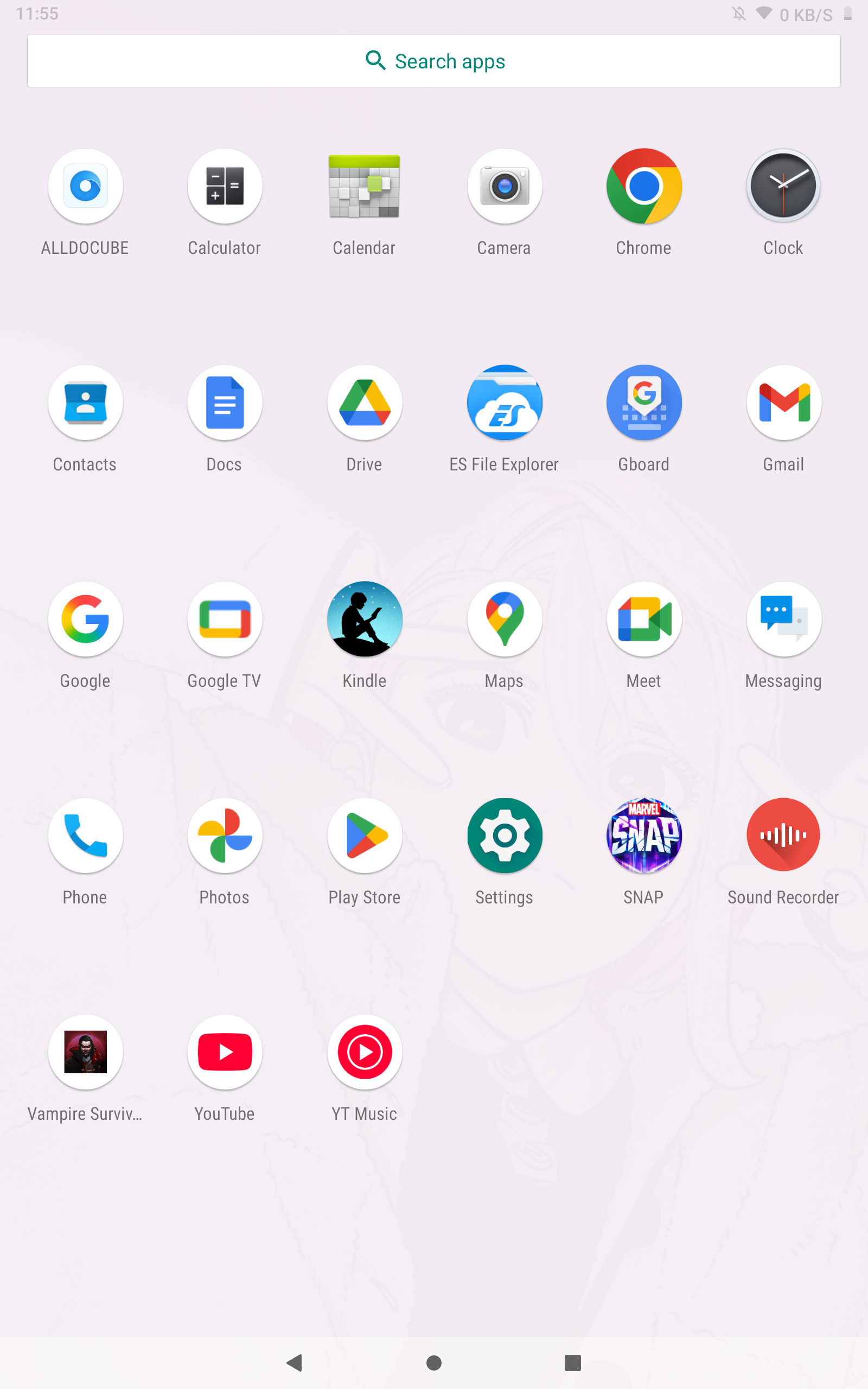
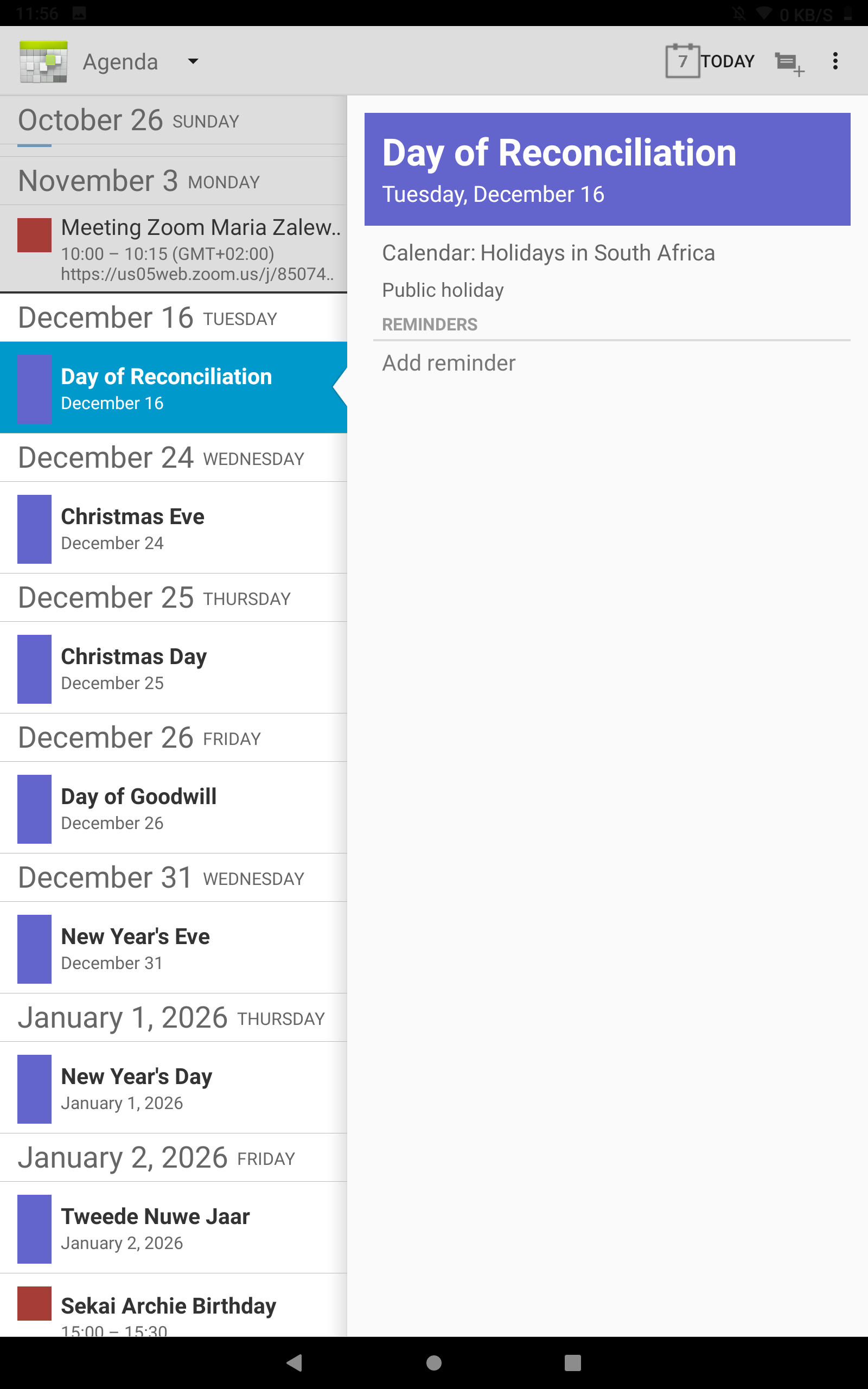
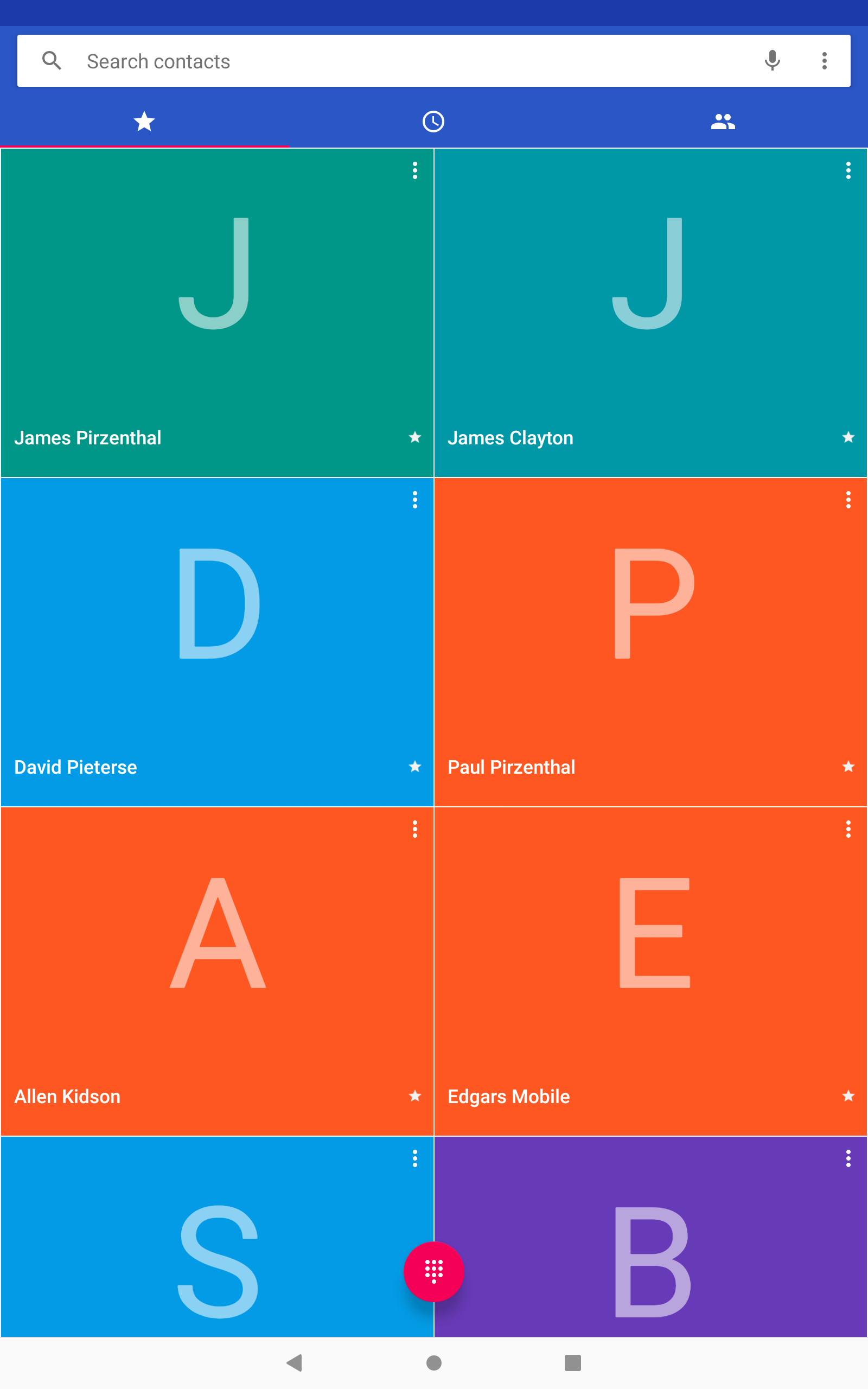
The default dialer, messaging, and contacts applications are all fairly standard Android Open Source Project (AOSP) fare, although the colourful palette chosen for the favourited contacts in the dialer app may be a bit too much for some. The included calendar is barebones, as are the clock and camera apps.
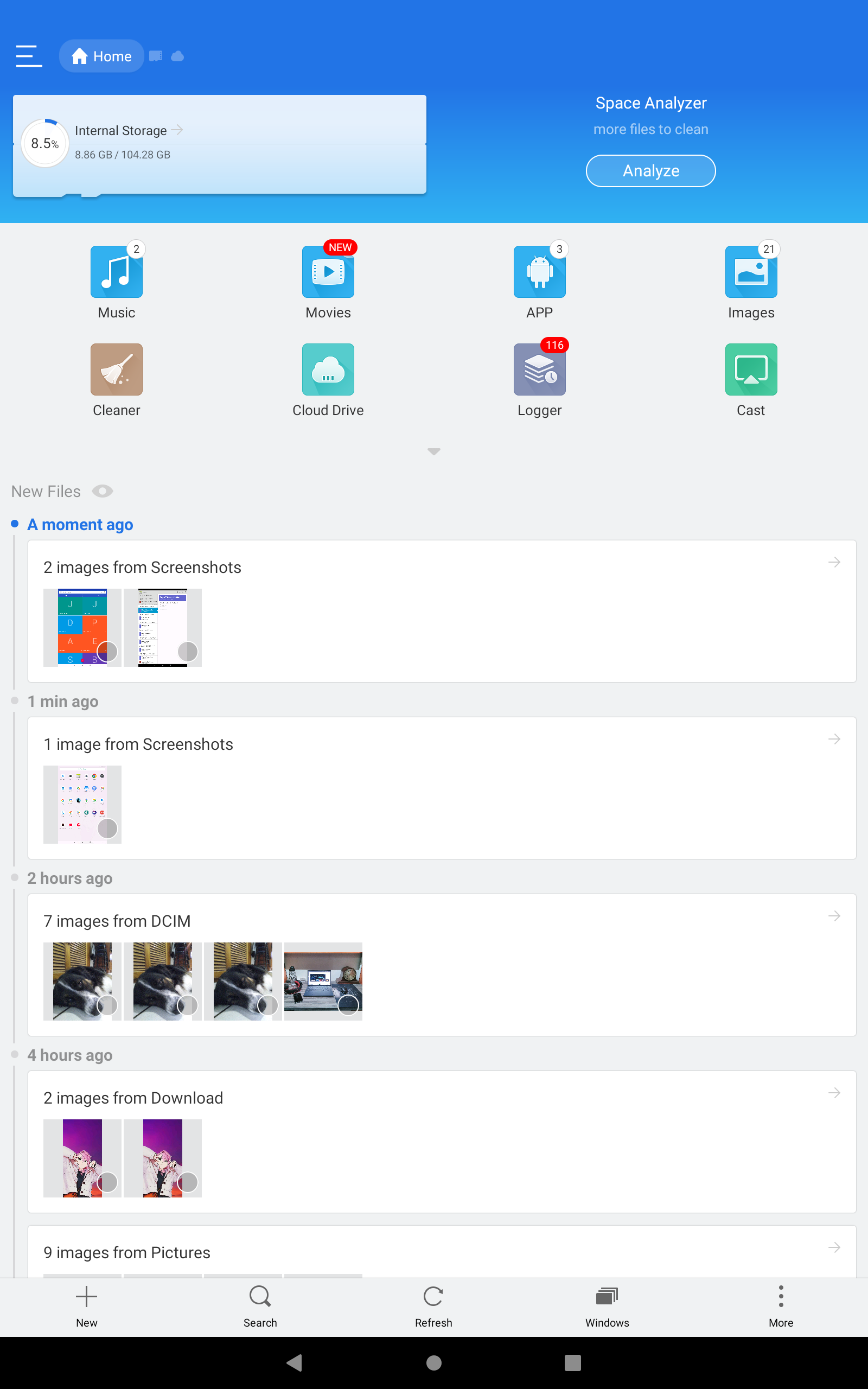
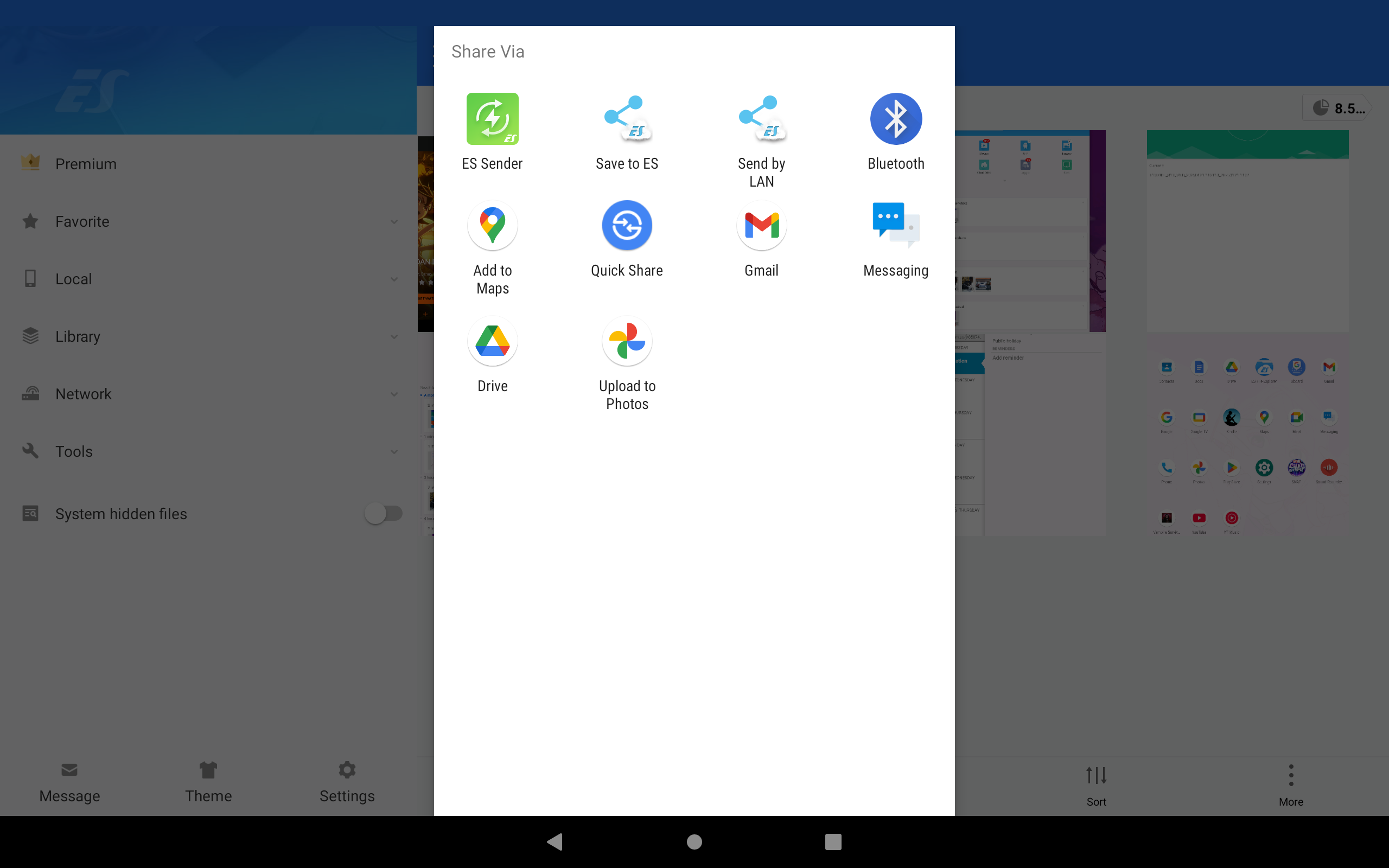
The only explicit choice Alldocube makes is for the files manager, choosing to bundle ES File Explorer standard edition with the tablet.
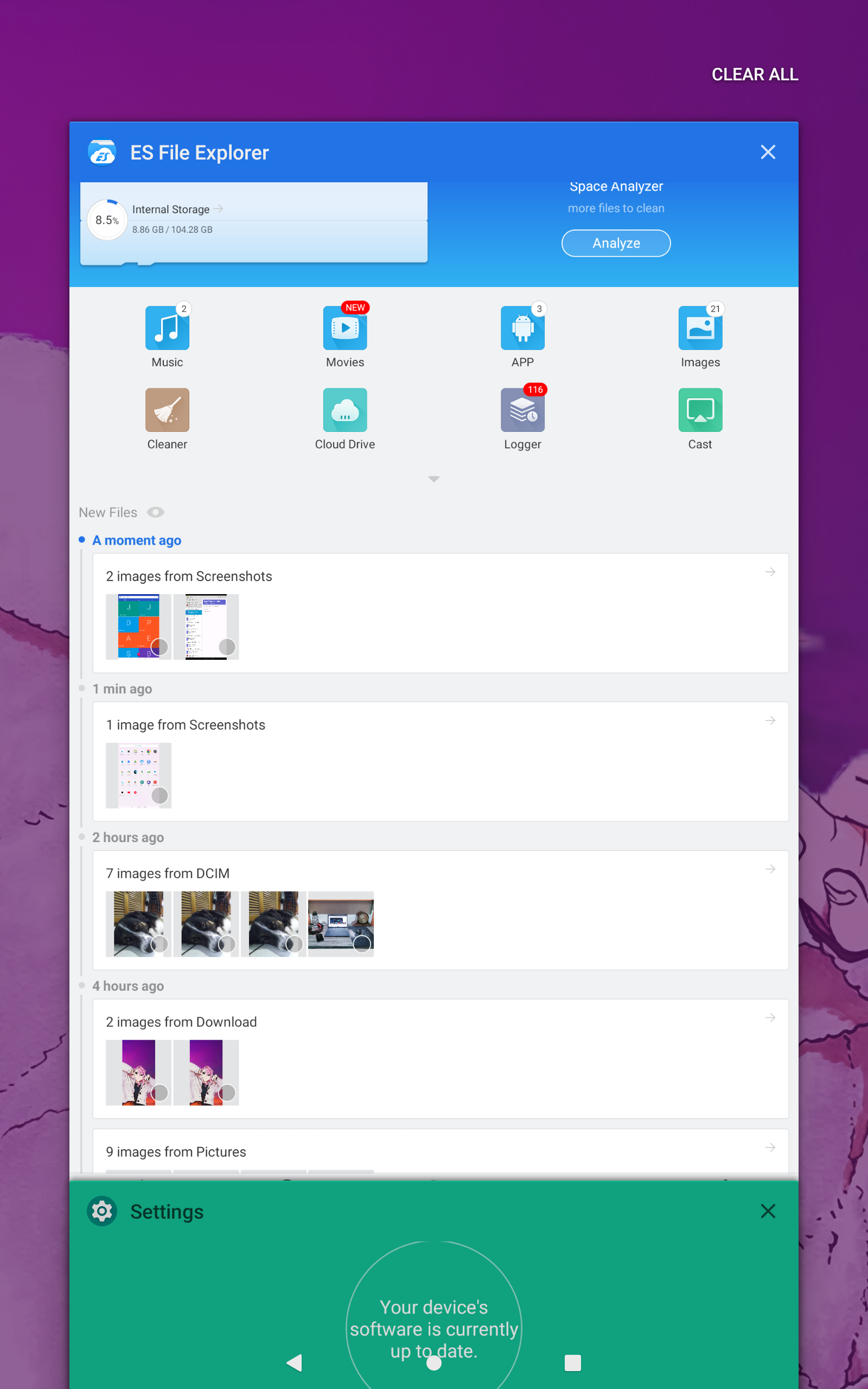
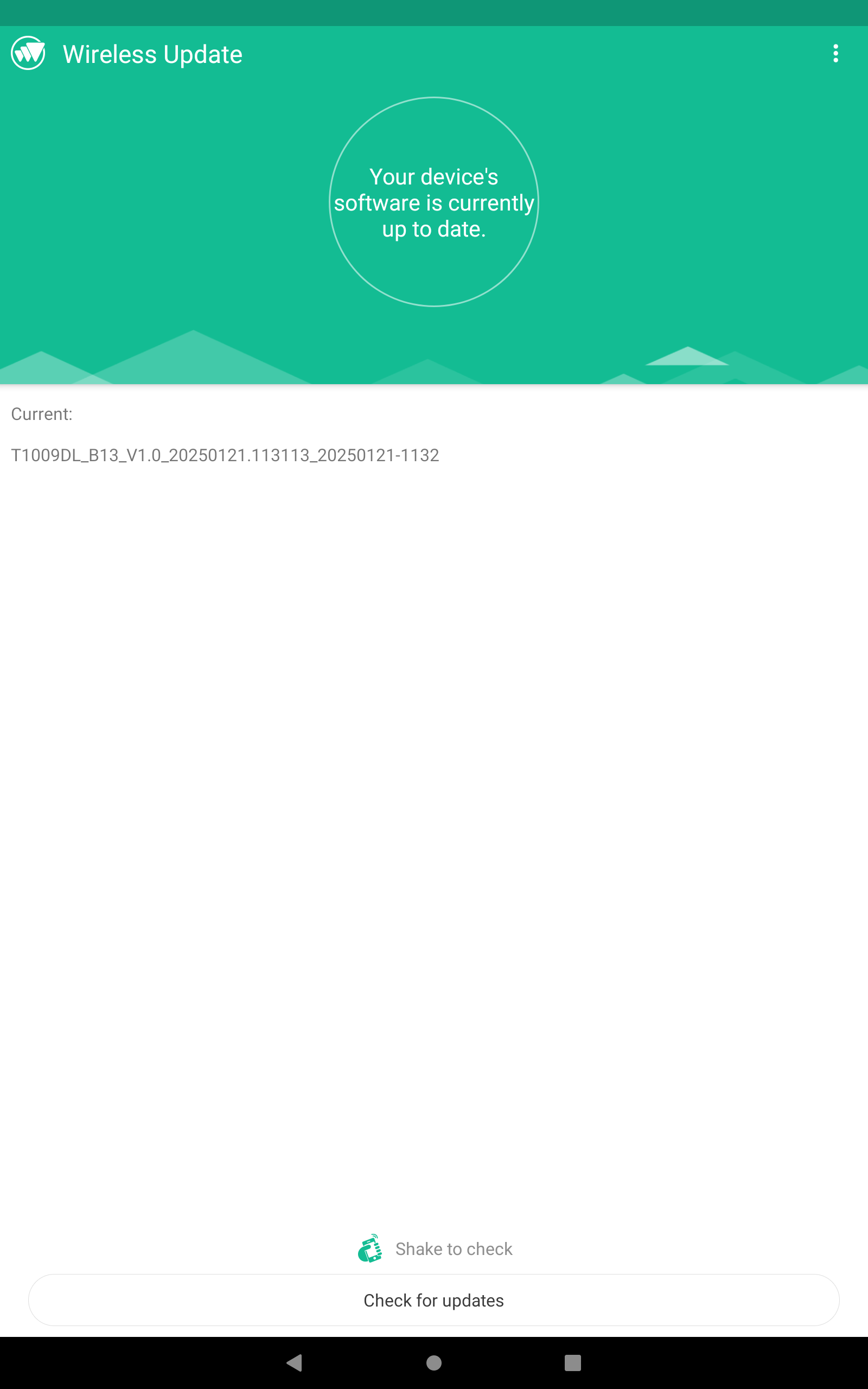
In terms of software support, Alldocube ships Android versions with devices, so this iPlay 60 OLED comes with Android 13 out of the box. A custom software updater is pre-installed, although it is only used to issue patches and bug fixes for Alldocube's custom launcher.
Tablets produced at a later date may be loaded with a more recent version of the Android operating system, along with an updated UI.
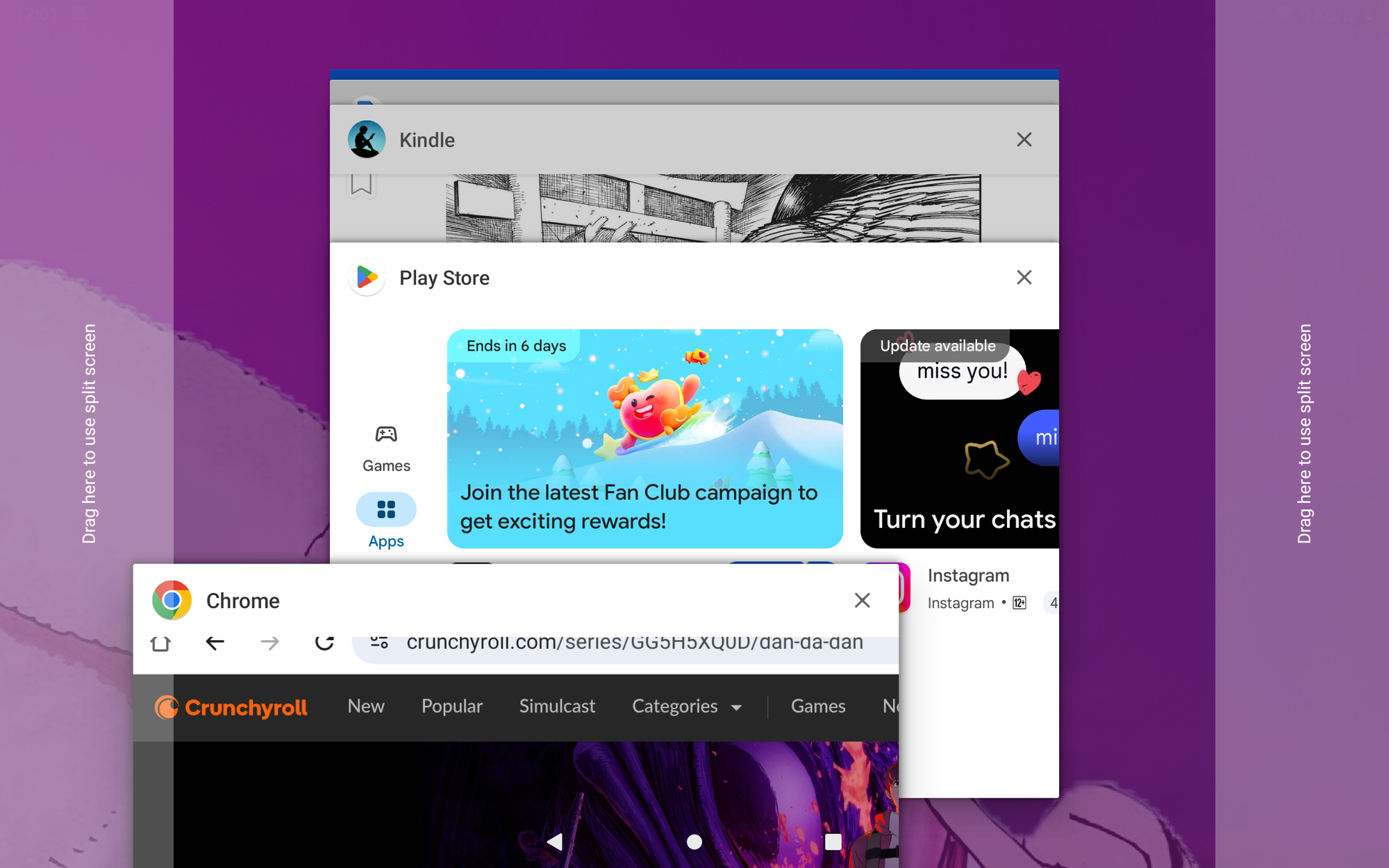
However, this is offset by the inclusion of the Google Play Store and related services, and Google will support Android 13 with security patches as long as Project Mainline for Android 13 is maintained. Google is able to issue fixes for critical OS components without the OEM’s input, bypassing vendors when there is a security flaw that allows for zero-day exploitation and personal data leaks.
If anything, it is this reviewer's opinion that the first thing new owners should change is the stock launcher for something more customisable and flexible. While Alldocube's tweaks are minimal, stock Android may have been a better experience.
The iPlay 60 OLED is a Good Buy
Alldocube has a hit on their hands for value-conscious buyers. The combination of a lovely and bright OLED display with stereo speakers and a decent, if aging, Snapdragon 660 platform delivers a tablet that is ideal for streaming and other content consumption activities, but in a pinch can be used for Google Workspace activities and some productivity.
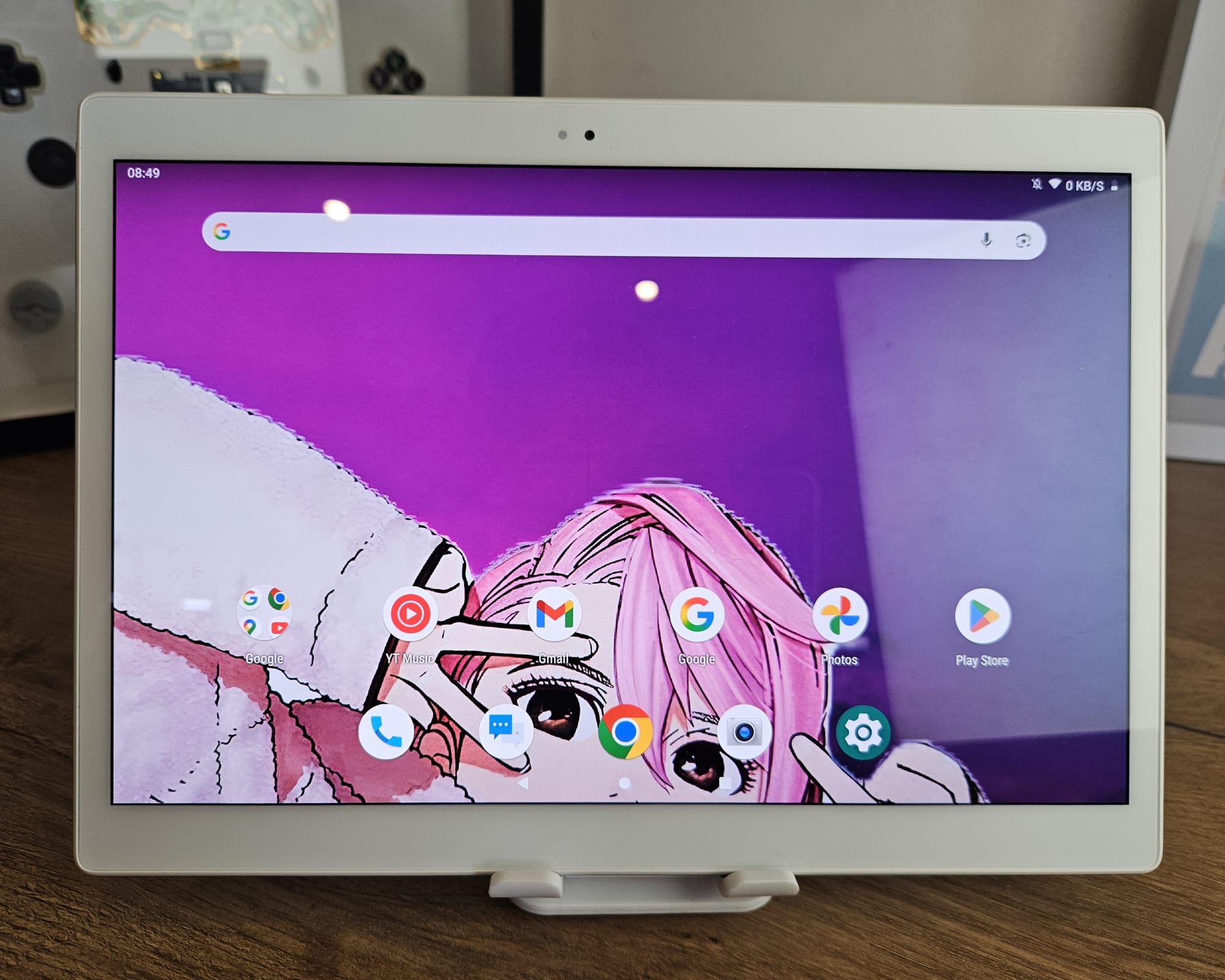
The battery life is considerable, lasting almost 1.5 days with heavy use, while the lightweight design allows you to throw it into a backpack or purse without a care. The Android 13 experience is snappy enough, although performance in modern mobile games may suffer due to the older SoC architecture.
If there is a drawback or dealbreaker here, it is the lack of a hall sensor and compatible magnets for a folio cover, as well as the poor performance of the display outdoors in direct sunlight. The lack of accessories for this model may frustrate some buyers looking for a compatible case and glass screen protector.
The compromises Alldocube made to reach a low price point for a tablet with an OLED display are apparent, but it is not an experience that can necessarily be faulted for lack of trying to punch above its weight. As a companion device on the go, it is well equipped and up to the task.
| Component | Specification |
|---|---|
| Platform | Qualcomm Snapdragon 660 8-Core SoC Platform |
| Graphics | Qualcomm Adreno 512 Graphics |
| Display | 10.5" WQXGA (2560x1600) Super AMOLED |
| Memory | 4GB (Soldered) LPDDR4X |
| Storage | 128GB eMMC 5.1 Embedded Flash |
| Storage Expansion | 1x MicroSD Slot, Up to 256GB |
| Connectivity | WiFi 5, Bluetooth 5.0, 4G LTE |
| Power | 6000mAh Li-Po Battery, 18W USB-C Charging |
| Operating System | Android 13 with Alldocube OS |
If you’re in the market for an affordable tablet in the 10-inch size class that comes with few frills, the iPlay 60 OLED should be on your shortlist.